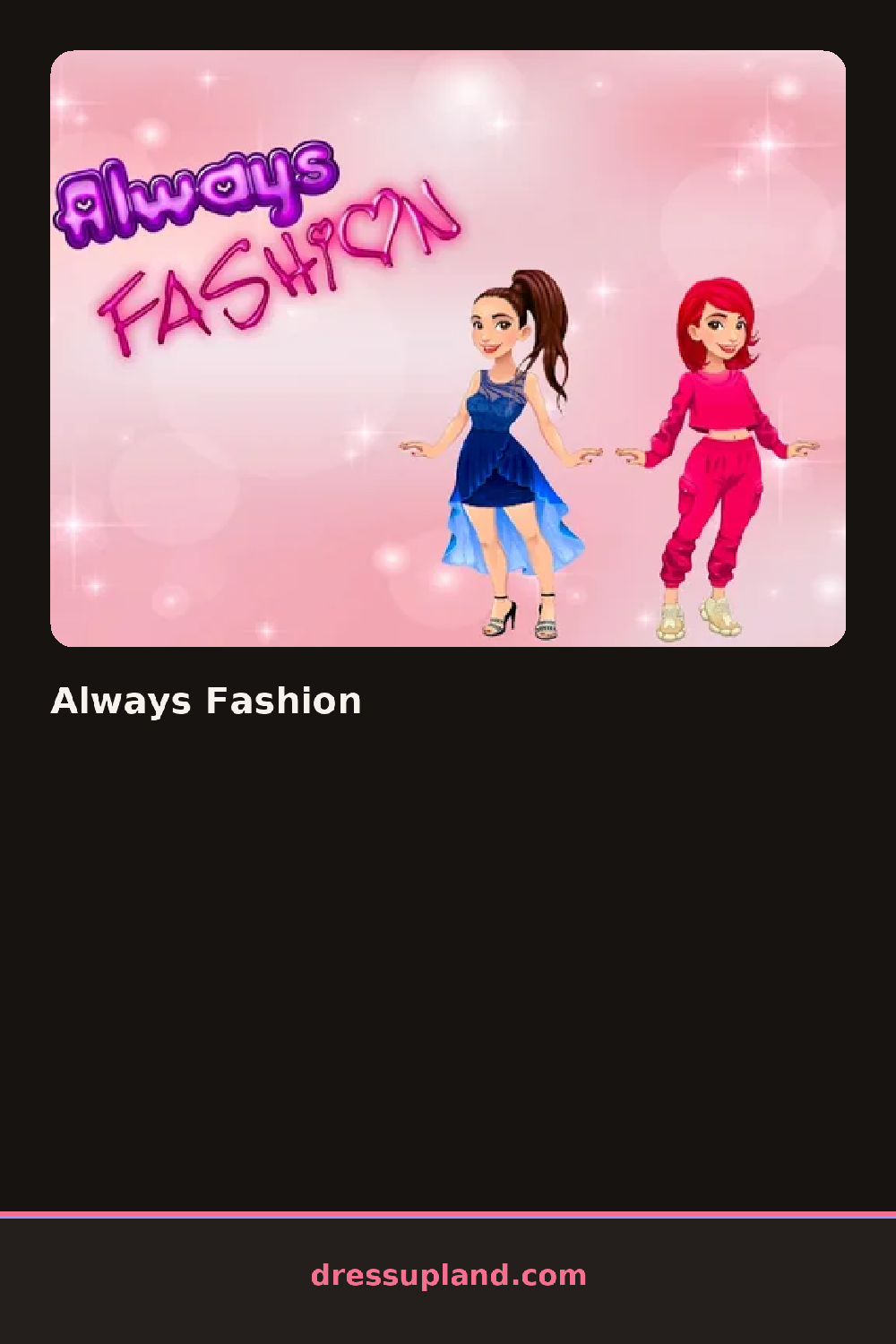

What is Always Fashion?
The game opens on a model standing center screen against a plain studio backdrop, with a row of category tabs along the bottom. You start with skin tone and hair, since those lock the rest of the look in place. Every tap swaps the item instantly on the model, so you see the change right away instead of guessing from a tiny thumbnail. It plays like a straightforward fashion dress up game, just with a runway finish.
The closet splits into hair, tops, bottoms, dresses, outerwear, shoes, bags, and jewelry, plus a makeup panel with eyeshadow, blush, and lip colors. Item types run from a cropped leather jacket and a pleated midi skirt to chunky sneakers and layered gold necklaces. Tops and jackets layer properly, so a tee stays visible under an open coat. Dresses replace the top and bottom slots rather than fighting them.
The twist is the ending. Instead of just saving your look, the model walks an actual runway once you confirm the outfit, turning side to side at the end of the catwalk before the camera settles on a final shot you can keep. It gives every round a destination, which most entries in this genre skip.
To get a better result, pick the shoes first, because boots versus heels changes which skirts and pants read well. Use one loud piece and keep everything else quiet; a sequined top works with plain trousers and falls apart with a printed skirt. Check the jewelry tab last, since one necklace usually looks cleaner than three at once.
How do you play and control Always Fashion?
Click category tabs to open each section, then click an item to apply it and click the runway button when your outfit is done.
Tap the tabs along the bottom to browse sections, tap items to wear them, and tap the checkmark to start the walk.
Game details
| Specification | Details |
|---|---|
| Game Title | Always Fashion |
| Category / Genre | Fashion & runway |
| Platform | Web browser — phone support not yet checked |
| Release Date | December 2021 |
| Technology | HTML5 |
| DressUpLand account | Not required |