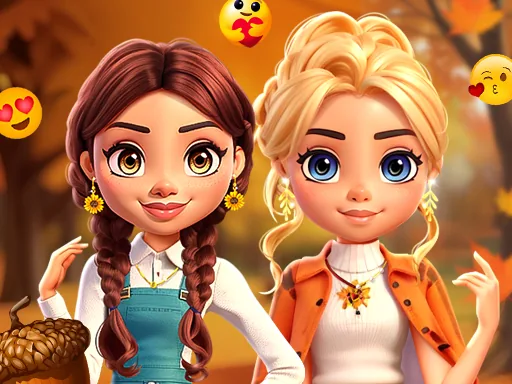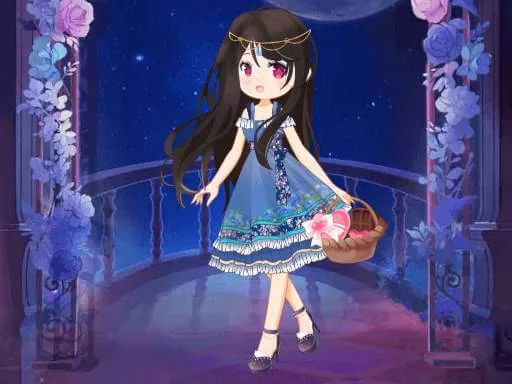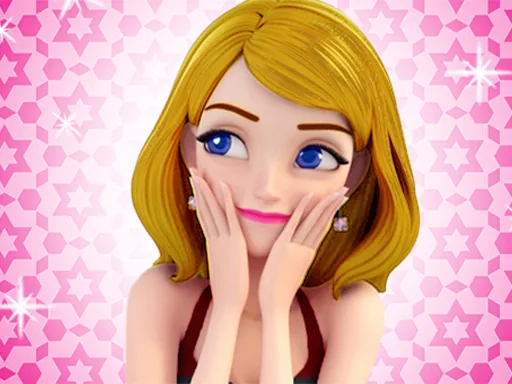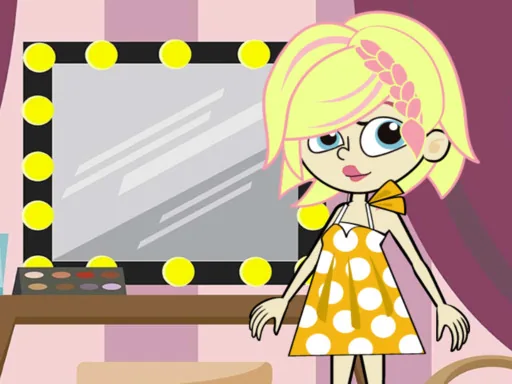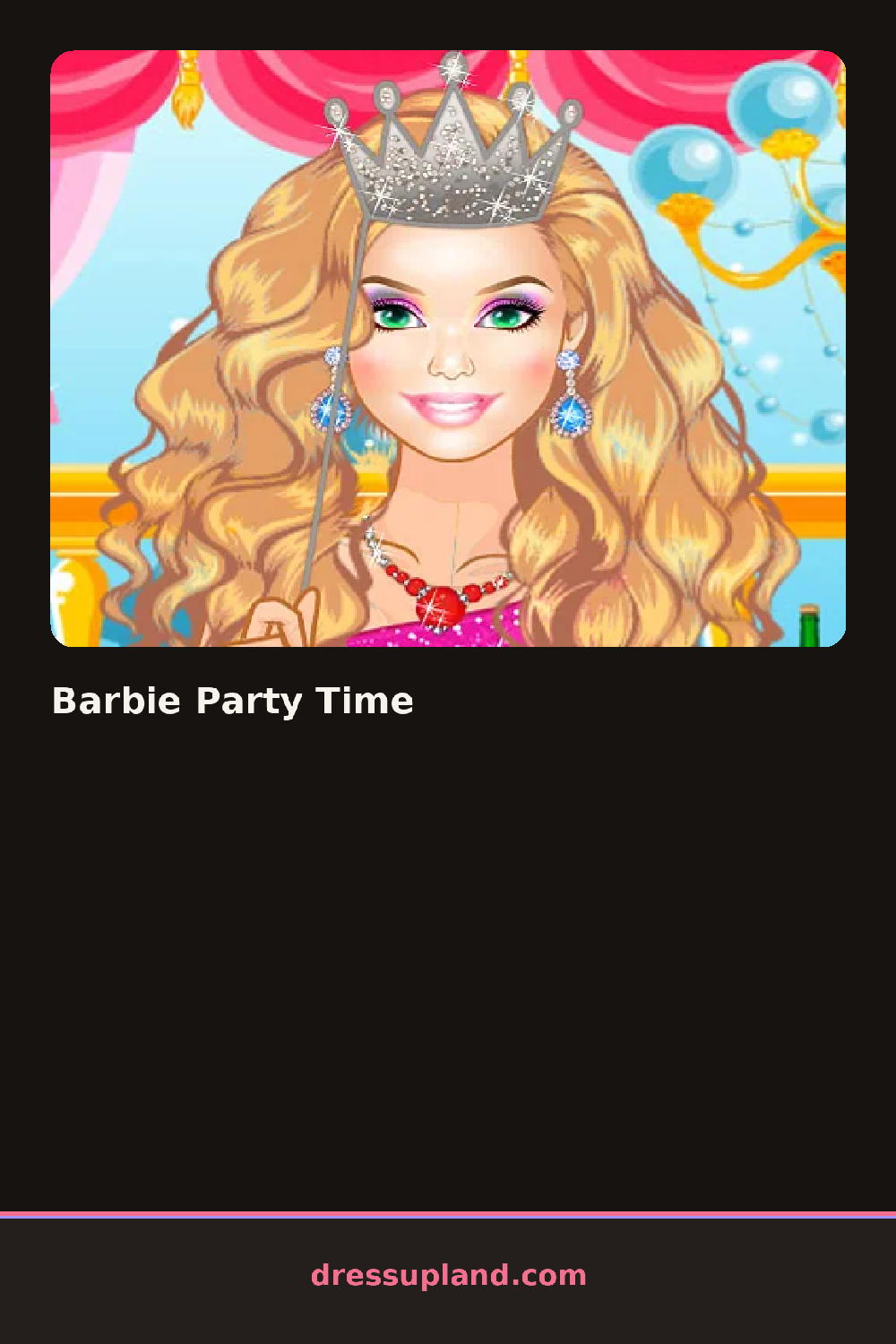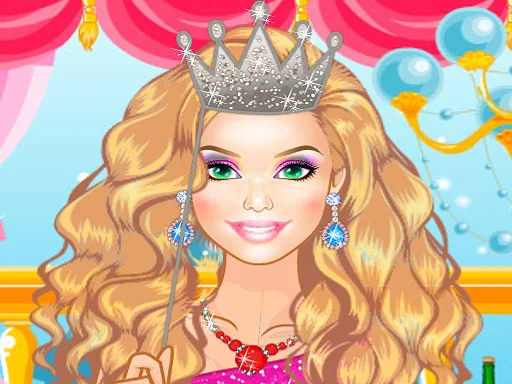
What is Barbie Party Time?
Streamers and lights are already up when Barbie Party Time opens, the character standing in a base outfit waiting on your first pick. That first choice usually lands on a dress or top, and the moment you tap one, it swaps onto the character instantly while shoes, hair, and jewelry stay as they were.
Options are grouped into separates rather than full outfits: party dresses next to cropped tops and skirts, then shoes ranging from strappy heels to flats, plus jewelry like drop earrings or a layered necklace. Hair sits in its own category, from a sleek low bun to loose waves, and each slot holds one item, so a necklace and bracelet can sit together while two dresses cannot.
This plays like a straightforward dress up game, but the party setting keeps the backdrop festive throughout instead of moving to a runway walk, and the goal is one finished look for the occasion. A session ends once you're satisfied with the outfit, usually with a final screen showing the character ready for the party.
Pick the dress or top first, then match shoes to its formality instead of its color, since a strappy heel reads better with a party dress than a flat does. Add one statement piece of jewelry rather than several small ones, since a single necklace or bold earrings show up clearer against a busy dress pattern. Check the hair category last, since a style change can shift how the whole outfit reads.
How do you play and control Barbie Party Time?
Click a category icon to open its options, then click an item to put it on the character.
Tap a category icon, then tap an item to add it to the outfit.
Game details
| Specification | Details |
|---|---|
| Game Title | Barbie Party Time |
| Category / Genre | Fashion & runway |
| Platform | Web browser — phone, tablet and desktop checked |
| Release Date | September 2026 |
| Technology | HTML5 |
| DressUpLand account | Not required |