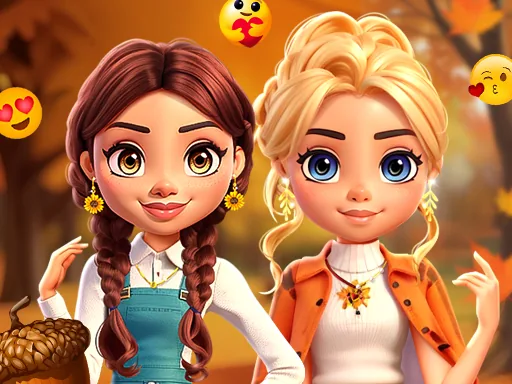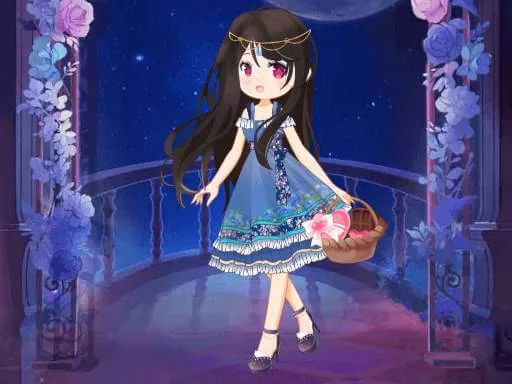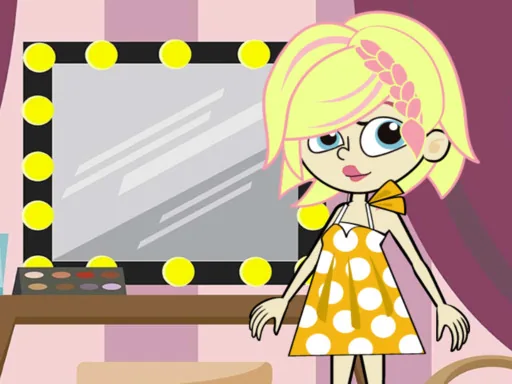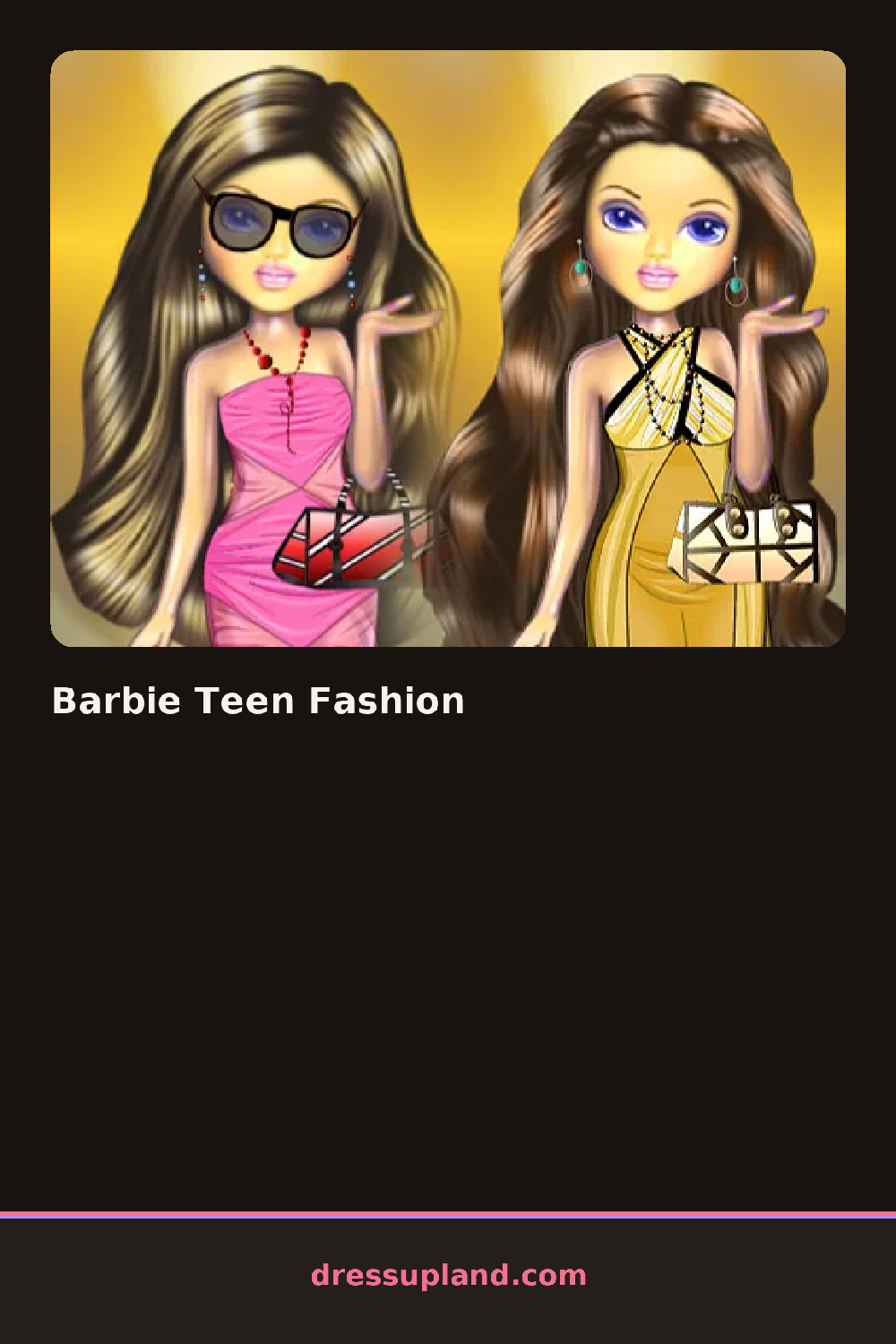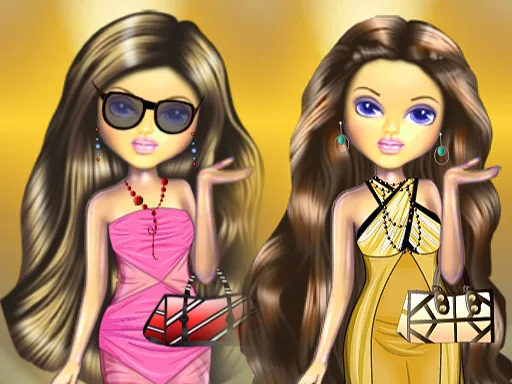
What is Barbie Teen Fashion?
Closet doors swing open at the start of Barbie Teen Fashion, showing a teen figure dressed plainly, and the first real choice is a top, since its color decides what the rest of the outfit has to work with. Scrolling through the top row cycles crop tops, graphic tees, and blouses in and out within a couple of seconds.
Categories split into tops, bottoms, and dresses as one group, then shoes from sneakers to heeled sandals, then a smaller bag and jewelry section with hoop earrings, layered necklaces, and a crossbody bag. Dresses replace the top-and-bottom combination entirely rather than sitting under it, so picking one clears whatever was chosen before.
The angle here leans toward a runway styling game more than a plain closet sim, since finished looks tend to get judged on how well pieces work as a set instead of just individual items. A round wraps once every slot is filled, and the outfit saves as a picture, closet emptied and ready for the next combination.
Picking the shoes before the bag keeps the color story consistent, since shoes carry more visual weight in the finished pose. A single statement piece, like layered necklaces, reads better against a plain top than against a graphic tee already carrying a pattern. The dress category sits above tops and bottoms in the menu, easy to overlook if the plan was always a separate top and skirt.
How do you play and control Barbie Teen Fashion?
Click a category tab to open it, then click a clothing item or accessory to place it on the figure.
Tap a tab to browse a category, then tap an item to add it to the outfit.
Game details
| Specification | Details |
|---|---|
| Game Title | Barbie Teen Fashion |
| Category / Genre | Fashion & runway |
| Platform | Web browser — phone, tablet and desktop checked |
| Release Date | September 2026 |
| Technology | HTML5 |
| DressUpLand account | Not required |