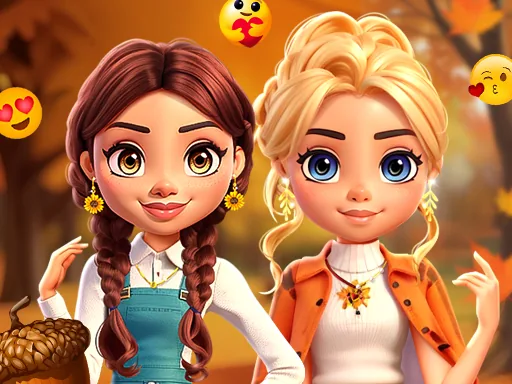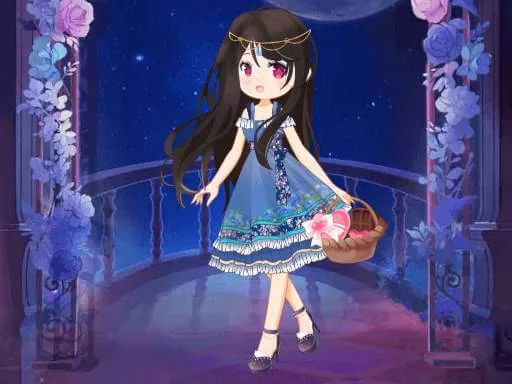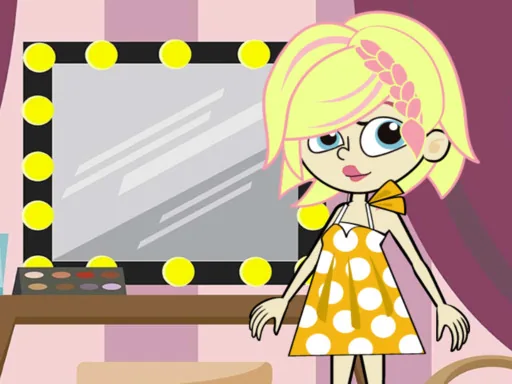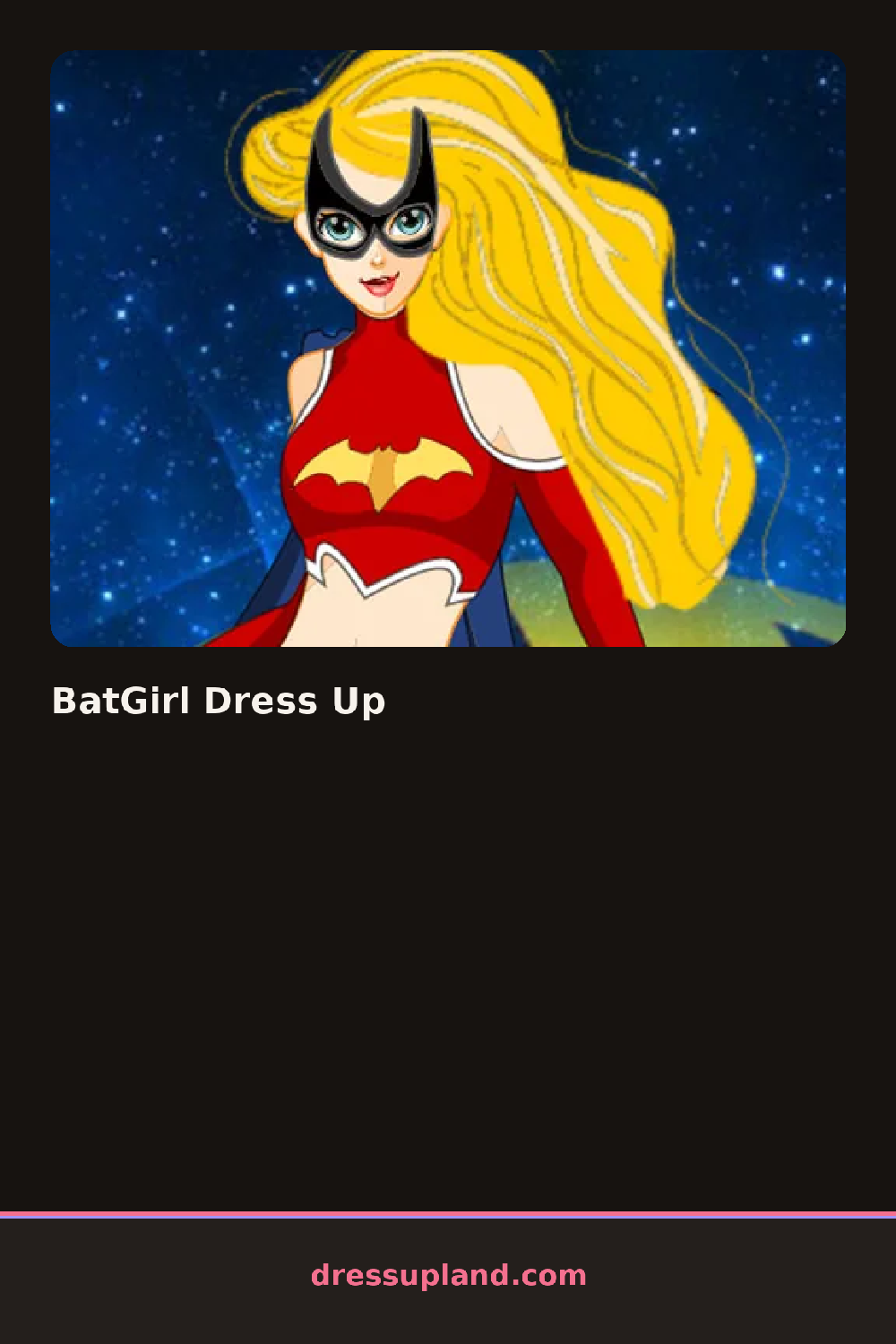
What is BatGirl Dress Up?
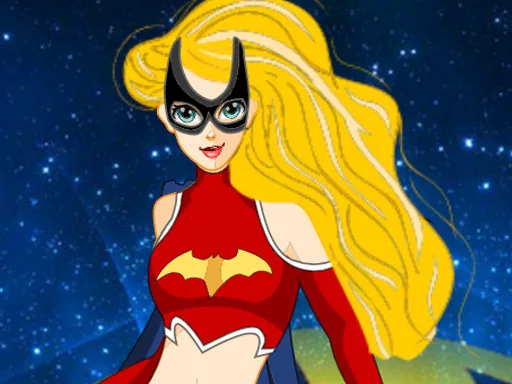
Under a runway spotlight, Batgirl already wears a cowl and boots, waiting for everything else to get picked. The first real choice is usually the cape color or the mask finish, and swapping either one changes the whole tone of the look before a single outfit piece goes on.
The categories split into cape, mask, bodysuit, and accessories, with pieces that stay close to a hero silhouette while reading as fashion: a cropped utility jacket, thigh-high boots, fingerless gloves, and a domino mask in a handful of finishes from matte black to metallic purple. Belts, capes, and gloves all layer over the bodysuit, so a metallic cape can sit over a plain suit without covering the boots underneath.
Where a lot of fashion and runway games start from a blank model, this one starts from an already-recognizable silhouette, so every choice reads as a variation on a hero look instead of a fresh outfit from nothing. A round ends with the finished figure posed on the runway backdrop, ready to save once the last accessory clicks in.
Keeping the cape and mask in matching metallics usually reads cleaner than mixing a shiny cape with a flat mask. Picking gloves and boots in the same finish ties the silhouette together once the bodysuit color is locked. Trying the belt in a contrasting color instead of matching it to the suit gives the accessories panel more contrast against a mostly dark outfit.
How do you play and control BatGirl Dress Up?
Click each category, cape, mask, suit, and accessories, then click an item in that panel to place it on the figure.
Tap a category icon, then tap an item in the panel that opens to place it on the figure.
Game details
| Specification | Details |
|---|---|
| Game Title | BatGirl Dress Up |
| Category / Genre | Fashion & runway |
| Platform | Web browser — phone, tablet and desktop checked |
| Release Date | September 2026 |
| Technology | HTML5 |
| DressUpLand account | Not required |