What is Celebrity Halloween Costumes?
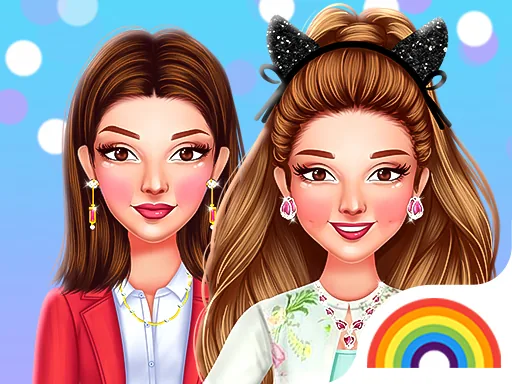
The first thing on screen is a celebrity face with a clean outfit, and next to her is a rack of Halloween basics. You start by choosing a costume direction. Tap a witch hat and it appears right on her head, tilted the way you placed it. Changing your mind is just one tap away, so it never feels like a commitment.
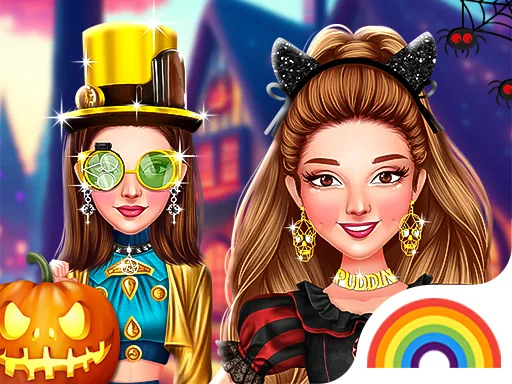
The wardrobe splits into costume pieces, hair, makeup and props. You get pointed witch hats, flowing capes, fairy wings, devil horns, a vampire collar, pumpkin accessories and a few glittery gowns for glam looks. Hair options run from a sleek ponytail to a messy witch bun. Makeup includes a dark smoky eye, red lips and face paint touches. Pieces layer sensibly, so a cape sits over a dress and wings go on top of everything.
The twist is the celebrity angle. Instead of building a generic character, you are working on a known face, which changes the puzzle: you try to guess what costume suits this person before you see it finished. A round ends with a full screen photo of your finished costume, and you can save that look or keep tweaking before you snap it.
To get a strong result, pick the costume silhouette first, then the hair, then makeup last, because makeup reads differently depending on the hairstyle. Mix one glam piece with one spooky piece instead of going all one direction. And check the prop category before finishing; a small item like a broom or pumpkin often pulls the whole look together.
How do you play and control Celebrity Halloween Costumes?
Click the category buttons on the side of the screen, then click any item to place it on the celebrity.
Tap a category tab, then tap items to try them on and swipe between options in each row.
Game details
| Specification | Details |
|---|---|
| Game Title | Celebrity Halloween Costumes |
| Category / Genre | Celebrities |
| Platform | Web browser — phone support not yet checked |
| Release Date | October 2023 |
| Technology | HTML5 |
| DressUpLand account | Not required |