What is Cool Model Dressup?
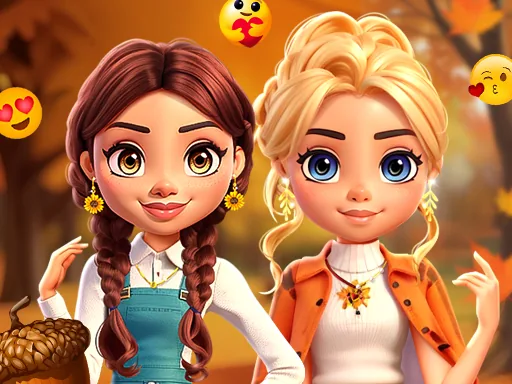
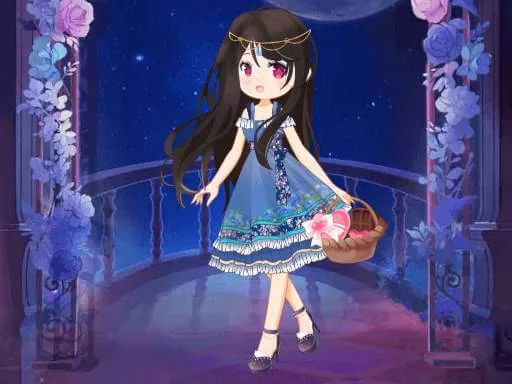
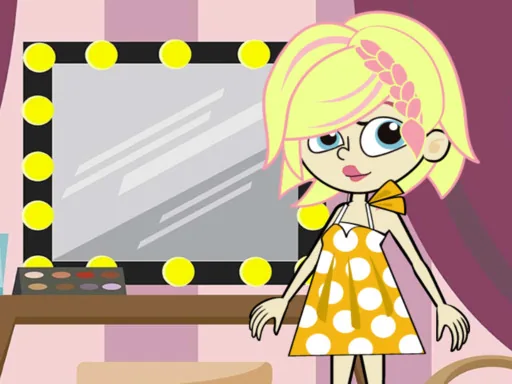
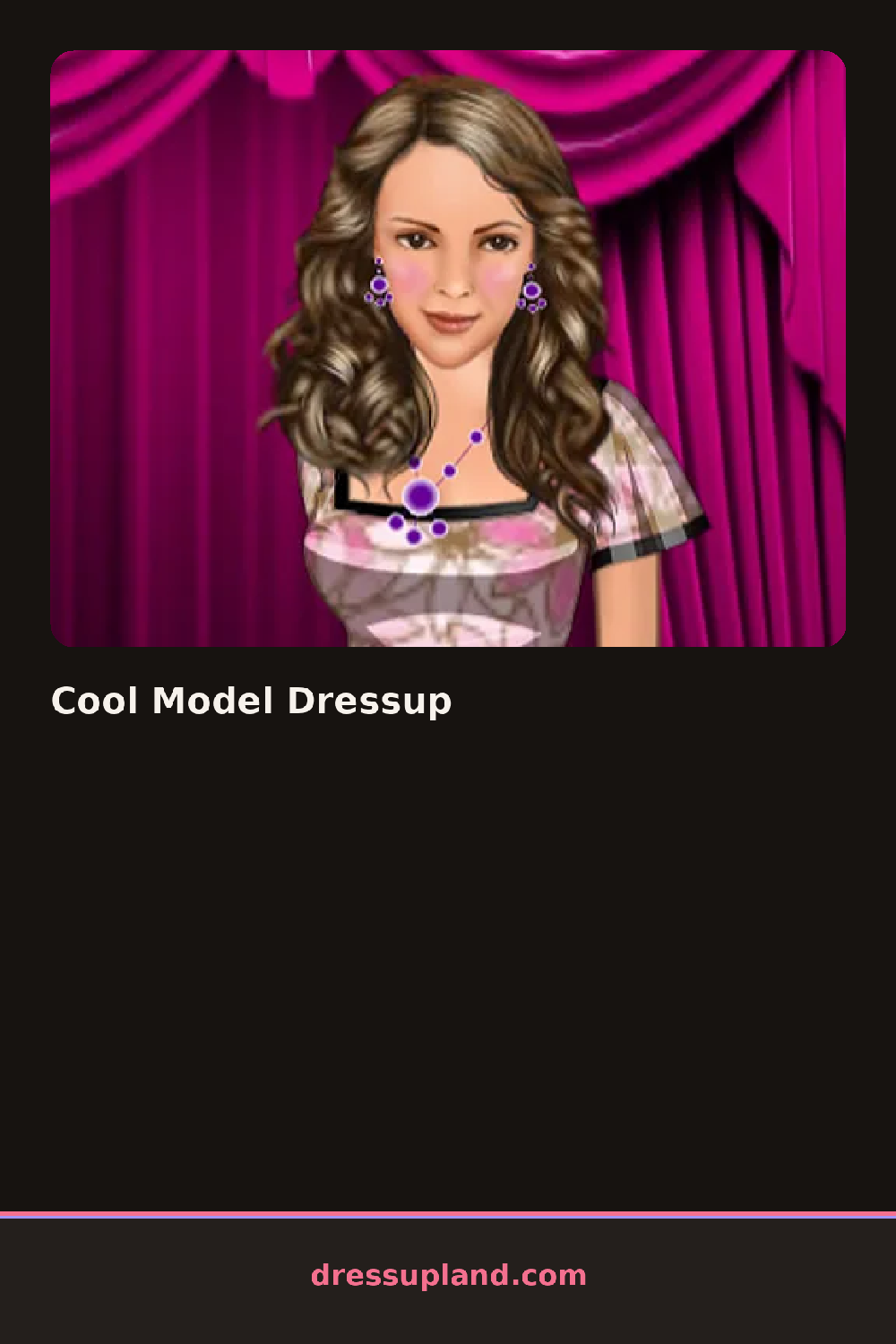
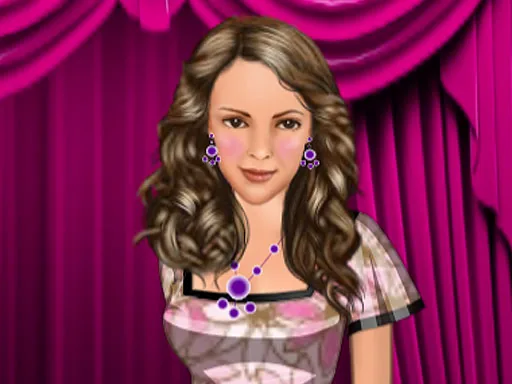
The screen opens on a model standing arms out in a plain base outfit, waiting for a first layer. Cool Model Dressup fills the body in stack order, so a top or dress goes on before shoes or hair get a turn. Clicking through the first few racks fills out a silhouette fast, and the model turns slightly with each change so a hemline or sleeve shows how it actually sits.
The wardrobe splits into rows along one side: tops ranging from a cropped denim jacket to a satin cami, skirts and trousers underneath, then shoes from block heels to sneakers. Hair sits in its own tab with loose waves, a high ponytail, and a side braid, color swatches next to each cut. Jewelry and bags come last, so a chunky necklace or a small shoulder bag layers over whatever top is already on.
The runway strip near the end is the piece a plain wardrobe screen does not have: once the outfit is locked, the model takes a short walk across it, and a dress up game turns briefly into a fashion show. The round closes on a still shot of that walk, saved next to whatever look came before it.
Working outerwear last helps, since a jacket added early gets hidden the moment a dress goes over it. Matching one loud piece, a bold shoe or a statement necklace, against solid neutrals elsewhere keeps the runway shot from looking busy. The color swatches under each hair style are easy to miss, but tapping through them pulls a look together instead of just changing the length.
How do you play and control Cool Model Dressup?
Click a wardrobe tab to open it, click an item to put it on the model, and click the runway button to play the walk.
Tap a wardrobe tab to open it, tap an item to put it on, then tap the runway icon to start the walk.
Game details
| Specification | Details |
|---|---|
| Game Title | Cool Model Dressup |
| Category / Genre | Fashion & runway |
| Platform | Web browser — phone, tablet and desktop checked |
| Release Date | September 2026 |
| Technology | HTML5 |
| DressUpLand account | Not required |