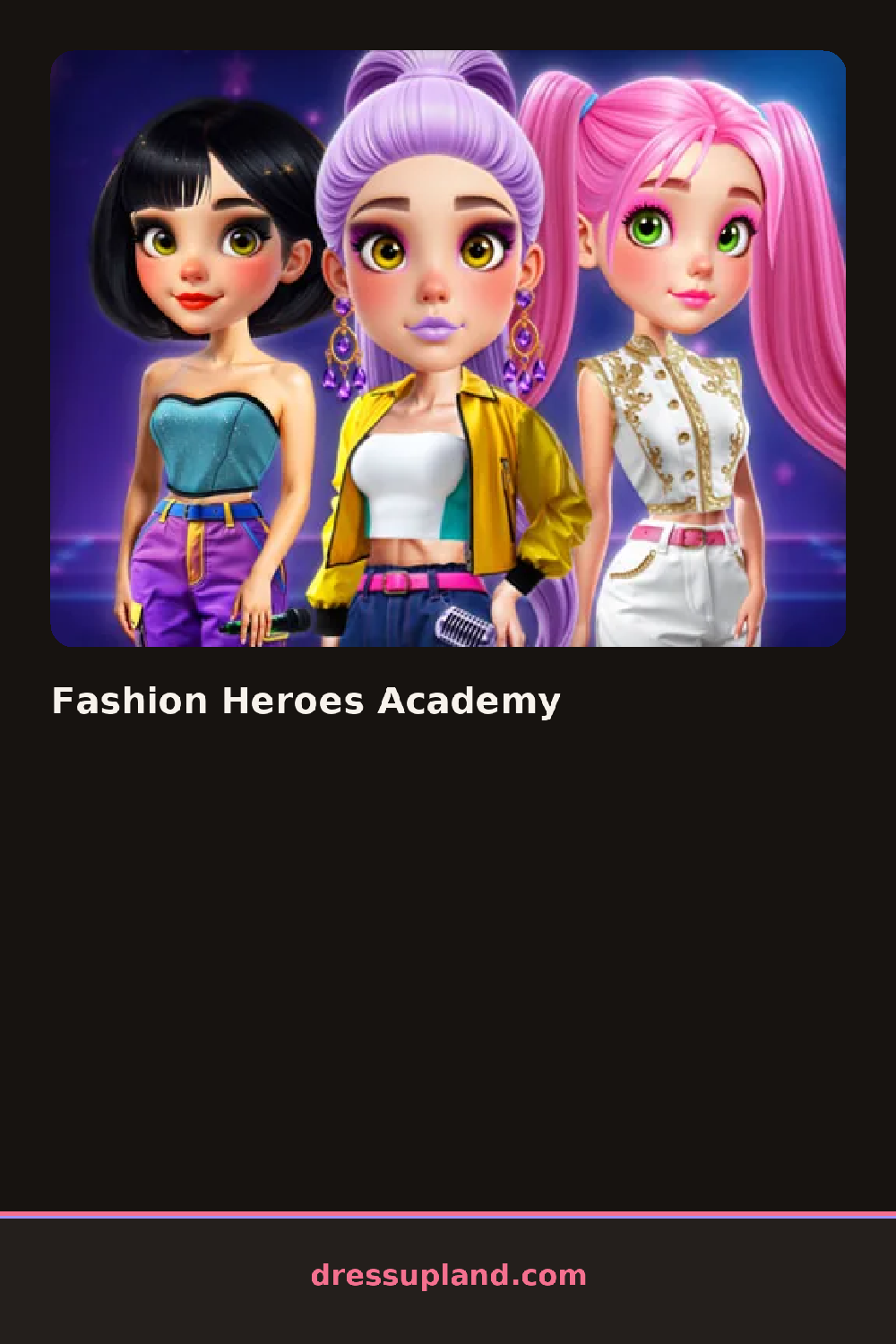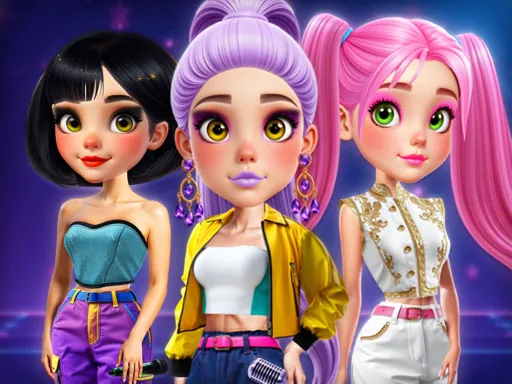
What is Fashion Heroes Academy?
The academy hallway forms the backdrop the moment Fashion Heroes Academy loads, with one student standing ready for her first outfit. The opening pick tends to be a base uniform or bodysuit, since it sets the cut the rest of the look has to work around — fitted, structured pieces read differently than a flared skirt from the start.
Pieces sit in labeled rows: bodysuits and blazers for a base, then capes, gloves and belts as the hero layer on top, then hair pulled into a high ponytail or twin buns that fit under a mask. A separate row holds masks and visors, plus badges and emblem patches that can sit on a chest panel or a sleeve. Boots and gauntlets close out the look, and most of these pieces layer over each other rather than replacing what's underneath.
The academy setting gives this character creator a reason to mix school pieces — a plaid skirt, knee socks — with hero gear like a cape or a utility belt, instead of sticking to one wardrobe theme. A finished outfit gets shown off on a small stage or class lineup, next to whatever came before it. Blending school uniform staples with cape-and-mask pieces in the same round is not something a straight fashion game or a straight superhero game does on its own.
Pulling the hair up before adding a mask keeps loose strands from poking out around the edges. A cape reads best over a fitted base instead of a bulky blazer, since too much fabric underneath makes it sit oddly at the shoulders. Matching one accent color across the belt, gloves and emblem ties the hero half of the outfit to the school half instead of leaving them looking like two separate costumes.
How do you play and control Fashion Heroes Academy?
Click a wardrobe tab to open a category, then click an item to place it on the student, and click the stage to lock in the final pose.
Tap a wardrobe tab to open a category, tap an item to add it, then tap the stage icon to finish the look.
Game details
| Specification | Details |
|---|---|
| Game Title | Fashion Heroes Academy |
| Category / Genre | Celebrities |
| Platform | Web browser — phone, tablet and desktop checked |
| Release Date | September 2026 |
| Technology | HTML5 |
| DressUpLand account | Not required |