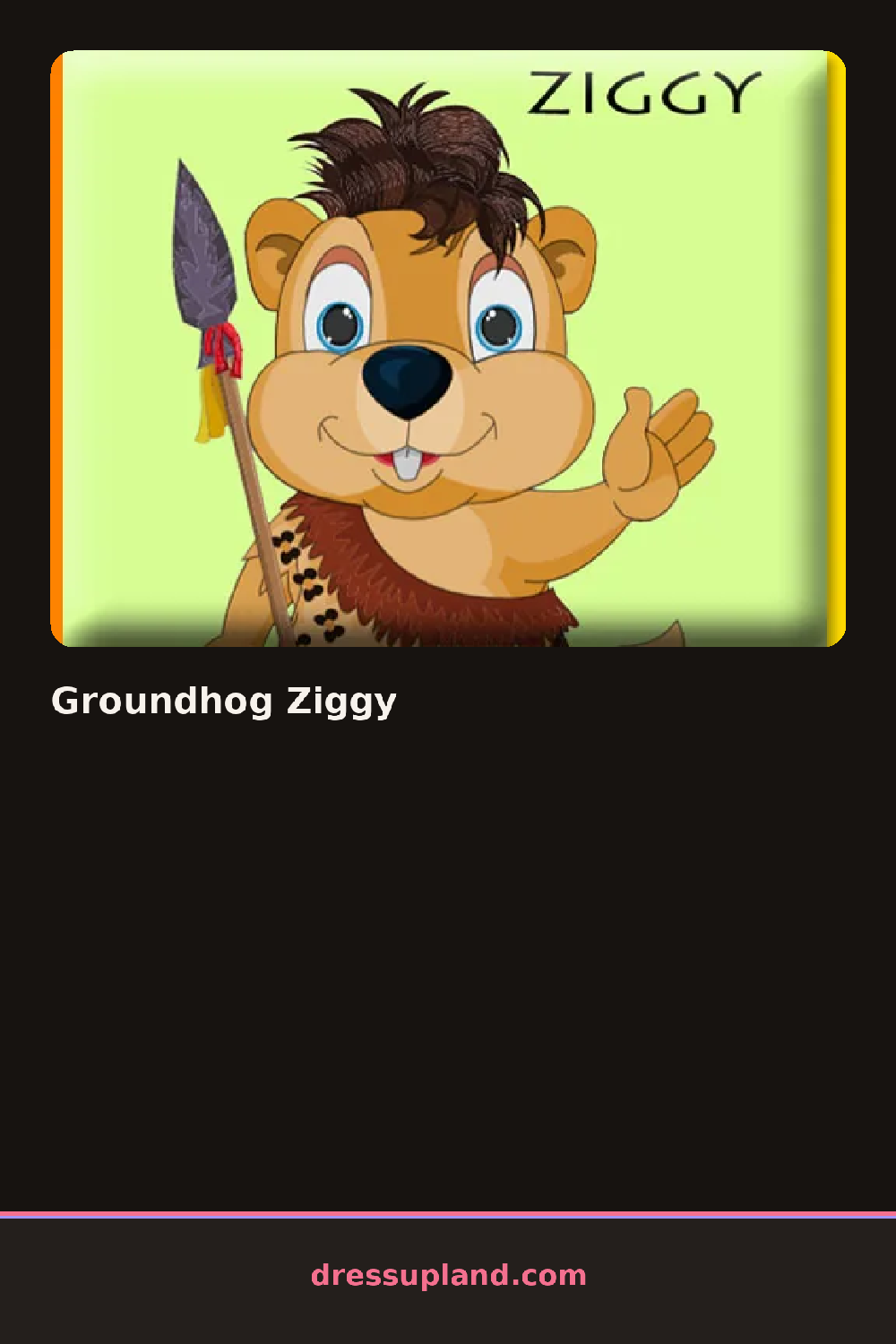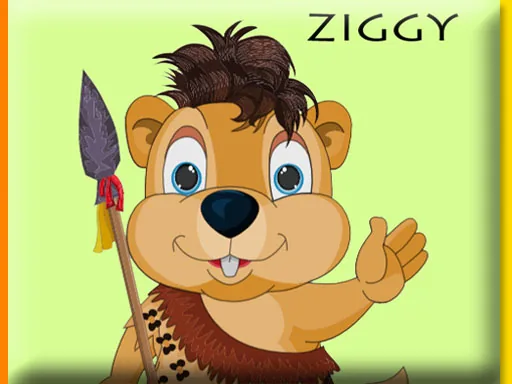

What is Groundhog Ziggy?
Ziggy sits front and center the moment the screen loads, paws resting on his belly, waiting for you to pick something for him to wear. Groundhog Ziggy opens on a plain background so nothing distracts from the outfit choices lined up along one side. Tap a jacket or a hat and it snaps onto him right away, no loading, no extra menu.
The wardrobe leans into the seasons a groundhog actually lives through: a plaid scarf, a knit beanie with a pom, round wire glasses, a padded vest, even a little umbrella for rainy rounds. Categories run along tabs — head, body, hands, extras — and most pieces layer, so a scarf sits fine over a sweater and under a coat. A few accessories are silly on purpose, like oversized sunglasses or a flower crown, and they layer just as easily as the practical ones.
Where this dress up game differs from most is the model — a groundhog instead of the usual person, so the same jacket or scarf reads completely differently once it's on him. A round ends whenever a combination looks right to you; there's no set order to follow, and you can swap any piece for another and try again as many times as you want.
Start with the body layer before touching hats, because a few jackets change the collar shape and make later scarf choices sit wrong. A cool-toned scarf paired with the round glasses keeps his round face the focus instead of getting lost under bigger pieces. The tiny backpack sits at the bottom of the accessories tab and is easy to skip, but it adds a nice detail once the rest of the outfit is set.
How do you play and control Groundhog Ziggy?
Click items in the side panel to put them on Ziggy, and click a piece already on him to take it off.
Tap outfit pieces on the screen to dress Ziggy, and tap an item already on him to remove it.
Game details
| Specification | Details |
|---|---|
| Game Title | Groundhog Ziggy |
| Category / Genre | Animals & fantasy |
| Platform | Web browser — phone support not yet checked |
| Technology | HTML5 |
| DressUpLand account | Not required |