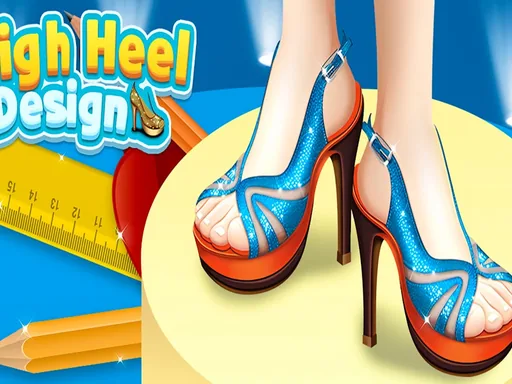
What is High Heel Design?
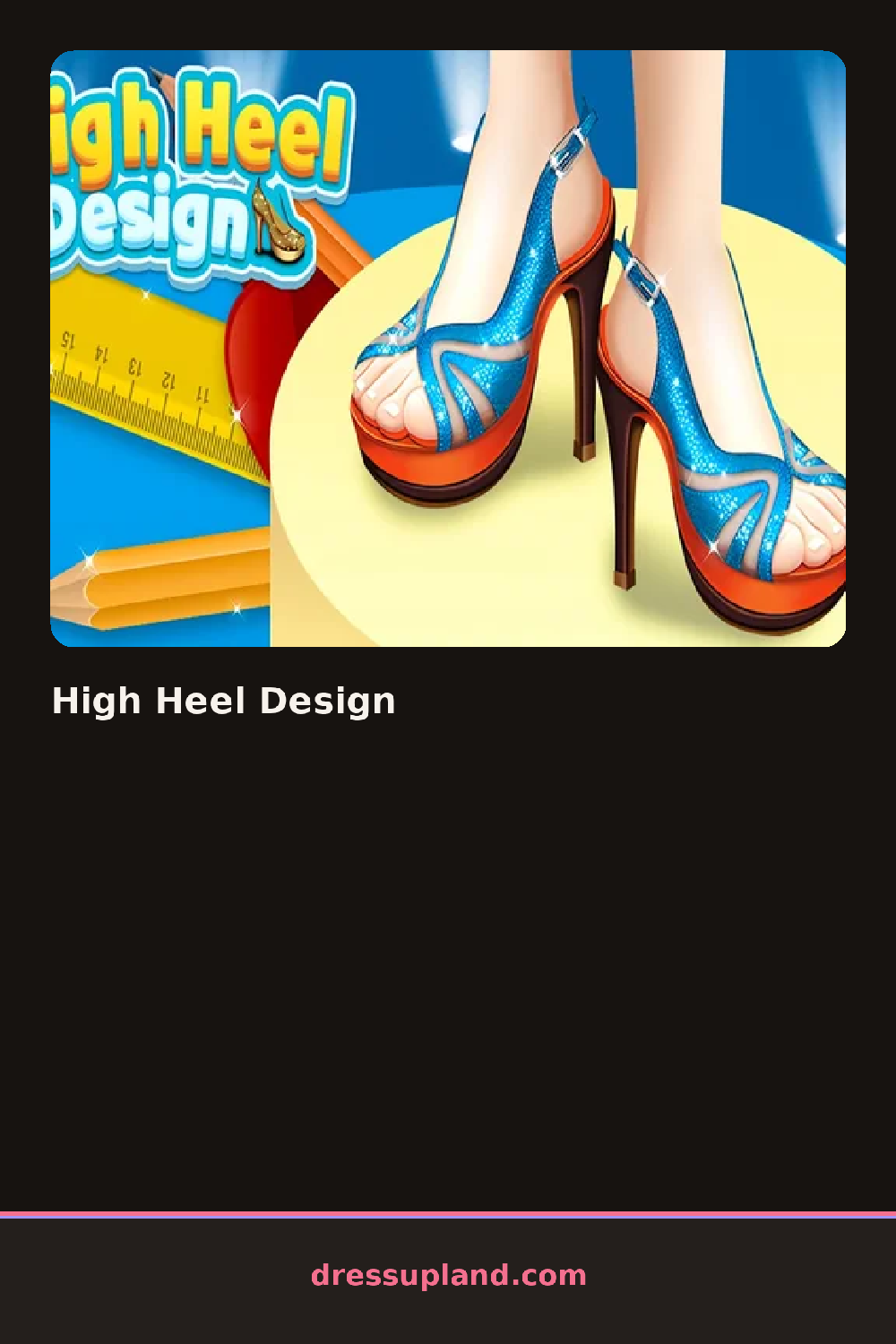
The first screen hands you a bare shoe silhouette and a rack of heel shapes to choose from. I picked a stiletto first, and the whole shoe redrawn in seconds, toe to heel. From there every tap changes something visible right away, so you can experiment without any penalty for ugly attempts.
The toolkit is split into a few clear sections. One tab holds the structure: the heel height and shape, the toe style, whether the shoe has an ankle strap or a slingback. Another tab is all surface stuff, colors and patterns, so you can paint a leopard-print pump or a metallic bootie. Finishes come last, with bows, gems, and buckles you can stack on. The layers sit on top of your base color, so a jewel placed over a stripe stays put when you recolor.
The part that separates this shoe game from most dress up titles is that your creation gets worn. Once the shoe is finished, a model steps into your pair and walks a runway so you can see the heel move from the side, which is the real test of a silhouette. The round wraps with the walk and a final look you can keep as a saved image.
For a shoe that reads well, pick the heel shape before touching color, since a chunky block heel carries bold patterns better than a thin spike. Try one loud element, like neon laces or a giant bow, and keep the rest of the shoe plain so it does not fight itself. And check the ankle strap setting before the runway, because a strap changes how the whole shoe sits.
How do you play and control High Heel Design?
Click a category tab, then click the heel shape, color, or accessory you want, and click the runway button when the pair is finished.
Tap the category icons and shoe options directly on screen, then tap the finish button to send the model down the runway.
Game details
| Specification | Details |
|---|---|
| Game Title | High Heel Design |
| Category / Genre | Fashion & runway |
| Platform | Web browser — phone support not yet checked |
| Release Date | May 2025 |
| Technology | HTML5 |
| DressUpLand account | Not required |