What is Kitty Squad Winter Dress up?
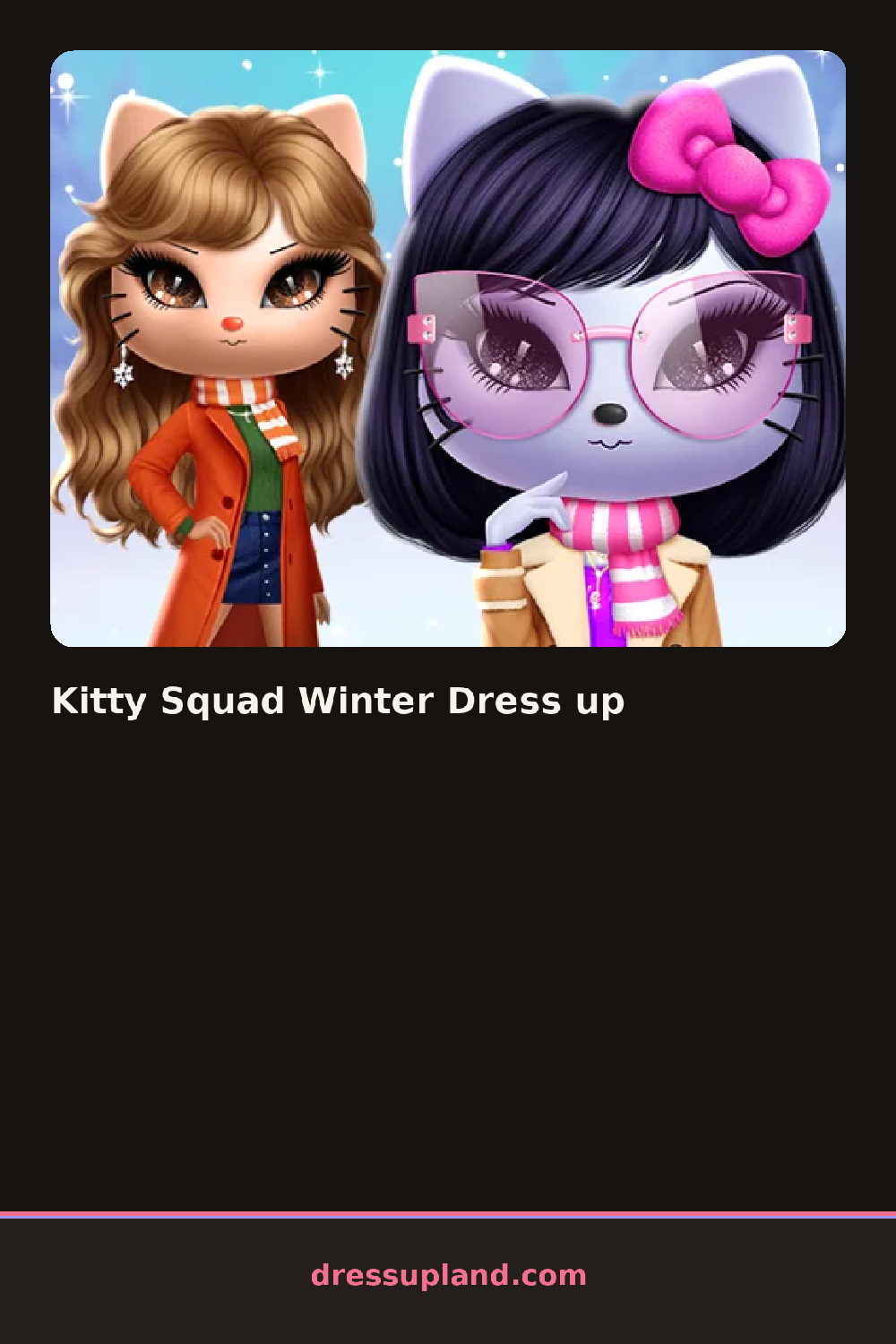
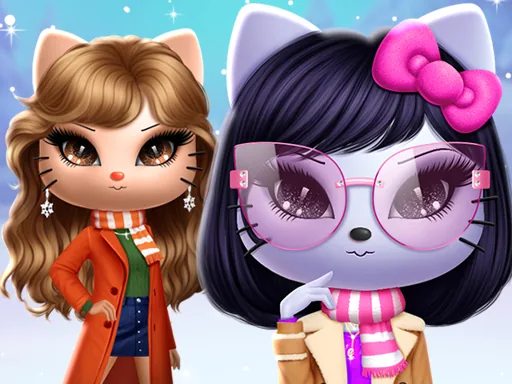
The lineup screen in Kitty Squad Winter Dress Up shows a handful of kitty characters standing in the snow, and picking one is the first move before any clothes show up. Tapping a face brings that character front and center, and the empty winter background waits for a coat to fill it. A single item, like a red beanie, changes the whole mood of the character before anything else gets added.
The closet splits into outerwear, tops, and legwear, with a puffer jacket, a knit sweater, and fleece-lined leggings all sitting in their own row. Scarves and mittens are separate from hats, so a striped scarf can pair with a pom-pom hat or a hood pulled up instead. Boots come lined and unlined, and each pair layers over the leggings without hiding them completely.
The detail this dress up game leans on that a lot of winter-themed screens skip is a choice of several kitty characters instead of one default face, so the same coat looks different depending on fur pattern and color. A round ends with the finished kitty posed in the snow scene, saved as a finished look.
A lighter-furred kitty shows off bright colors like red or teal more clearly once a coat goes on, so it helps to pick fur tone before committing to a bold palette. The mittens matching the coat color keeps the outfit from looking mismatched under all those layers. Hood-up options hide in a separate tab from hats, so it is easy to miss that choice entirely.
How do you play and control Kitty Squad Winter Dress up?
Click a kitty to select it, then click each clothing item in the wardrobe to put it on.
Tap a kitty to pick it, then tap items in the wardrobe to dress it.
Game details
| Specification | Details |
|---|---|
| Game Title | Kitty Squad Winter Dress up |
| Category / Genre | Christmas & winter |
| Platform | Web browser — phone support not yet checked |
| Release Date | September 2026 |
| Technology | HTML5 |
| DressUpLand account | Not required |