What is My Cute Monkey?
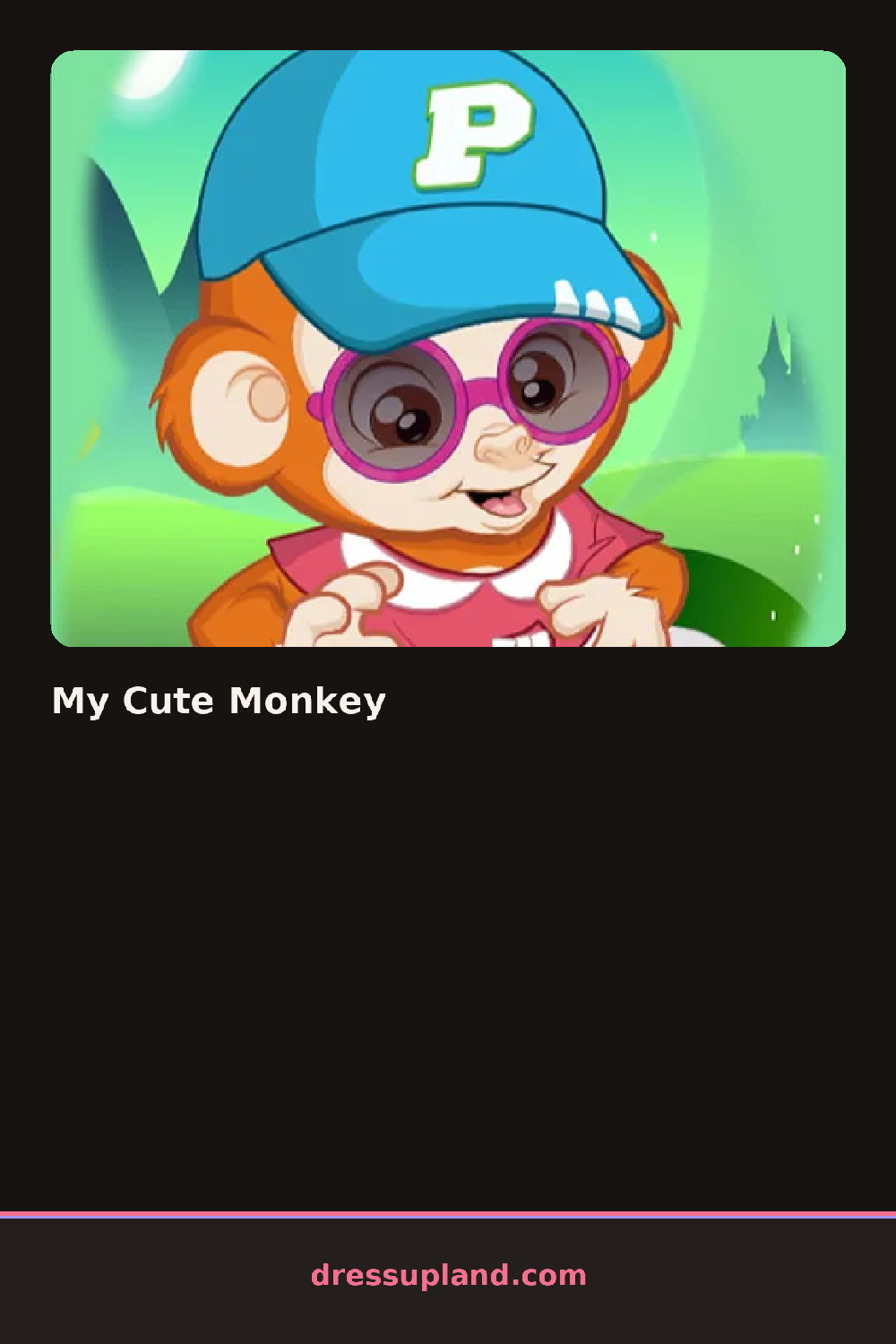
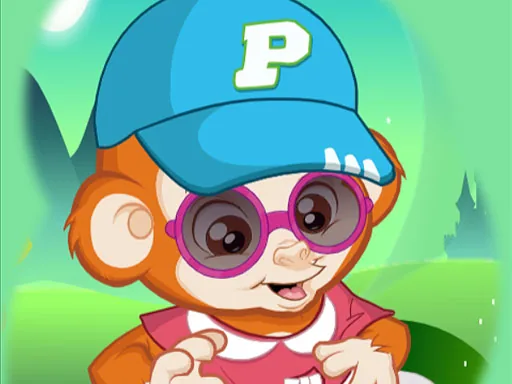
Blank brown fur is the starting point the moment My Cute Monkey loads, and the first pick is usually a hat or a pair of sunglasses, since a small accessory like that shows up clearly against the plain background. Adding a single item already changes the monkey's whole personality, from a mischievous grin under a backwards cap to a calmer look under round glasses.
Clothing options include a striped hoodie, a pair of denim overalls, and a bow tie that sits over a plain collar, all of them arranged in a row that scrolls sideways. Headwear covers a backwards cap, a tiny top hat, and a flower crown, while smaller accessories like round sunglasses, a beaded bracelet, and a banana-charm necklace layer on last without covering up whatever hat or hoodie is already in place.
This game skips the full outfit changes other animal-themed dress up games lean on: two or three items do the personality work instead, a single bow tie enough to flip the monkey from scruffy to sharp. A finished look gets dropped onto a jungle or beach backdrop for a snapshot, with no separate hairstyle or makeup step in the way.
Once the hat or headwear is picked, adding sunglasses after avoids overlap where two accessories fight for the same spot on the monkey's head. A two-tone outfit, like denim overalls with a single bright bow tie, reads cleaner in the final snapshot than four or five loud colors at once.
How do you play and control My Cute Monkey?
Click a clothing or accessory item to put it on the monkey, then click a backdrop to set the final scene.
Tap a clothing or accessory item to dress the monkey, then tap a backdrop to set the final scene.
Game details
| Specification | Details |
|---|---|
| Game Title | My Cute Monkey |
| Category / Genre | Animals & fantasy |
| Platform | Web browser — phone support not yet checked |
| Technology | HTML5 |
| DressUpLand account | Not required |