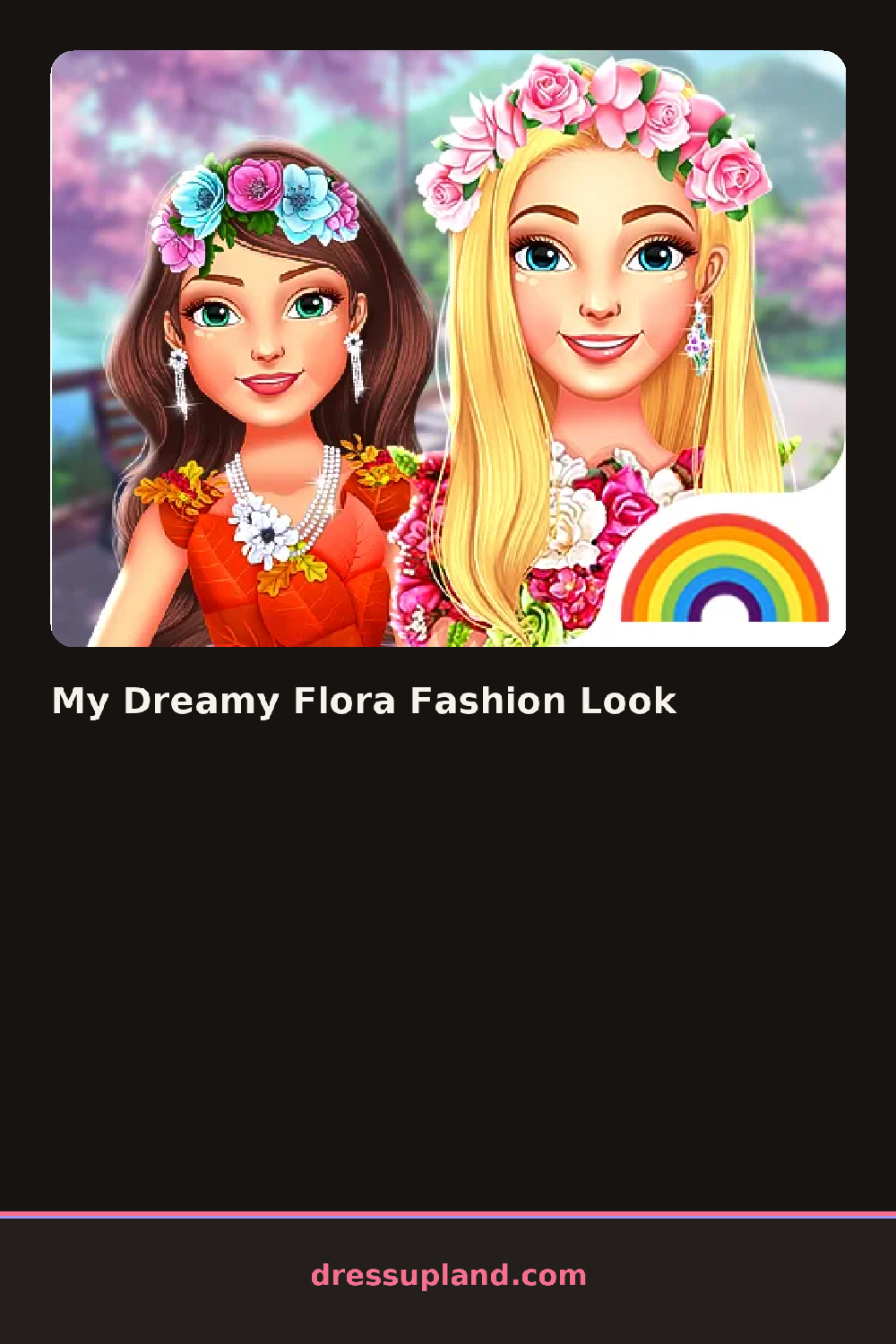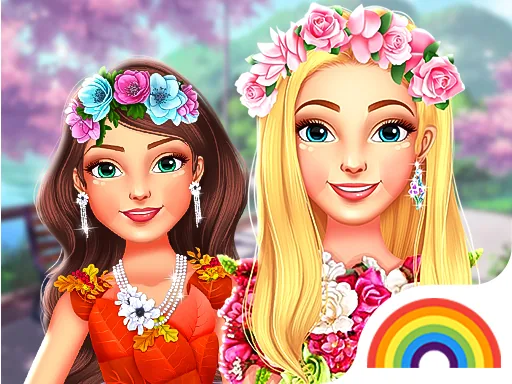
What is My Dreamy Flora Fashion Look?
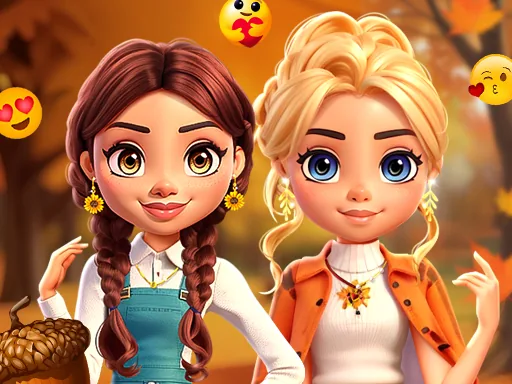
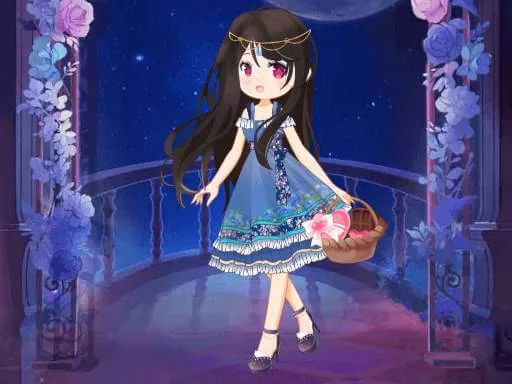
The first screen shows a model against a soft pastel background, with a menu of wardrobe tabs across the bottom. You start with the dress category, because a round needs a base before jewelry or hair makes sense. Every item you tap appears on her right away, so the model is basically your preview window the whole time.
The closet is built around a garden theme. There are flowing floral-print gowns, short flower-crown headpieces, wavy pastel hairstyles, and petal-shaped earrings. Makeup sits in its own section with blush, soft eyeshadow, and a pink lip color. Backgrounds and small accessories like bouquets live in separate tabs. Layers work the way you would hope: a shawl or cape drapes over the gown, and hair switches without wiping your makeup choices.
What separates this from a typical makeover game is how strongly one theme is enforced. Almost every piece contains a flower motif somewhere, so the challenge is not picking a theme but composing within one, mixing prints and petal shapes until the look feels coordinated instead of random. When you finish, the game snaps a final portrait of the model with her background, which you can save or screenshot.
For a stronger result, work in this order: dress, hair, makeup, then accessories, because accessories should echo colors already on screen. Pick a gown with a green or cream base and add one flower color twice, like pink in both the headpiece and the bouquet. Watch the hair tab closely, since a side-swept floral style can hide earrings, and you may want to swap them.
How do you play and control My Dreamy Flora Fashion Look?
Click the category tabs along the edge, click items to dress the model, and click the camera or checkmark button to complete the look.
Swipe through the item rows, tap a piece to try it on, and tap the finish button to generate the portrait.
Game details
| Specification | Details |
|---|---|
| Game Title | My Dreamy Flora Fashion Look |
| Category / Genre | Fashion & runway |
| Platform | Web browser — phone support not yet checked |
| Release Date | May 2023 |
| Technology | HTML5 |
| DressUpLand account | Not required |