
What is My Little Cat?
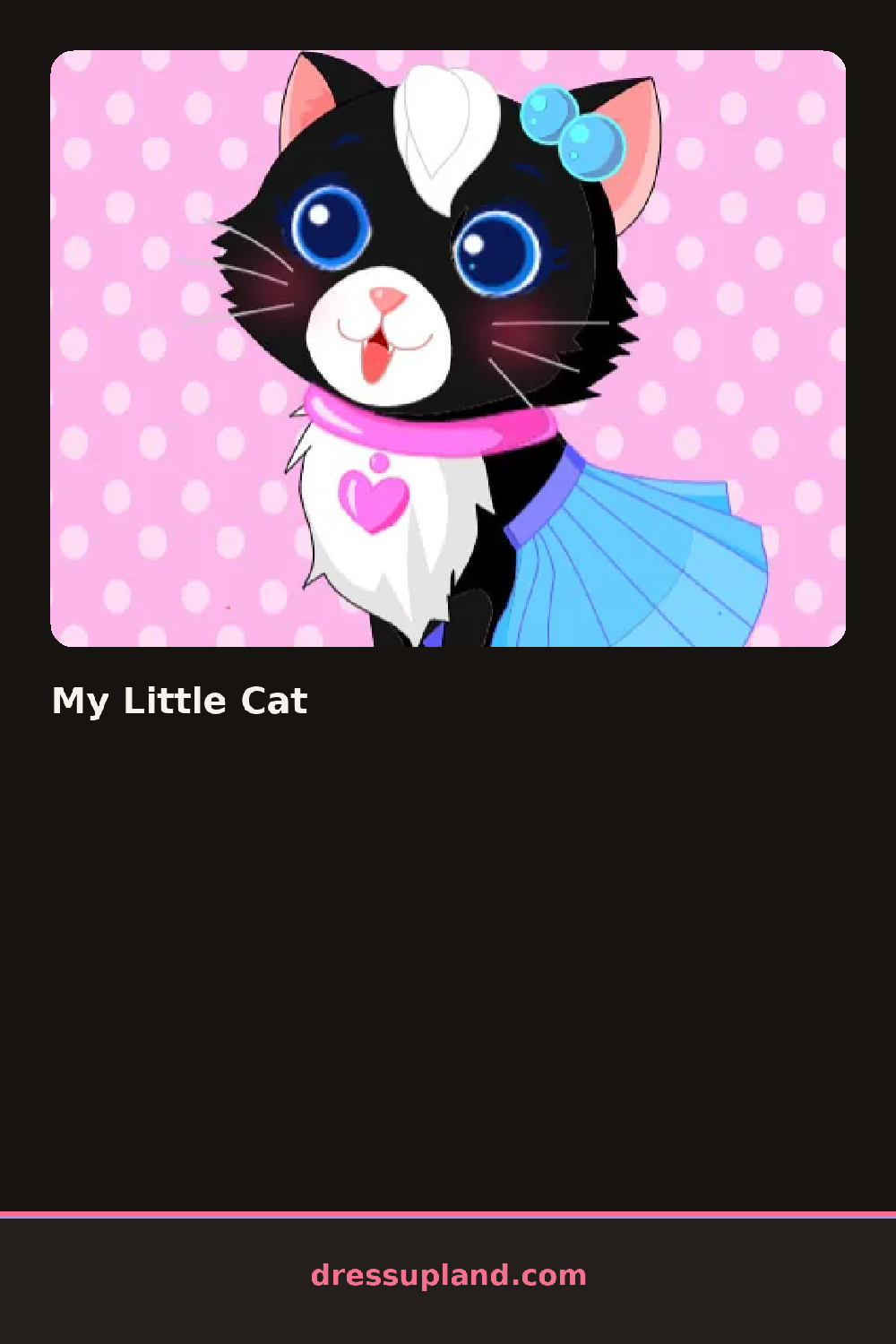
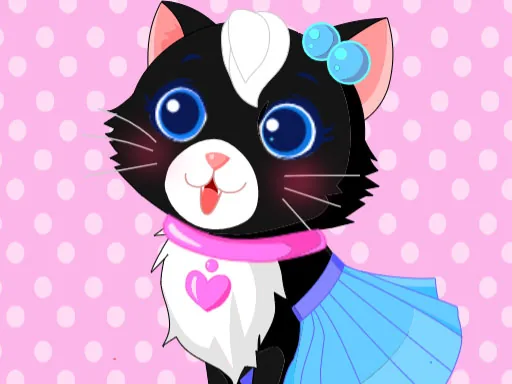
My Little Cat starts with a cartoon cat sitting on a grooming stand, tail curled, and a row of collars lined up along the bottom of the screen. Clicking a collar snaps it around the cat's neck right away, and the next row of accessories opens once the collar is set.
The toolkit is built around the cat's body instead of a human figure: bows and hair clips for the ears, tiny sweaters and capes for the back, collars with charms, and paw socks that come in matched pairs. Costumes layer over plain fur, so a sweater can go on top of a bow without covering it, and a hat sits above both.
Where most animal dress up games hand you one flat pose to decorate, this one keeps the cat in the same relaxed sitting pose while every accessory layers on top of the last one placed. A session ends with the finished cat posed for a photo, ears, collar, and costume all visible at once.
The collar is worth placing before the costume, since some capes sit high enough to hide a plain collar underneath. Pairing a bow color with the paw socks instead of the sweater keeps the look from getting busy. The tail is easy to overlook, but a charm or ribbon there finishes the photo the ears alone can't.
How do you play and control My Little Cat?
Click an accessory to place it on the cat, and click a placed item again to remove it.
Tap an accessory to dress the cat, and tap it again to take it off.
Game details
| Specification | Details |
|---|---|
| Game Title | My Little Cat |
| Category / Genre | Animals & fantasy |
| Platform | Web browser — phone, tablet and desktop checked |
| Release Date | September 2026 |
| Technology | HTML5 |
| DressUpLand account | Not required |