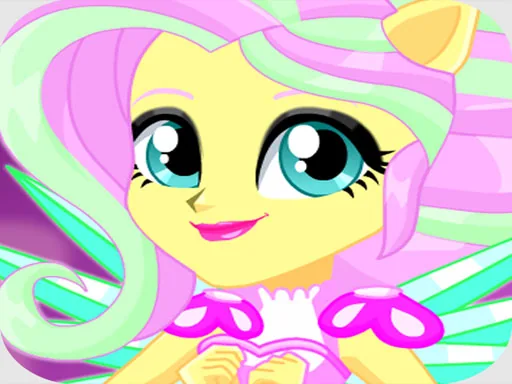
What is Pony Dress Up?
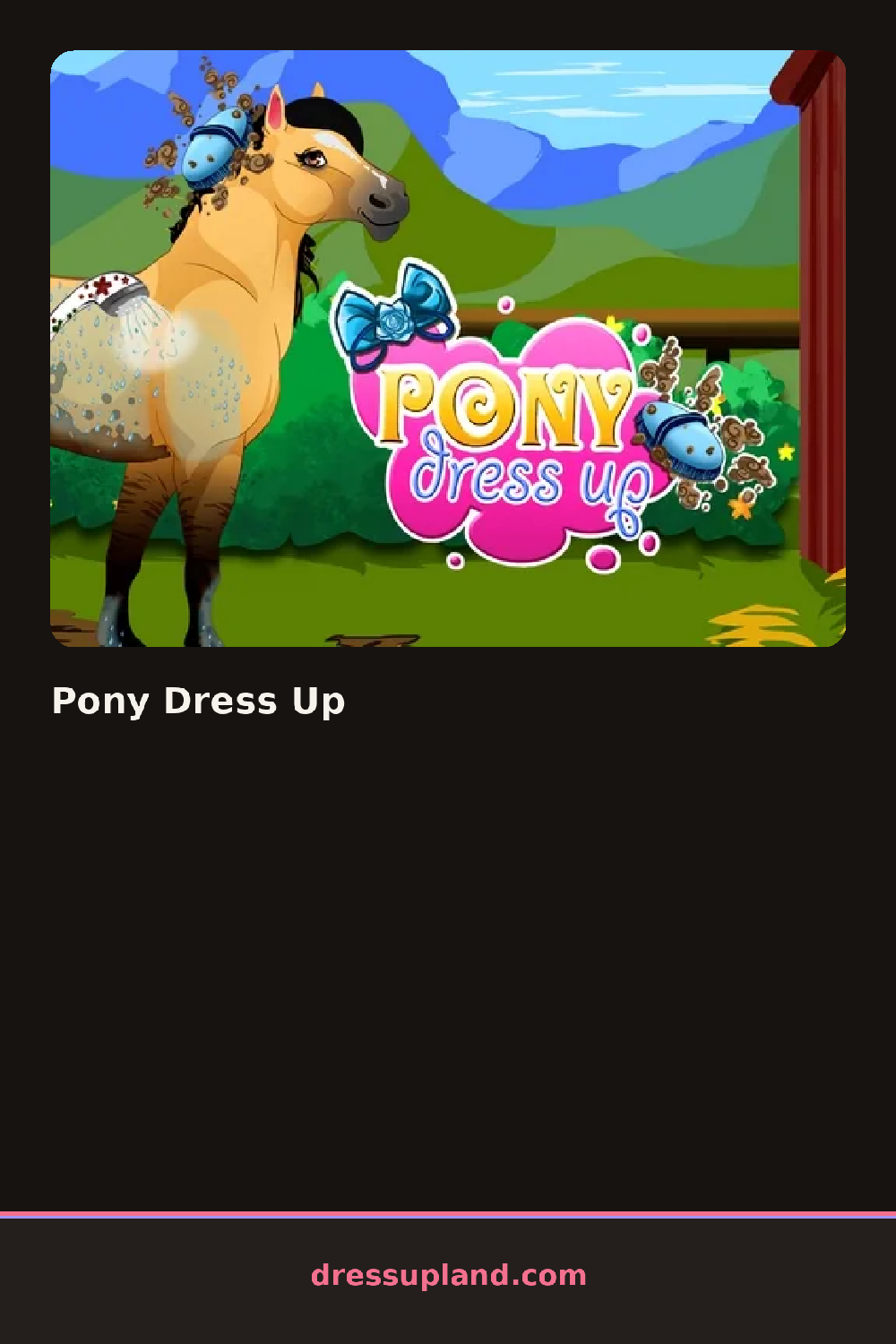
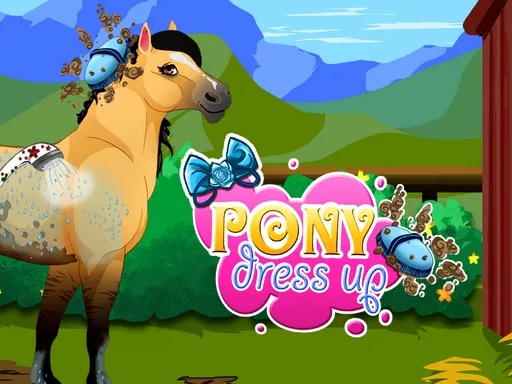
First minute: a pony stands in the middle of the screen in a grassy field, plain and unadorned. The first thing you pick is the coat color, and it changes the whole animal with one tap, from dappled gray to chestnut to a spotted pattern. Choices show up immediately on the pony, so you can flip through colors fast and compare side by side.
The wardrobe splits into pony gear and accessories. Gear covers saddles, saddle blankets, bridles and leg wraps in matched color sets. Accessories cover the fun stuff: flower crowns, ribbons, bows woven into the mane, wings and a horn if you want to push it toward unicorn territory. Mane and tail have their own styles and colors, so a braided pink tail can sit under a natural coat or a fantasy purple one. Most pieces layer cleanly, bridle over mane, blanket under saddle.
Where this one differs from the usual character creator is that the head, hooves and tail are all part of the outfit, so a ribbon that looks great on one mane style disappears on another. A round ends when you hit the save or done button and keep the finished pony as a picture, and you can start over and build a whole stable of looks.
Start with the mane, because it is the biggest color block after the coat, then match the saddle blanket to it. If the coat is spotted or patterned, keep gear to one or two solid colors or the whole look gets noisy. Check the bridle after changing the mane, since it can hide behind a thick style and you may want to switch to a simpler one.
How do you play and control Pony Dress Up?
Click through the category buttons and item icons to dress the pony, then click save to keep the look.
Tap items in the bottom tray to apply them and tap the save button when your pony is finished.
Game details
| Specification | Details |
|---|---|
| Game Title | Pony Dress Up |
| Category / Genre | Animals & fantasy |
| Platform | Web browser — phone support not yet checked |
| Release Date | January 2023 |
| Technology | HTML5 |
| DressUpLand account | Not required |