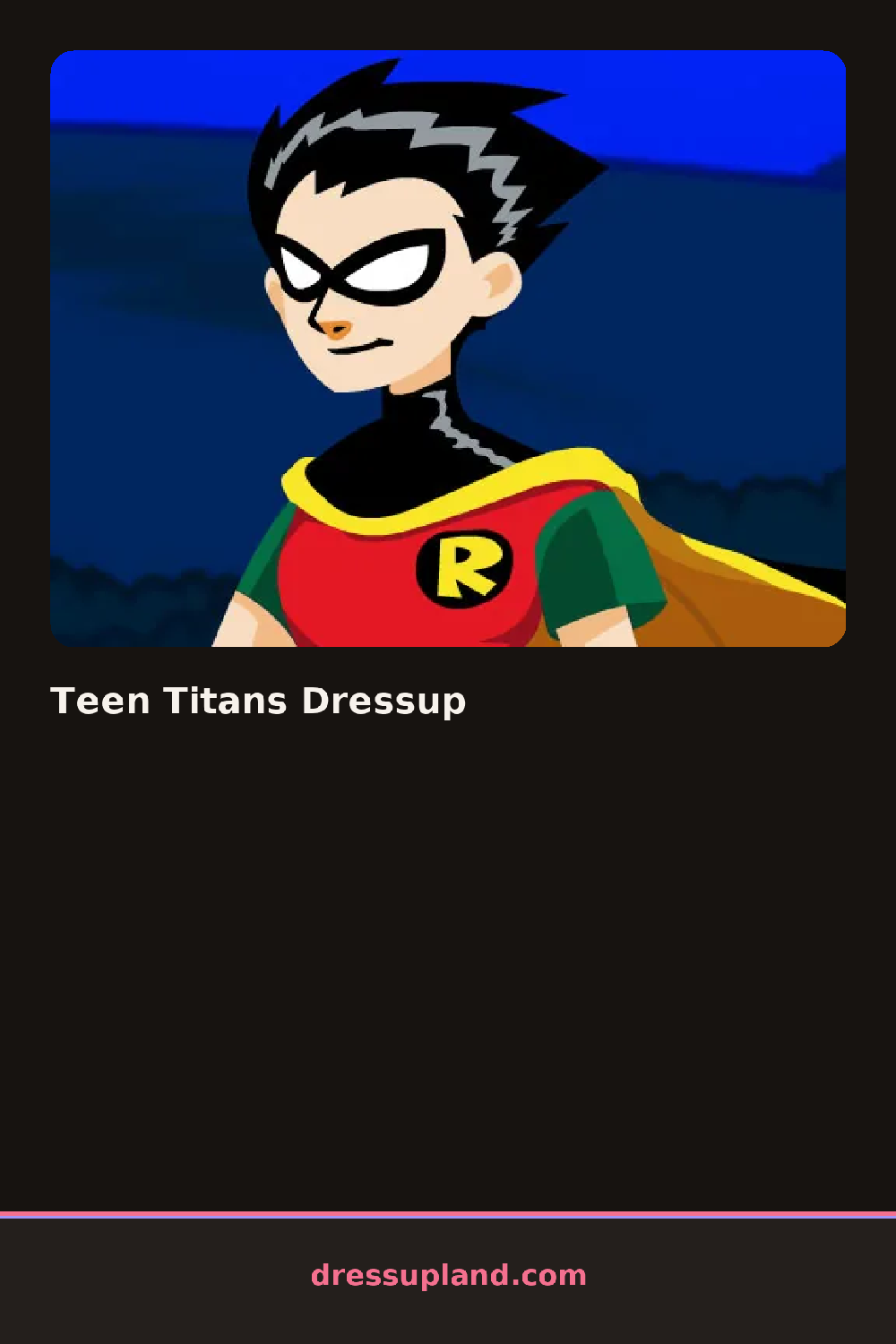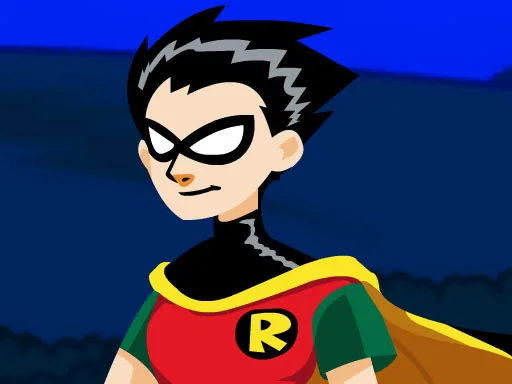
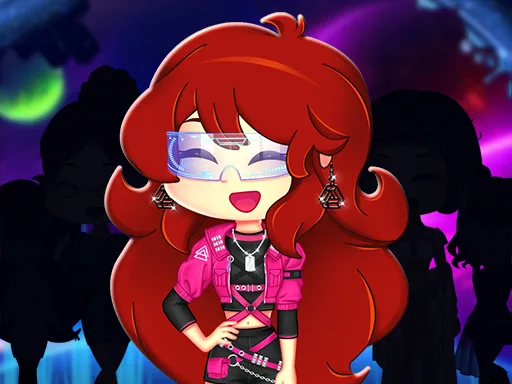
What is Teen Titans Dressup?
Five character portraits line up along one side of the screen when Teen Titans Dressup loads, and picking one swaps the whole stage to a blank figure in that hero's base pose. Choosing a hero first matters more than it looks, since the hair and skin tone underneath stay locked to whichever one got picked.
Clothing splits into hero gear and civilian wear. Hero gear covers a domino mask, a cropped cape, fingerless gloves, and armored boots, while civilian wear swaps in a hoodie, ripped jeans, or a plaid skirt. Hair sits in its own row, with a short spiky cut or a low ponytail among the options, and accessories like a utility belt or a communicator badge layer over whatever outfit is already on.
Most character dress up games hand you a generic body and let you build from nothing, but here the base pose and proportions already read as a specific hero before a single item goes on. The round ends on a runway shot, the finished character posed against a skyline backdrop for a screenshot.
Match the cape color to the mask rather than the shirt, since those two sit closest together in the final pose. Civilian outfits look less busy without the utility belt, which was built for the hero gear instead. The hair swap sits under the accessories tab rather than its own tab, so check there before assuming the default cut is the only option.
How do you play and control Teen Titans Dressup?
Click a character portrait to select them, then click through the tabs and click an item to equip it.
Tap a character to select them, then tap the tabs and tap items to dress them.
Game details
| Specification | Details |
|---|---|
| Game Title | Teen Titans Dressup |
| Category / Genre | Fashion & runway |
| Platform | Web browser — phone, tablet and desktop checked |
| Release Date | September 2026 |
| Technology | HTML5 |
| DressUpLand account | Not required |