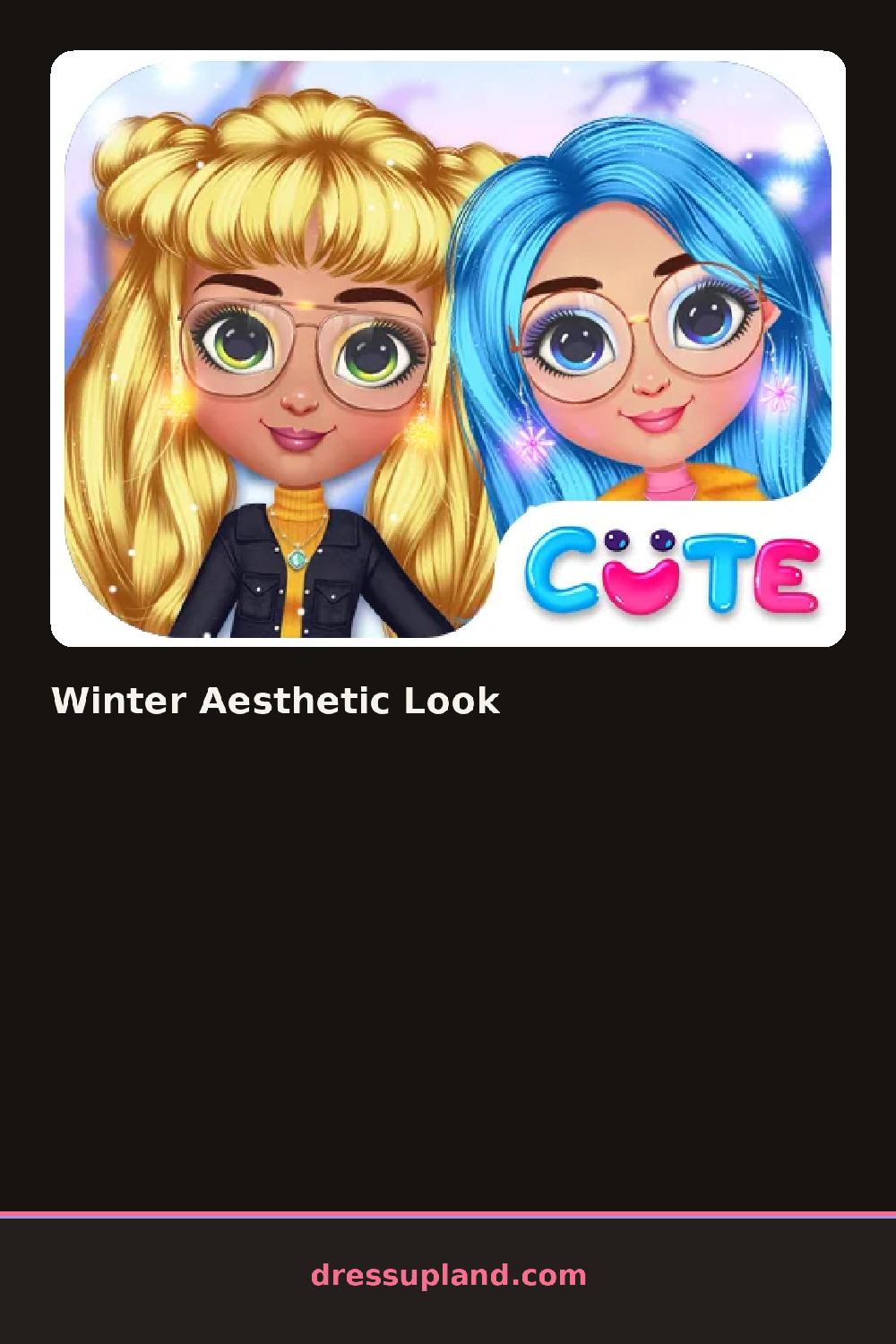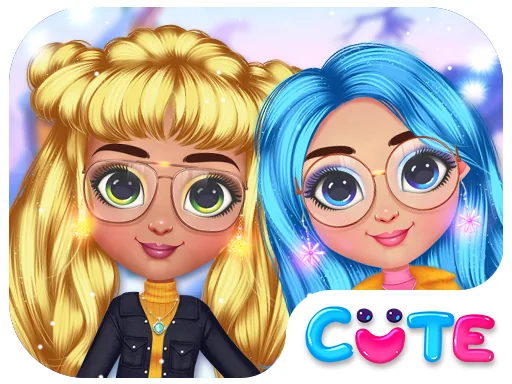
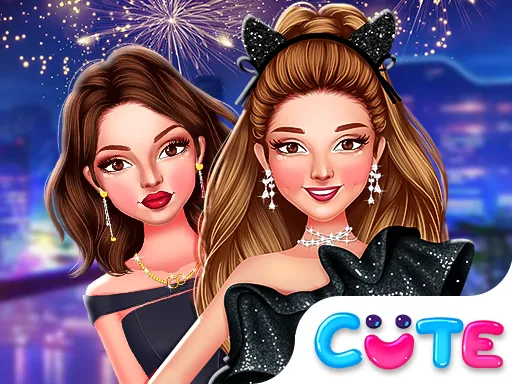
What is Winter Aesthetic Look?
The screen opens on a model standing in front of a frosted window, already wearing a plain base outfit. A menu of category icons runs along one side, and picking one fans out a row of item thumbnails. Tap a sweater and it appears on her instantly, so you can judge it before committing. Most rounds start with the outfit, then hair and makeup last.
The wardrobe leans soft and cold-weather: chunky turtlenecks, cropped puffer jackets, long wool coats, knit beanies, fuzzy leg warmers, and snow boots. Hair options run from loose waves to a low bun with face-framing strands. Makeup stays light, mostly blush tones and a glossy lip. Pieces layer properly, so a turtleneck sits under a vest or coat instead of replacing it, and jewelry still shows over thin knits.
What separates this character creator from similar dress-up games is the aesthetic matching: each item has a soft, muted winter palette, and the game nudges you toward cohesive color families instead of loud mixes. When you finish, the look gets captured as a finished photo of the model against the frosty backdrop, ready to save or redo.
Start with one color family, like cream and beige or slate and white, and pick the coat first so everything else matches it. A turtleneck under a puffer with a beanie reads more put-together than a sweater alone. Try the low bun with dangly earrings, since bulky scarves hide short necklaces.
How do you play and control Winter Aesthetic Look?
Click category icons to open item rows, then click a thumbnail to place it on the model and click again to remove it.
Tap a category icon, then tap item thumbnails to try them on the model, swiping the row sideways to see more options.
Game details
| Specification | Details |
|---|---|
| Game Title | Winter Aesthetic Look |
| Category / Genre | Christmas & winter |
| Platform | Web browser — phone support not yet checked |
| Release Date | September 2026 |
| Technology | HTML5 |
| DressUpLand account | Not required |