What is Winx Stella and Puppy?
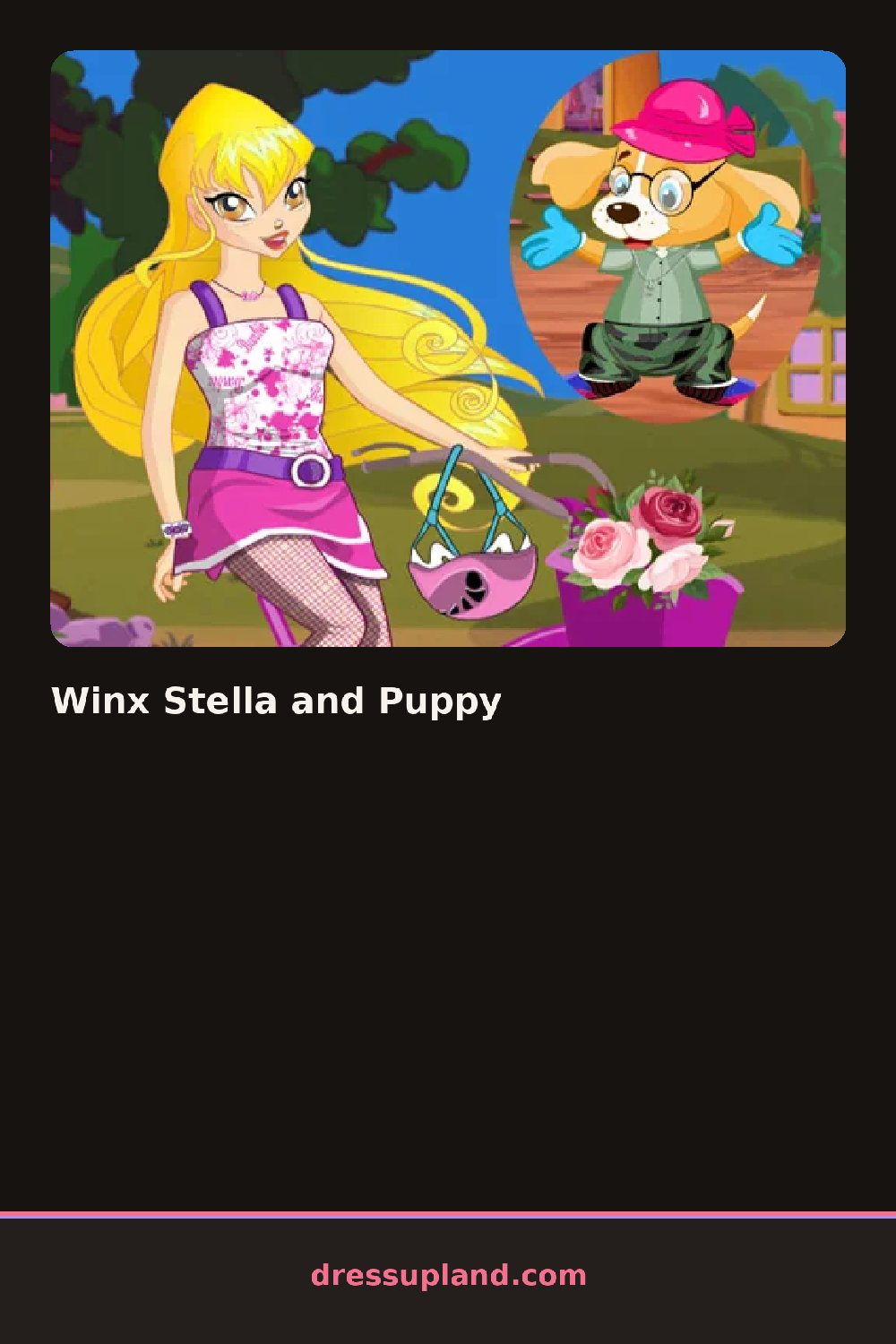
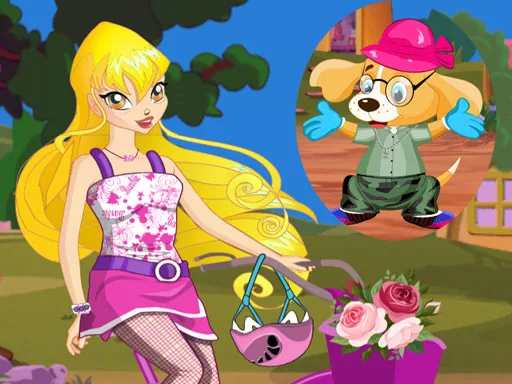
Stella and her puppy stand together on a plain set in Winx Stella and Puppy, and the first tap usually lands on her hair or dress, since that panel opens by default. The color you pick there carries over into a shade option for the puppy's collar, so the two start matching from the first choice instead of at the end.
The wardrobe splits into two strips, one for Stella and one for the puppy. Stella's side holds fairy dresses with layered skirts, a pair of sheer wings, drop earrings, and a crown or tiara. The puppy's side is smaller: a bandana, a bow clip, a jeweled collar, and a couple of coat options for colder scenes. Wings sit on top of everything else Stella wears, and the puppy's coat layers over its collar, so order matters if you want both pieces to show.
The pairing is the twist here: this is a dress up game built around two subjects at once, so the puppy is never just a background prop while Stella changes clothes. A round ends with both of them posed together in your final color combination, ready for a screenshot instead of a runway walk or a score.
Matching the collar to Stella's dress reads better than matching it to her wings, since the dress covers more of the screen. Try the wings last, after the dress and jewelry are set, so you can see how the color sits against the fairy dress underneath. If the puppy's coat option is available, add it after the collar so the collar peeks out at the neckline instead of disappearing under the fabric.
How do you play and control Winx Stella and Puppy?
Click a hairstyle, outfit, or accessory thumbnail in the side panel to dress Stella or her puppy.
Tap the thumbnails in the scrollable panel to change what Stella or the puppy is wearing.
Game details
| Specification | Details |
|---|---|
| Game Title | Winx Stella and Puppy |
| Category / Genre | Animals & fantasy |
| Platform | Web browser — phone, tablet and desktop checked |
| Release Date | September 2026 |
| Technology | HTML5 |
| DressUpLand account | Not required |