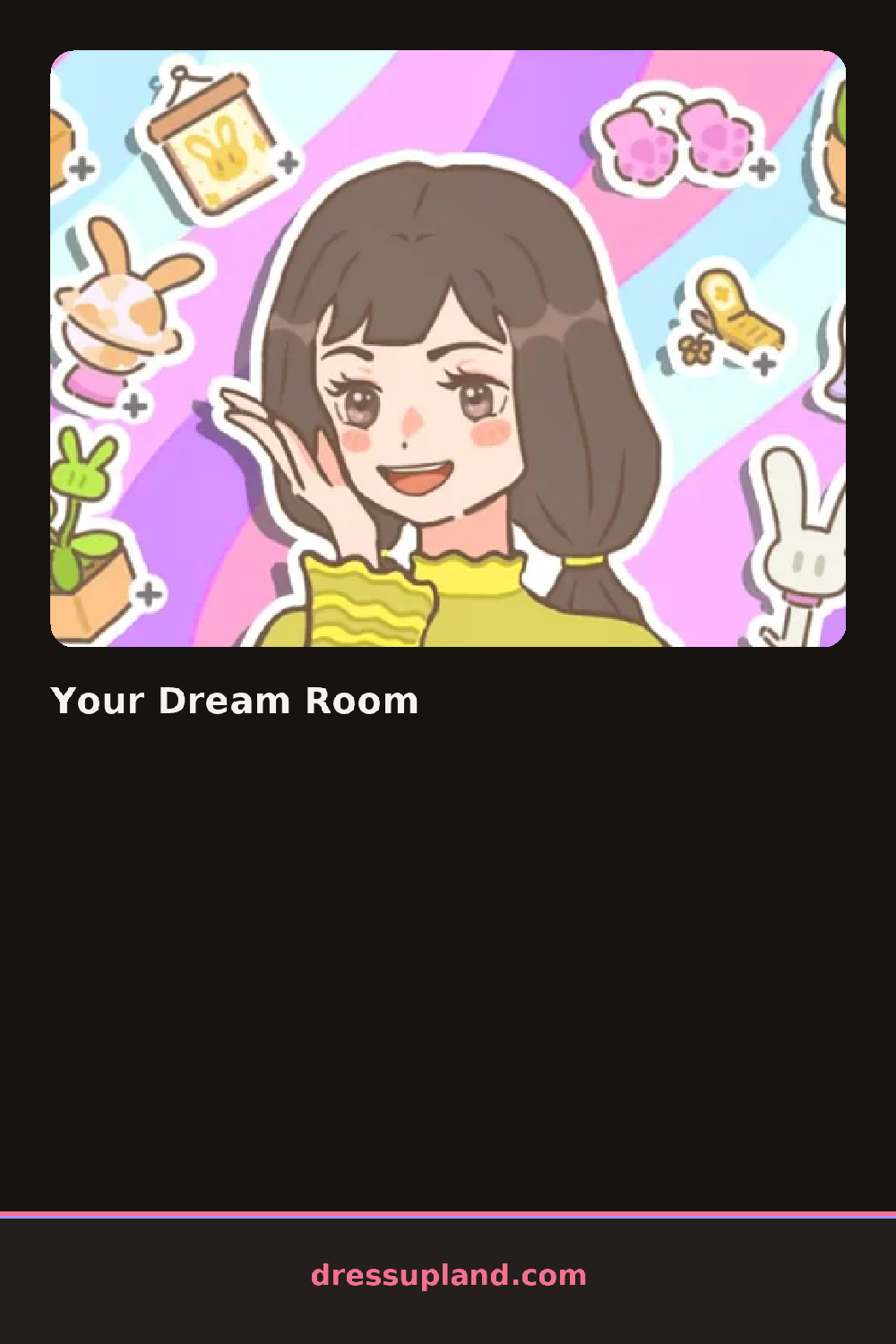

What is Your Dream Room?
You open onto an empty room with plain walls and a bare floor, and a toolbar along the edge listing the big categories. First decision is usually the wall color or wallpaper, since everything else gets matched to it. Tap a swatch and the whole room repaints instantly, so you can cycle through options fast in this character creator style space where the room itself is the character.
The catalog covers beds and seating, tables and storage, windows, rugs, lighting, plants and small decor. Each category opens a row of thumbnails you can preview in place before committing. Large pieces snap to the floor grid, while wall items and tabletop decor layer on top of whatever furniture is already set. There is enough of a mismatch between styles, like a neon sign over a wooden desk, that weird combos are half the fun.
What separates it from a plain dress up game is that you control placement, not just selection. Drag a bed to the corner, shift a rug until it lines up, hang two pictures at whatever height looks right. A round ends when you hit the done button, which saves the room as a finished layout you can screenshot or come back and rearrange later.
Work big to small: floor pieces first, then wall decor, then the tiny items on desks and shelves. Anchor the room with one rug under the main furniture so scattered pieces read as one setup. Also try rotating larger items before you abandon them, since a bed turned sideways often fixes a layout that looked hopeless.
How do you play and control Your Dream Room?
Click items in the sidebar to select them, then click inside the room or drag to place and reposition them.
Tap the category bar to browse items, then tap or drag on screen to place and move pieces around the room.
Game details
| Specification | Details |
|---|---|
| Game Title | Your Dream Room |
| Category / Genre | Fashion & runway |
| Platform | Web browser — phone support not yet checked |
| Release Date | March 2025 |
| Technology | HTML5 |
| DressUpLand account | Not required |