
What is Anime Beauty Style?
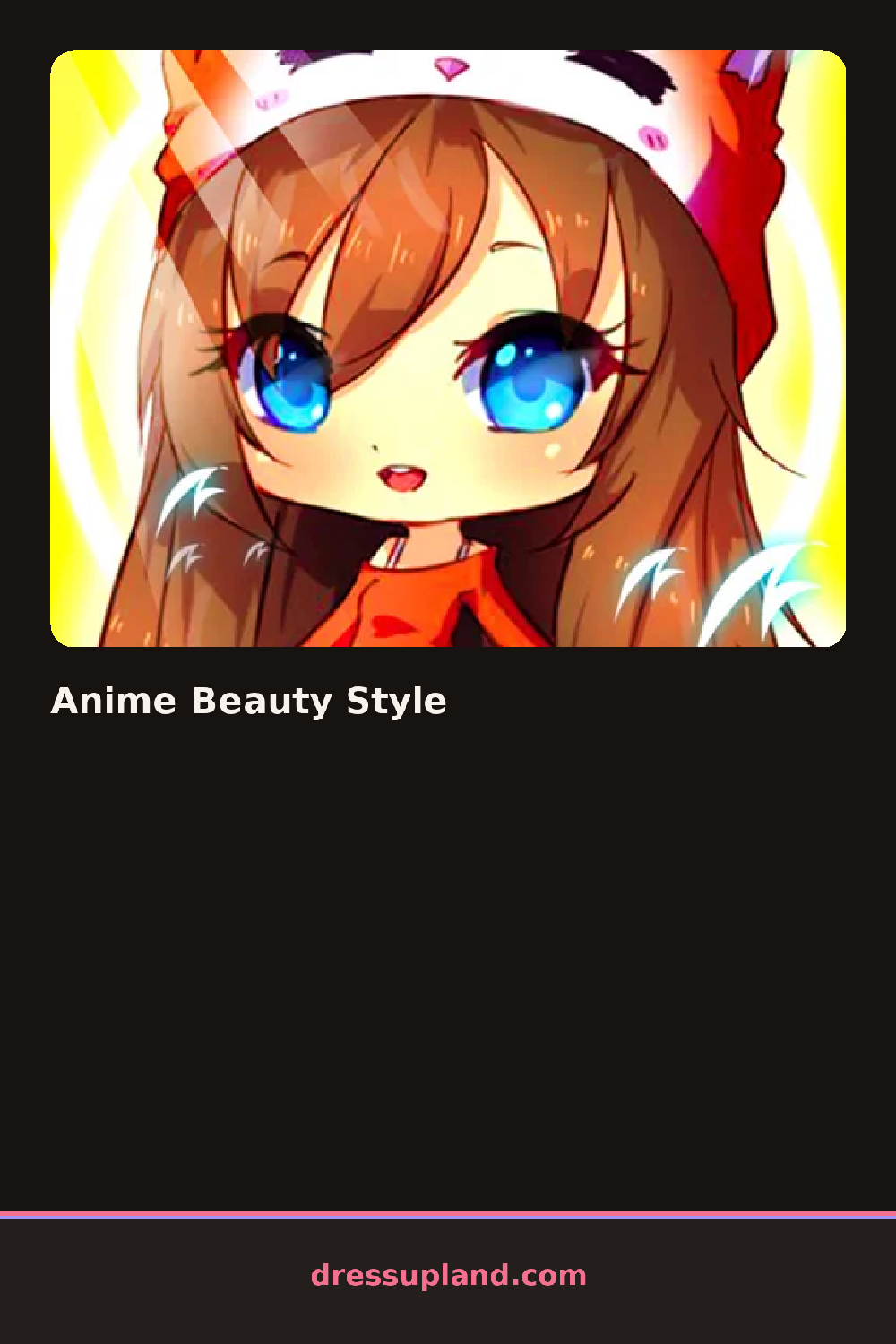
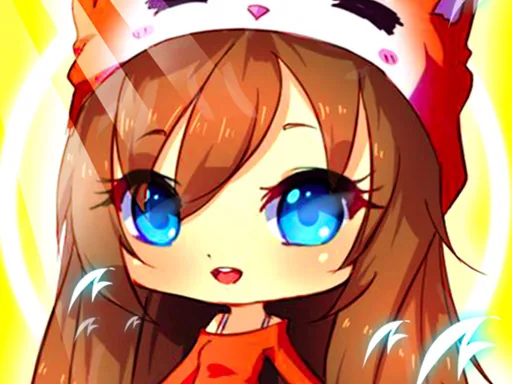
The screen opens on a wide-eyed anime character standing in front of a soft spa backdrop, already sketched in that big-shiny-eyes style. You start with the face, and the first real decision is skin tone, followed by eye shape. Pick something and it snaps on instantly, so you can flip through options fast and see the whole face change in a second.
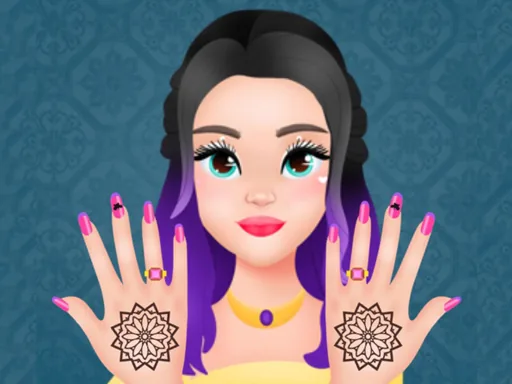
From there the beauty menu runs in panels: hair, eyes, makeup, outfit. Hair covers the usual anime ground, like twin tails, a messy side braid, blunt bangs, long waves. Eye options let you layer iris color over shape, and makeup adds things like a matte pink lipstick, winged liner or blush dusted across the cheeks. Outfits lean sparkly, with frilled dresses, sailor tops and thigh-highs, and the pieces layer correctly, so a jacket sits over the dress instead of erasing it.
The standout bit for a makeover game is the spa step at the front. Before any clothes go on, you wash and mask the character's face, which makes the makeup go on smoother in the next phase. A round ends when you confirm the final look, which saves the finished character as a full portrait you can keep and start over to build a second style.
Pick the hairstyle first and match everything to it, because hair takes up the most visual space in the portrait. Two colors read better than four, so stick to one hair color and echo it in the outfit or the eyes. And try the braid with a sailor collar; that combination holds up better than the frilliest dress in the menu.
How do you play and control Anime Beauty Style?
Click a category tab, then click any item to apply it to your character.
Swipe through the item panels and tap a style to try it on instantly.
Game details
| Specification | Details |
|---|---|
| Game Title | Anime Beauty Style |
| Category / Genre | Makeover |
| Platform | Web browser — phone support not yet checked |
| Release Date | September 2026 |
| Technology | HTML5 |
| DressUpLand account | Not required |