What is Winter Fairy?
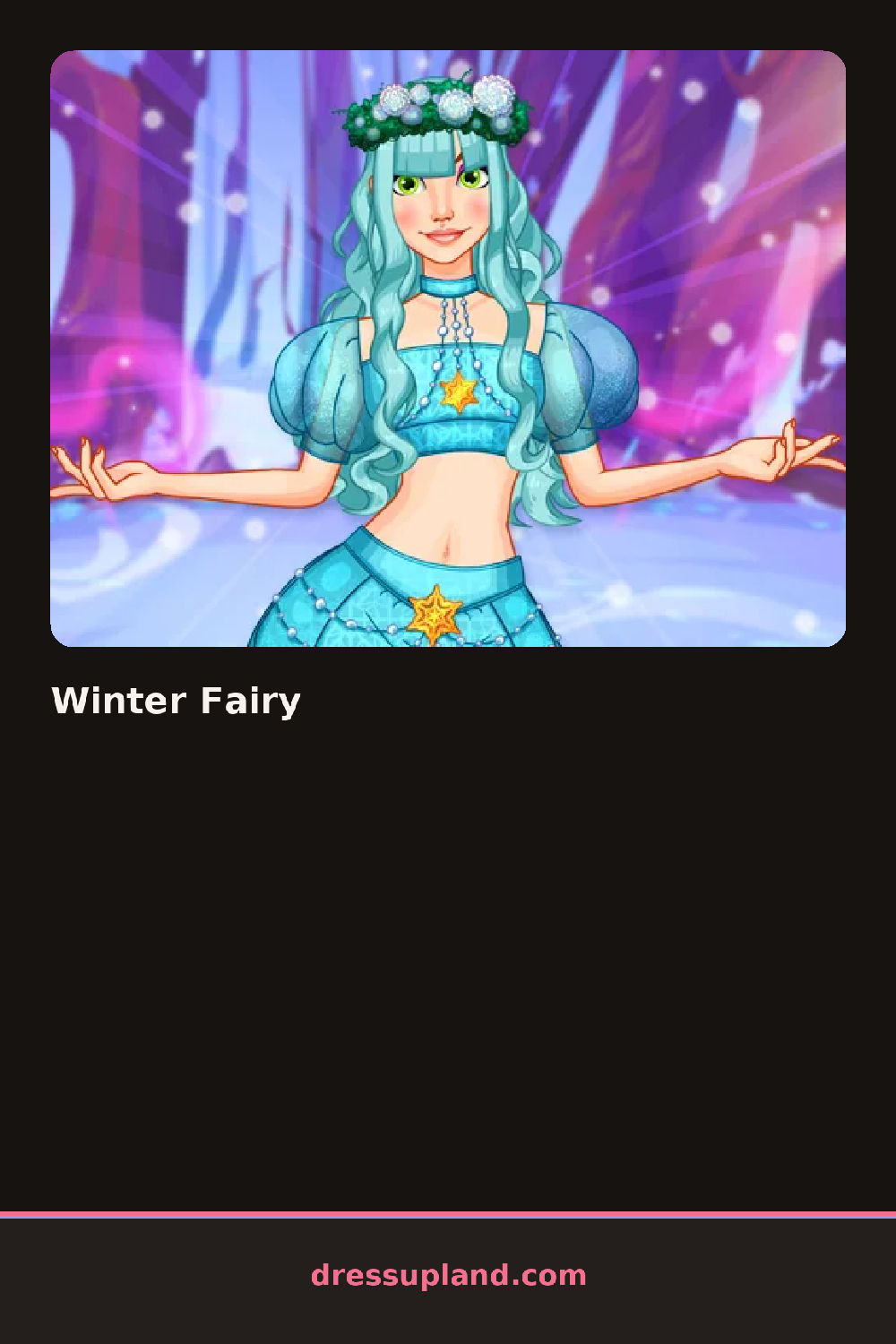
Snow falls behind a bare fairy model the instant Winter Fairy opens, and a row of wing shapes sits front and center as the first decision. Picking a jagged icicle wing over a soft feathered one changes the color palette offered next, nudging everything toward pale blues or frostier whites.
Wings range from feathered to crystalline shards, and hair comes in braided crowns, loose waves dusted with glitter, and short bobs tucked under a snowflake tiara. Makeup leans into cool tones: a frosted lilac eyeshadow, a shimmering highlight, a pale lip. Dresses layer under capes and shrugs, with fur trim and sheer overlays stacking on top of a base gown.
Where this fairy makeover game differs from a warm-weather version is the palette lock: most pieces sit in blues, whites, and icy purples, so the challenge is finding contrast within a narrow range instead of clashing colors by accident. Finishing the look brings up a full-length shot of the fairy against the snowy backdrop, saved as the final result.
Matching the wing material to the dress fabric reads better than mixing a soft feathered wing with a stiff crystalline gown. A single warm accent, like a rose-gold ring or a blush lip, keeps the cool palette from going flat, and building the cape or shrug last lets it sit over the dress the way it's meant to instead of getting buried under later layers.
How do you play and control Winter Fairy?
Click through the side categories to select wings, hair, makeup, and clothing, then click the camera button to save the finished fairy.
Tap each category tab to try on wings, hair, makeup, and clothing, then tap the camera icon to save the look.
Game details
| Specification | Details |
|---|---|
| Game Title | Winter Fairy |
| Category / Genre | Makeover |
| Platform | Web browser — phone support not yet checked |
| Release Date | November 2024 |
| Technology | HTML5 |
| DressUpLand account | Not required |