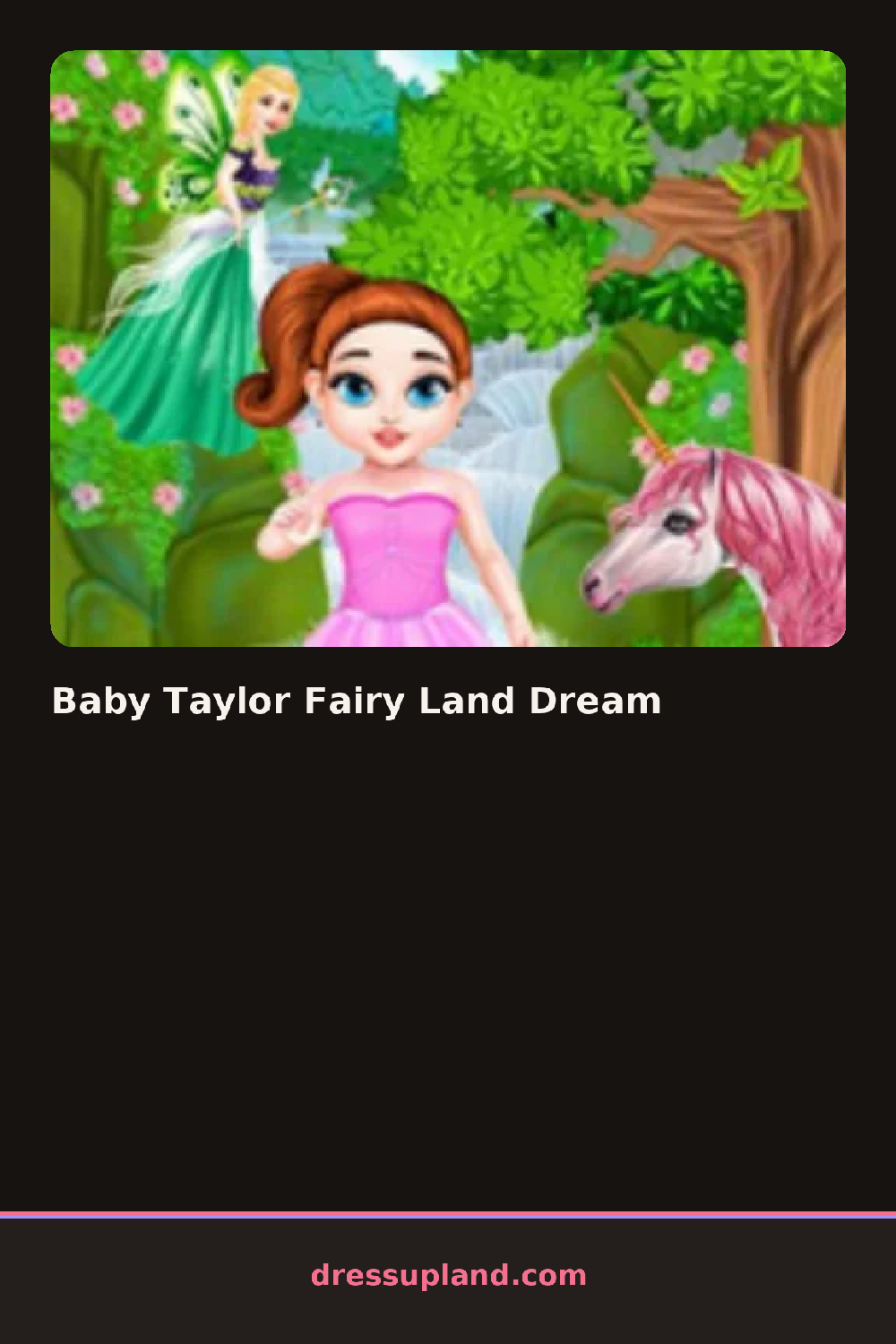

What is Baby Taylor Fairy Land Dream?
Baby Taylor Fairy Land Dream opens on a chubby-cheeked toddler character standing in a soft, glowing setting, and the first thing you usually touch is her face or hair rather than an outfit. A tap on a cheek or a cream jar starts the makeover routine, and her skin brightens or her hair gets a quick brush before any clothing choices show up.
The toolkit runs through a skincare pass first, things like a glitter face mask or a shimmer lotion, then moves into hair with braids, buns, or loose curls you can tint in pastel or jewel shades. Clothing comes later as flowing gowns and tutu-style skirts, and a dedicated wings tab holds the fairy-specific pieces, gossamer or butterfly-shaped wings that snap on over whatever dress you picked. A wand or a crown usually rounds out the accessory row.
The mermaid-and-magic framing is what pulls this out of a standard baby makeover game, since the fairy wings and sparkle effects layer over the same character in a way a plain wardrobe round wouldn't. The session wraps once you've dressed her fully, often with a finished shot of Baby Taylor posed in her fairy look for you to admire or save.
Finish the skincare and hair steps before touching wings, since some wing shapes sit awkwardly over undone hair. A pastel dress paired with a deeper-toned wand or crown reads better than matching every piece to the same pale color. Check the wings tab even if it looks like an accessory afterthought, since it usually holds the pieces that make the fairy theme obvious.
How do you play and control Baby Taylor Fairy Land Dream?
Click through each station in order, using the mouse to select skincare, hair, clothing, and wing options from the side panel.
Tap each station icon to open its options, then tap an item to apply it to Baby Taylor before swiping to the next step.
Game details
| Specification | Details |
|---|---|
| Game Title | Baby Taylor Fairy Land Dream |
| Category / Genre | Makeover |
| Platform | Web browser — phone, tablet and desktop checked |
| Release Date | September 2026 |
| Technology | HTML5 |
| DressUpLand account | Not required |