
What is Baby Taylor Horse Riding?
The screen opens on Baby Taylor standing beside a saddled pony, with a row of hairstyle icons lined up first in Baby Taylor Horse Riding. Picking a low braid or two puffy buns changes the shape of her head before anything else loads, and that choice sticks around under whatever helmet or bow gets added later.
The wardrobe splits into riding wear and spa extras: a fitted vest, jodhpurs with a contrast stripe, tall boots, and a chunky knit scarf for cooler rides. A separate row holds brushes and a small mirror for the grooming step, plus blush, a lip tint, and a hair clip that layers over any of the hairstyles without replacing them.
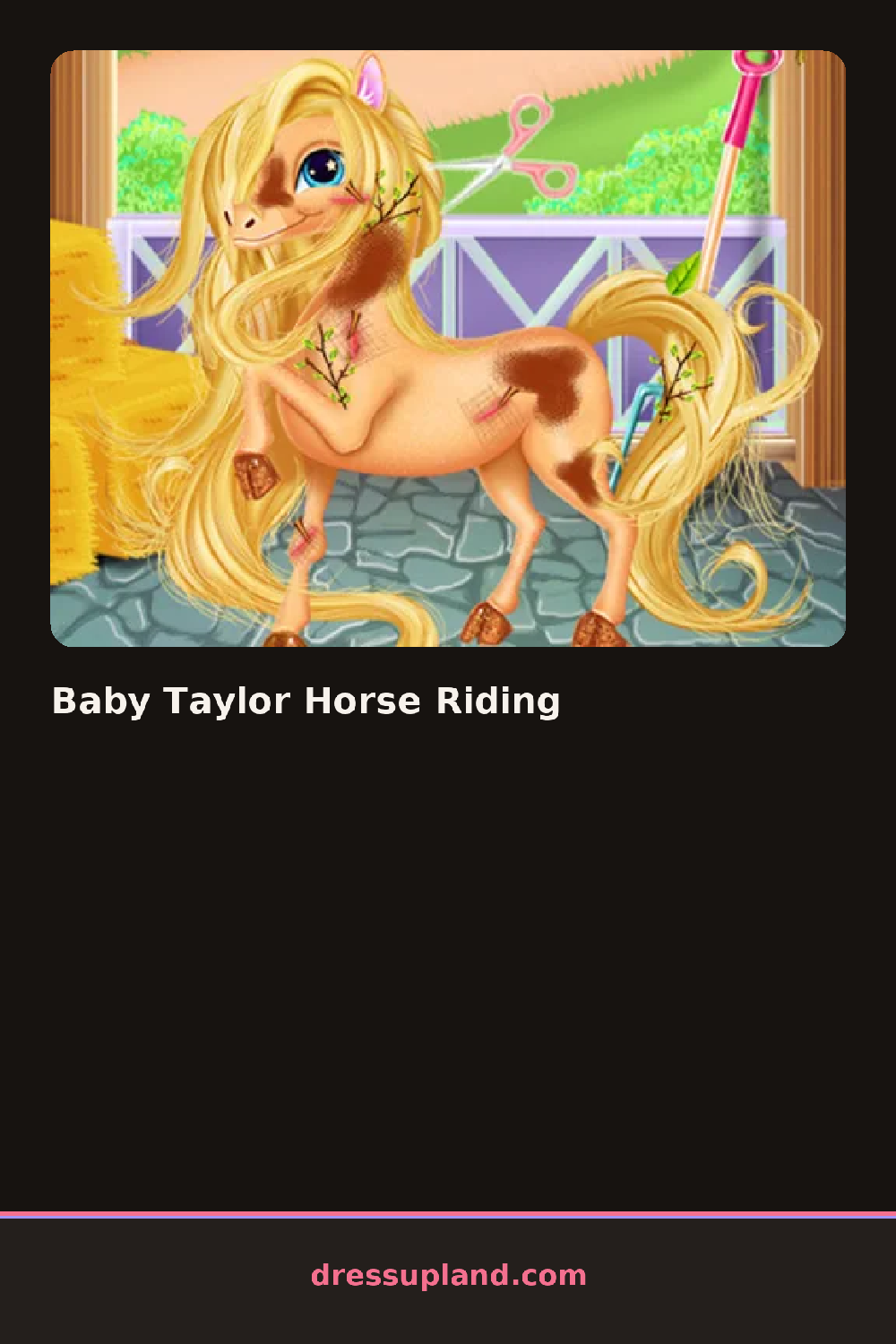
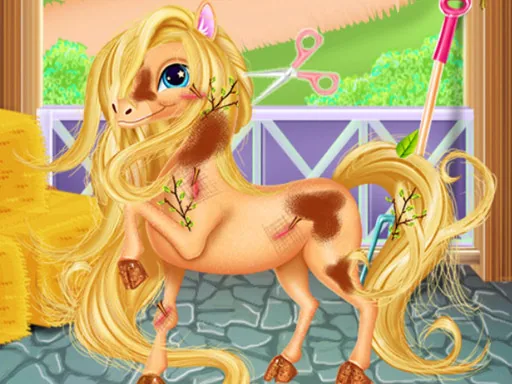
What separates this from a plain makeover game is the pony itself, which gets its mane braided and its coat brushed alongside Baby Taylor's own styling, so the grooming step covers both rider and horse before the ride starts. A finished look ends with Baby Taylor mounted and ready, the last screen showing the full outfit against the stable backdrop.
Brushing the pony's coat before braiding its mane keeps the braid from slipping loose on screen. Matching the scarf color to the saddle blanket ties the two halves of the scene together instead of leaving them clashing. The blush slider is easy to skip since it sits under the main makeup row, but it softens the finished portrait more than the lipstick choice does.
How do you play and control Baby Taylor Horse Riding?
Click hairstyles, outfits, and grooming tools from the side menus to dress Baby Taylor and her pony, then drag ribbons or accessories into place with the mouse.
Tap the category icons to flip through hair, outfits, and grooming tools, then tap an item to put it directly on Baby Taylor or the pony.
Game details
| Specification | Details |
|---|---|
| Game Title | Baby Taylor Horse Riding |
| Category / Genre | Makeover |
| Platform | Web browser — phone, tablet and desktop checked |
| Release Date | September 2026 |
| Technology | HTML5 |
| DressUpLand account | Not required |