
What is Barbie Fairy Star?
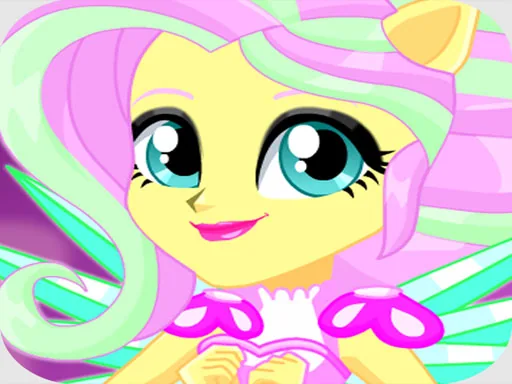
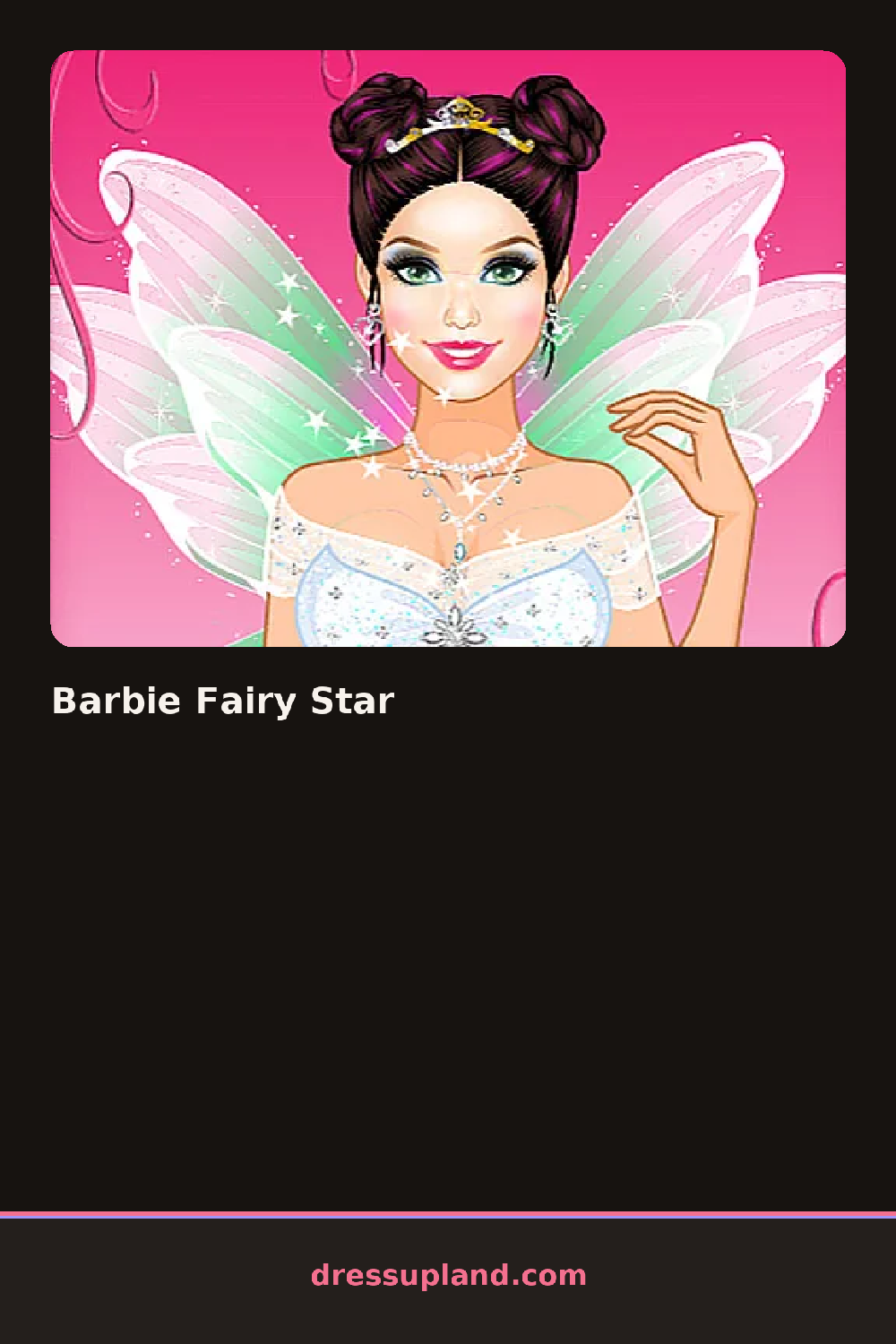
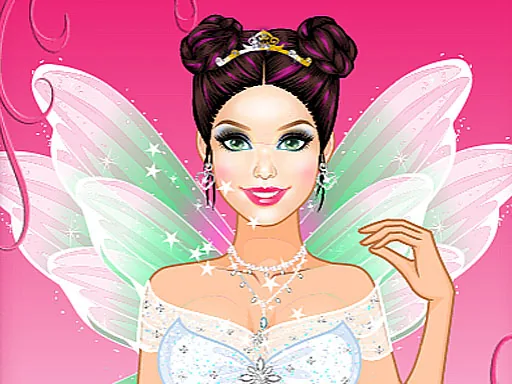
Fairy wings already sit attached when the scene loads, hovering mid-screen and waiting on a first shimmer color pick before anything else appears. Barbie Fairy Star opens straight into the wings tab, so the earliest decision is a wing shape and shimmer color that everything else, from gown to eye makeup, ends up matching against.
Gowns fill most of the rack: a strapless sweetheart cut, a high-low hem with a tulle underlayer, a fitted bodice with a sheer cape. Wings sit in their own tab with shapes ranging from narrow and pointed to broad and rounded, each available in a handful of shimmer colors. Hair options run from a long loose wave to a high twisted updo, and a small jewelry row adds a matching tiara or drop earrings on top of whatever gown is already on.
Most makeover games treat the outfit as the anchor and everything else as an afterthought, but here the wings get picked first and stay the color the rest of the look has to answer to. A round closes on a glowing portrait shot, wings spread, framed like cover art instead of a walked runway.
The wing color, picked first, keeps every later shimmer tone from clashing once gown and hair get added. A pale gown against bold wings reads cleaner than matching both at full saturation. The cape option under the gown tab is easy to scroll past, but it adds movement to the pose that a plain bodice does not.
How do you play and control Barbie Fairy Star?
Click a tab to open a category, then click a swatch or thumbnail to apply it to the fairy.
Tap a category tab, then tap a thumbnail to swap the wings, gown, hair or jewelry.
Game details
| Specification | Details |
|---|---|
| Game Title | Barbie Fairy Star |
| Category / Genre | Makeover |
| Platform | Web browser — phone, tablet and desktop checked |
| Release Date | September 2026 |
| Technology | HTML5 |
| DressUpLand account | Not required |