
What is Barbie Fashion Cover?
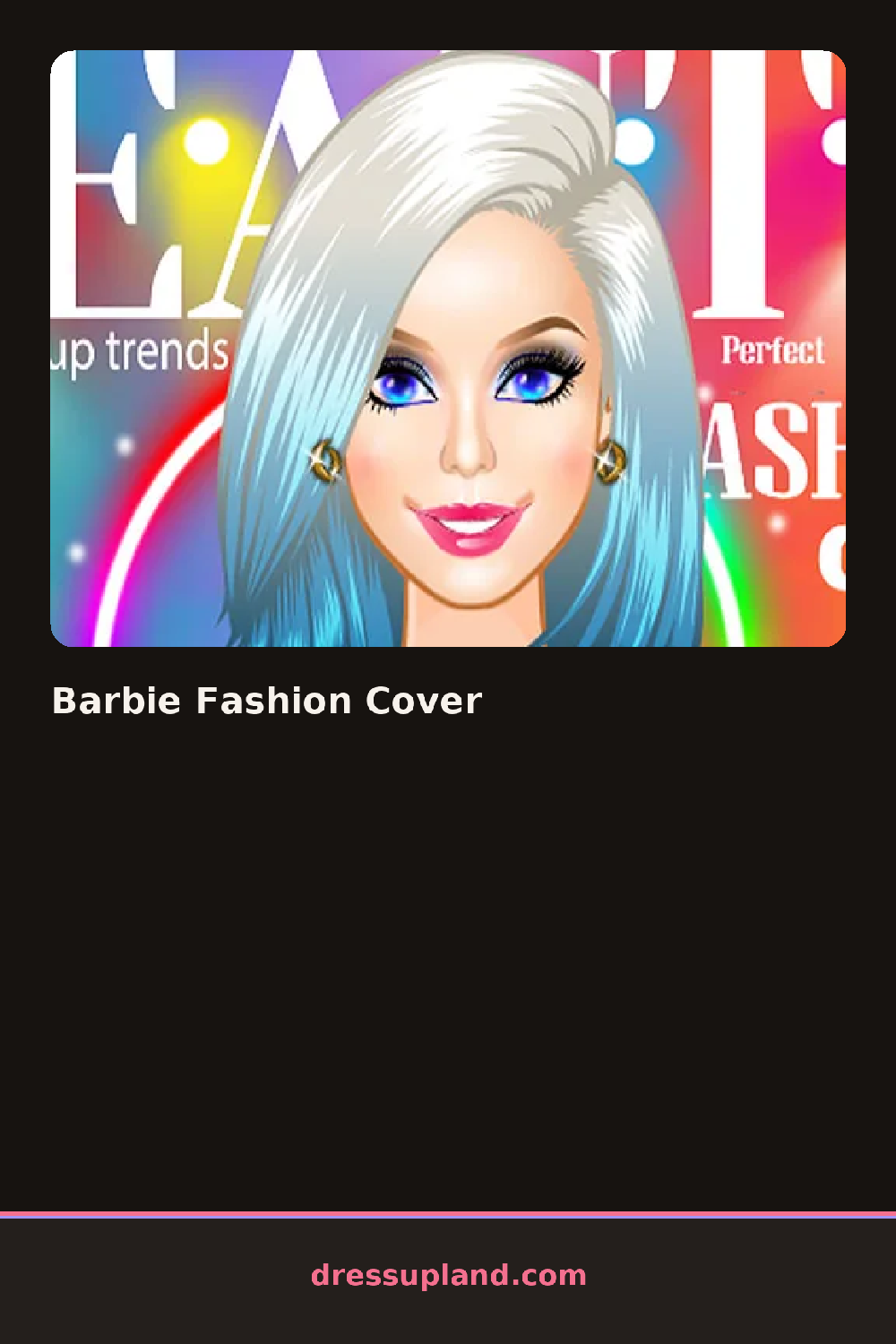
A close-up of Barbie's face fills most of the screen when Barbie Fashion Cover opens, a magazine frame already sketched in around the edges, and the first click usually lands on foundation or eyeshadow before hair or outfit come into play.
The toolkit is split between face and body: foundation shades, eyeshadow palettes, a matte lipstick and blush sit in one set of tabs, while hairstyles, a blazer or statement top, and jewelry like a chunky necklace or drop earrings sit in another. Everything layers over the base face and body, so a bold lip sits fine under a bright eyeshadow instead of overwriting it.
The finish in this makeover game is an actual magazine cover, masthead and background color included, going further than a plain face-focused portrait most similar makeover games stop at. A round ends once that cover layout locks in around the finished face and outfit, reading like a real print spread instead of a plain saved photo.
Locking in the makeup before picking a background color keeps a bold lip from fighting with a bright cover backdrop. Choosing one statement accessory, a bold necklace or a pair of statement earrings, reads better than several small ones once the shot crops in close. Matching the masthead font color to something already in the outfit pulls the whole cover together.
How do you play and control Barbie Fashion Cover?
Click a tab to open a makeup, hair or accessory category and click an item to apply it to the cover shot.
Tap a category tab, then tap an item to apply it to the cover shot.
Game details
| Specification | Details |
|---|---|
| Game Title | Barbie Fashion Cover |
| Category / Genre | Makeover |
| Platform | Web browser — phone, tablet and desktop checked |
| Release Date | September 2026 |
| Technology | HTML5 |
| DressUpLand account | Not required |