What is Barbie Wedding Dress?
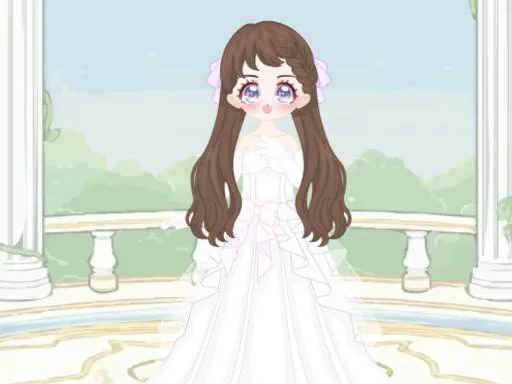
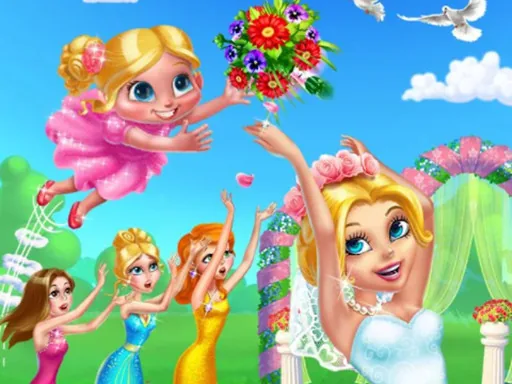
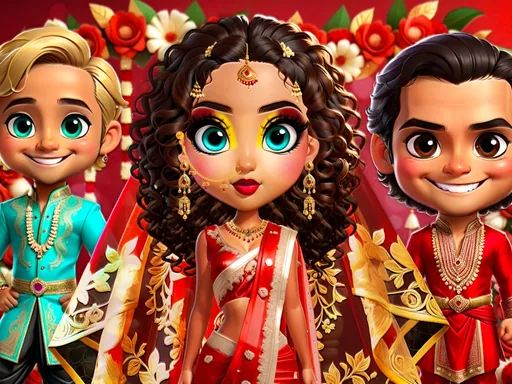
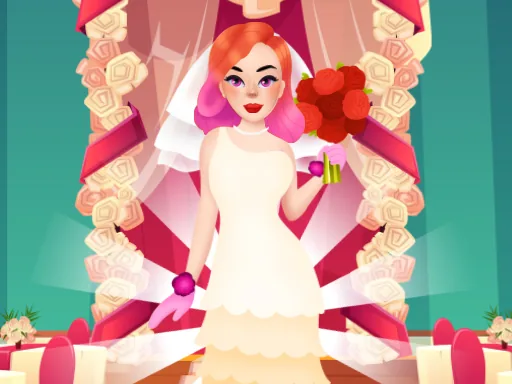
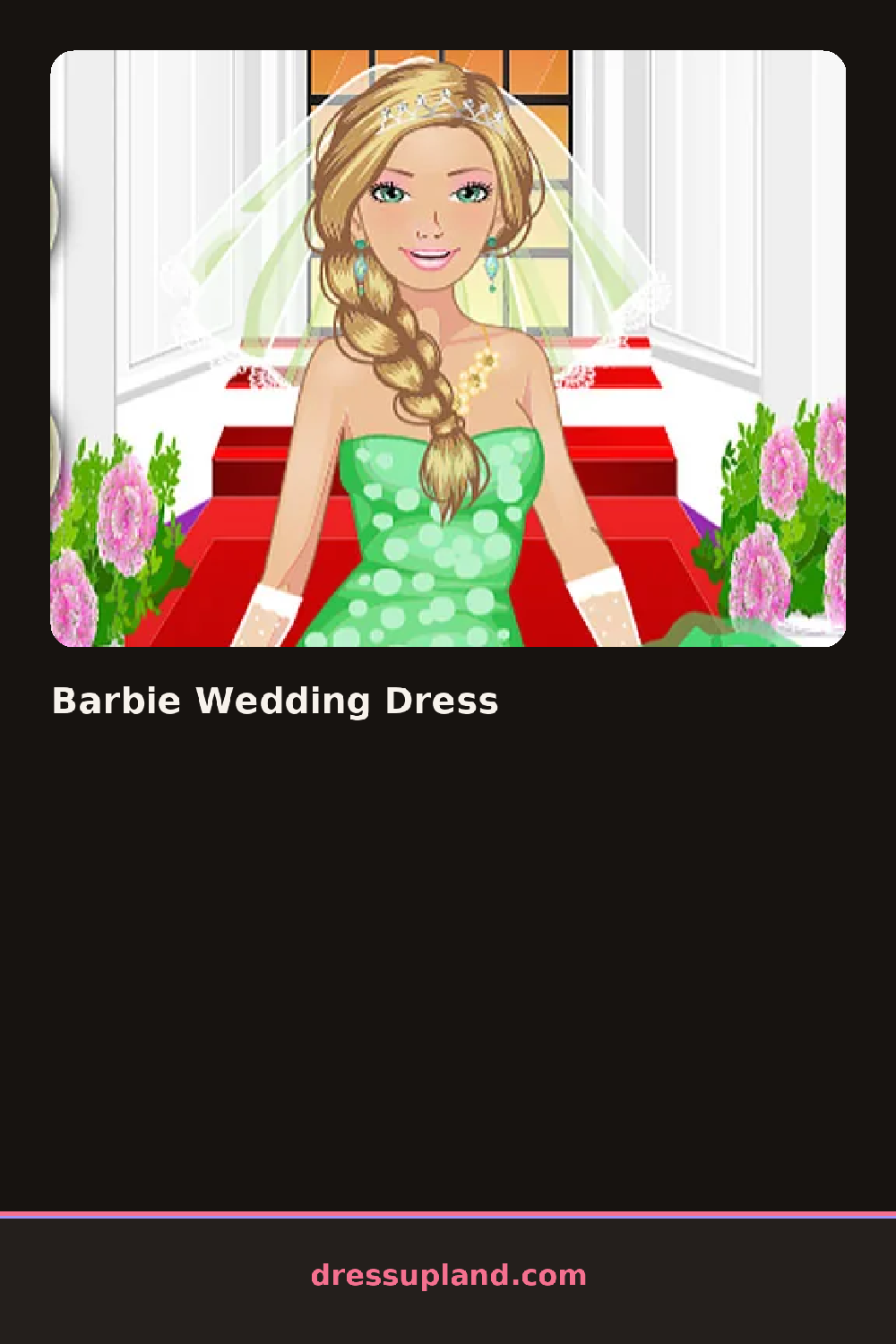
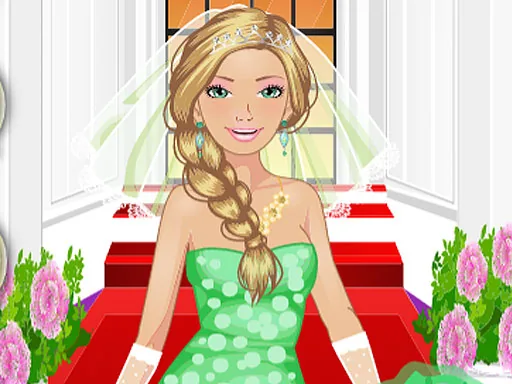
Petals scatter across the screen when Barbie Wedding Dress loads, framing a bride who starts out in a plain slip. The first gown you tap changes the whole scene's color scheme, since the background shifts to match whatever shade you picked.
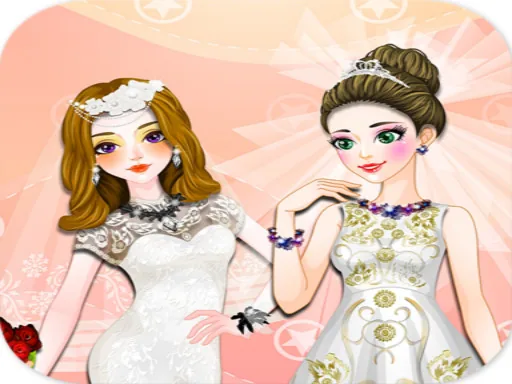
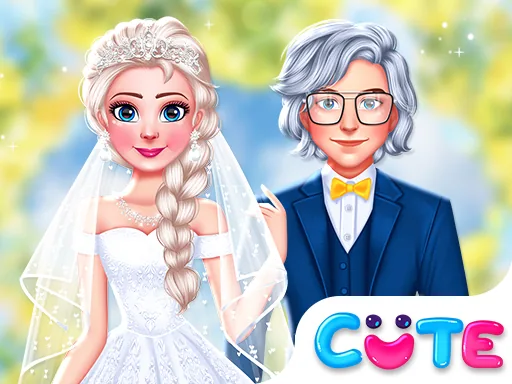
Categories run across tabs for gown, veil, hair, and bouquet, each holding a handful of options: a lace ball gown next to a fitted mermaid cut, a cathedral veil beside a shorter birdcage one, pearl combs, satin gloves, a bouquet of peonies or roses. The veil sits on top of whatever hairstyle you picked, and gloves layer over the gown's sleeves without covering the detail underneath.
Where most wedding & bridal dress up games stop at the bride, this one also lets you set the aisle color and flower arrangements, so the finished scene feels staged instead of a single outfit. A round wraps up with the bride posed at the altar, the whole scene rendered in the colors you built.
The bouquet color is the easiest piece to lock in first, since matching a gown to flowers already picked is simpler than working backward from the dress. A shorter veil reads cleaner with a high neckline, while a cathedral veil suits a plainer gown with fewer other details. The glove tab sits off to the side and is easy to miss, but it changes the sleeve line enough to matter for the finished photo.
How do you play and control Barbie Wedding Dress?
Click a gown, veil, or bouquet thumbnail to place it on the bride, and use the tabs at the top to switch categories.
Tap through the tabs to open each category and tap an item to try it on the bride.
Game details
| Specification | Details |
|---|---|
| Game Title | Barbie Wedding Dress |
| Category / Genre | Couples & BFFs |
| Platform | Web browser — phone, tablet and desktop checked |
| Release Date | September 2026 |
| Technology | HTML5 |
| DressUpLand account | Not required |