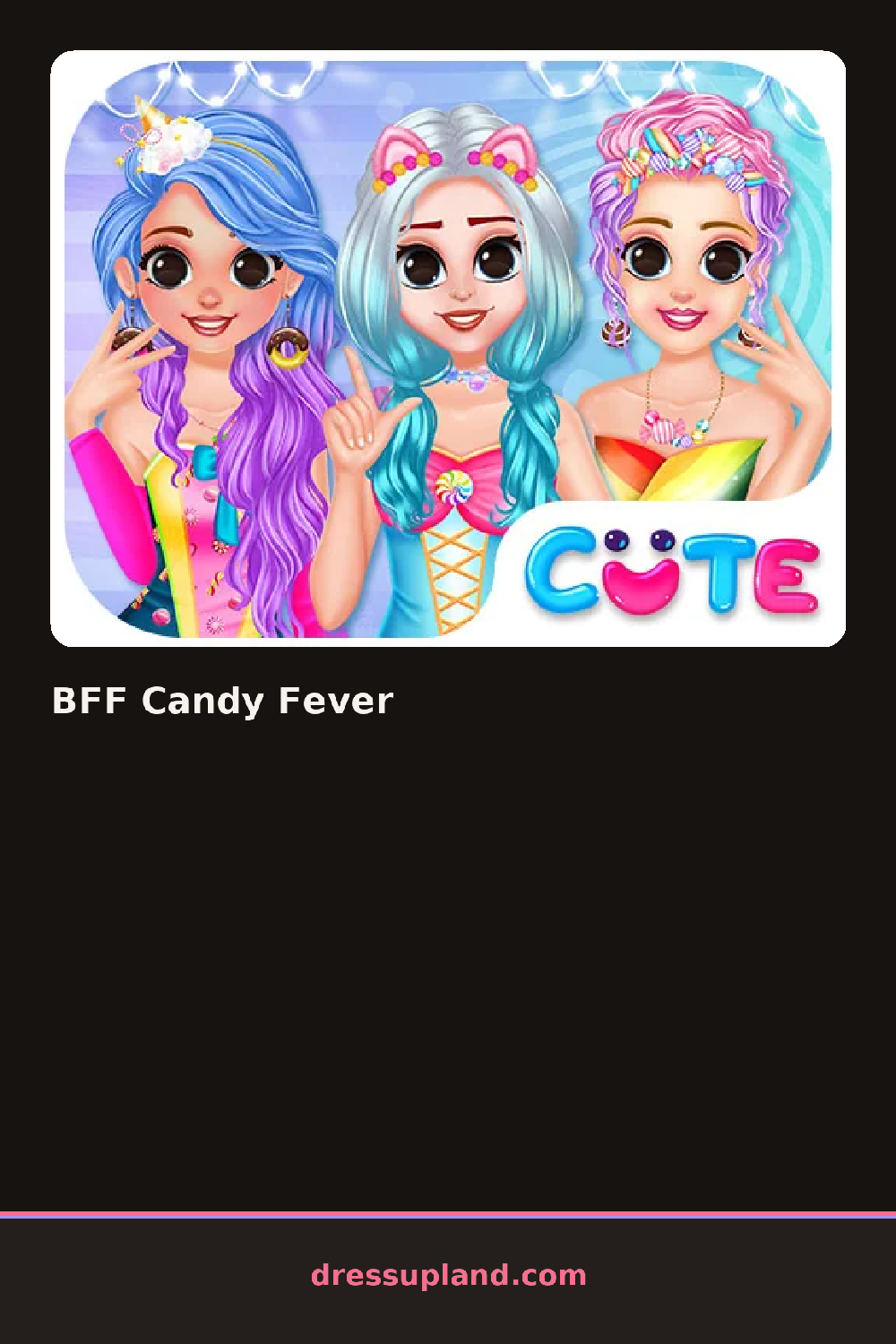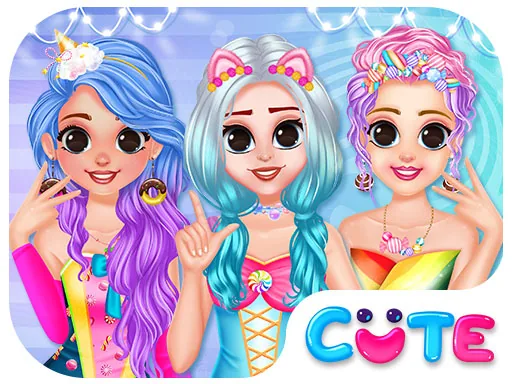

What is BFF Candy Fever?
Two best friends stand side by side on the loading screen, already wearing plain base outfits. Before anything else, you choose which girl to work on, since each one gets styled separately. Tap a category along the bottom and a rack of options slides in. The first pick is usually hair, and it changes instantly on the character the moment you tap a style.
The wardrobe runs on a sweet shop theme. There are swirl-dye dresses, cupcake-print tops, tulle skirts in bubblegum pink, striped knee socks and shoes with bow details. Accessories include lollipop-shaped earrings, candy bead bracelets and little berets. Hair options go from loose curls to twin buns, and each girl has her own color palette so they can match without looking identical. Pieces layer in a sensible order, so socks sit under shoes and jewelry stays visible over sleeves.
The twist is that you are styling two characters at once, and the game keeps both girls on screen so you can compare while you work. Most rounds end when both looks are finished and you hit the done button, which brings up a side-by-side view of the pair. It plays like a friendship-themed character creator rather than a runway contest, so nobody grades your outfit.
Work on one girl completely before starting the other, or the palettes drift apart. Pick a candy color for the first friend, then repeat it in one small piece on the second, like a bracelet or a bow, so they read as a set. If a busy print dress fights with big earrings, swap in studs.
How do you play and control BFF Candy Fever?
Click a category tab, then click any item to apply it to the selected girl.
Tap the category tabs at the bottom and tap items to dress each friend.
Game details
| Specification | Details |
|---|---|
| Game Title | BFF Candy Fever |
| Category / Genre | Princess |
| Platform | Web browser — phone support not yet checked |
| Release Date | September 2026 |
| Technology | HTML5 |
| DressUpLand account | Not required |