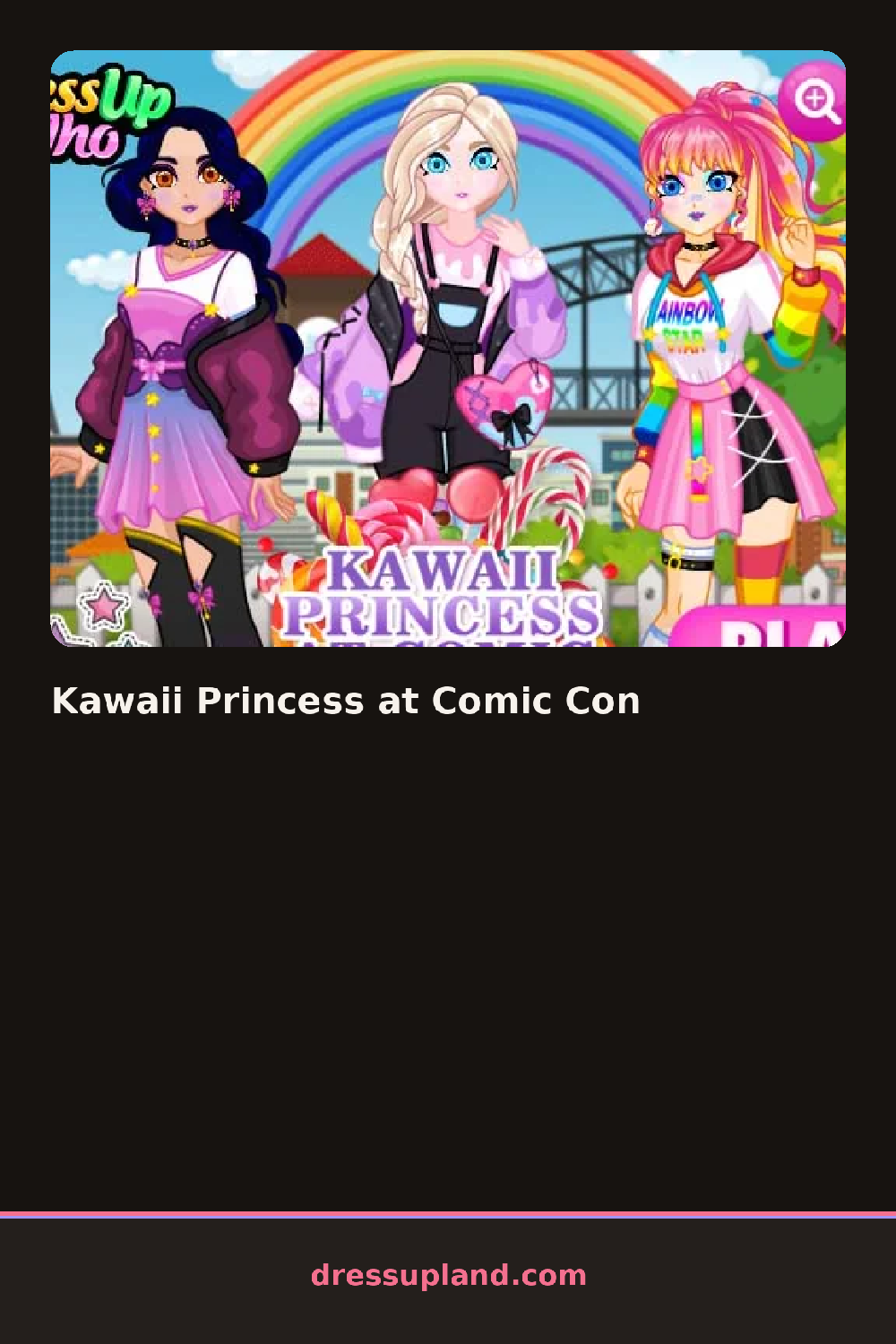
What is Kawaii Princess at Comic Con?
The scene opens on a convention hall backdrop with a blank-faced princess waiting at the center. Kawaii Princess at Comic Con starts you at the face rather than the closet: the first tap sets an eye color, and lashes and a blush shade fill in right away. Only after the face is set does a rack of costume pieces slide into view, so every outfit choice happens against a look you already picked.
Costume pieces split into cosplay basics and princess trim: a corset-laced bodice, a cropped cape with a hood, striped thigh-high socks, and a convention badge on a lanyard that hangs over anything underneath. Hair options run from a high ponytail with baby bangs to twin buns wrapped in ribbon, and each style takes a clip-on bow or a pair of cat-ear headphones on top. Face layers stack too: a base blush, a second gloss coat over it, and stick-on gem freckles above both.
What separates this princess dress up game from a straight fairy-tale one is the con-floor setting: props like a plush mascot to hold, a fan-made prop sword, and a photo backdrop sit alongside the cosplay pieces, so the styling choices read as costume for a crowd, not a private closet. A finished look ends the round with a snapshot screen, badge and all, framed like a convention photo op.
Matching the cape color to the eye shade tends to pull the whole look together before any accessories go on. Layering the badge lanyard over a plain bodice reads better than a busy printed one, since the badge already adds detail. The cat-ear headphones sit easily under a lot of hairstyles, so it helps to try them before locking in a hair choice.
How do you play and control Kawaii Princess at Comic Con?
Click a category tab, then click an item to put it on, and click the camera icon when the look is finished.
Tap a category tab along the bottom, then tap an item to try it on, and tap the camera icon to save the photo.
Game details
| Specification | Details |
|---|---|
| Game Title | Kawaii Princess at Comic Con |
| Category / Genre | Princess |
| Platform | Web browser — phone support not yet checked |
| Technology | HTML5 |
| DressUpLand account | Not required |