What is Blonde Chibi Fashion Show?
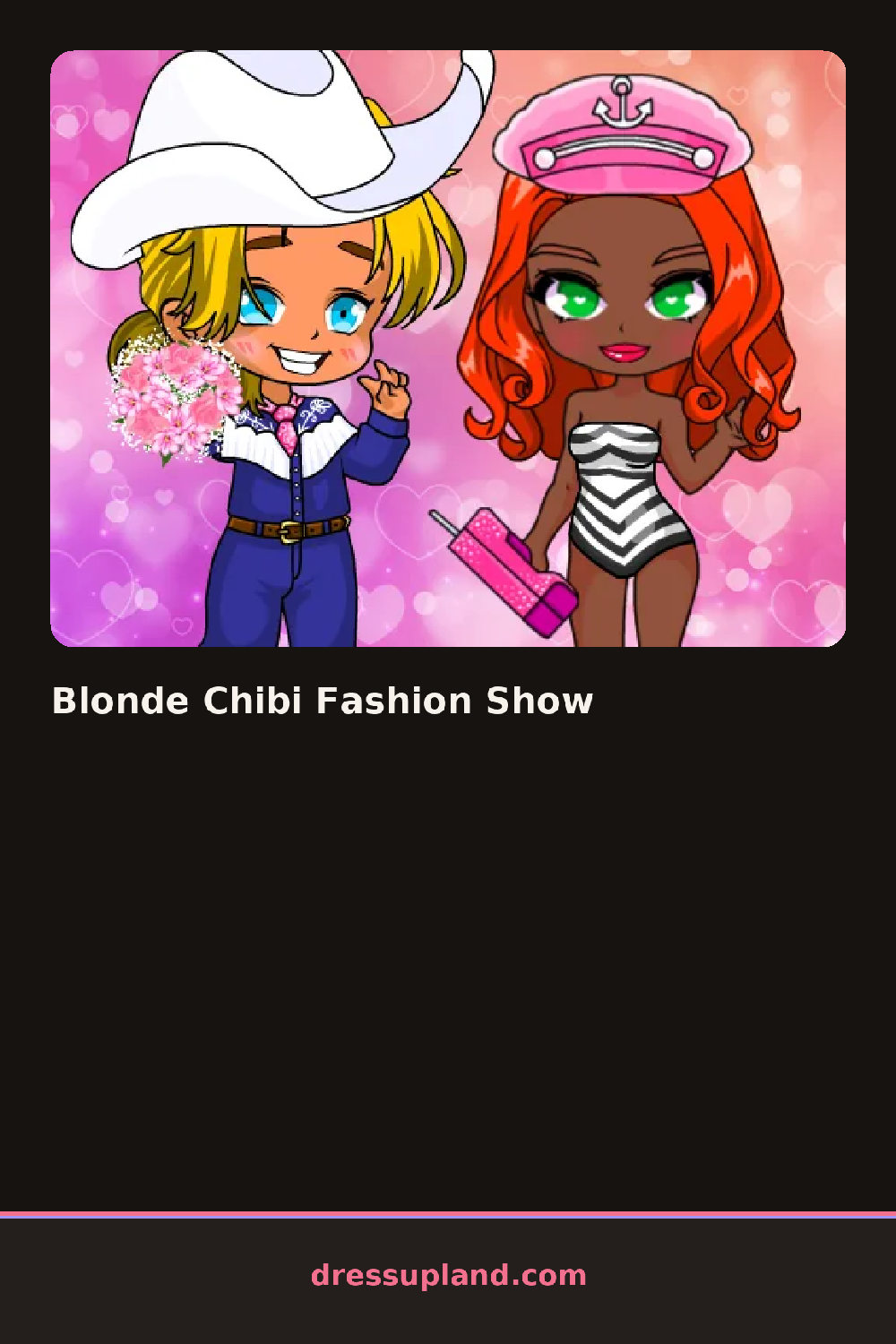
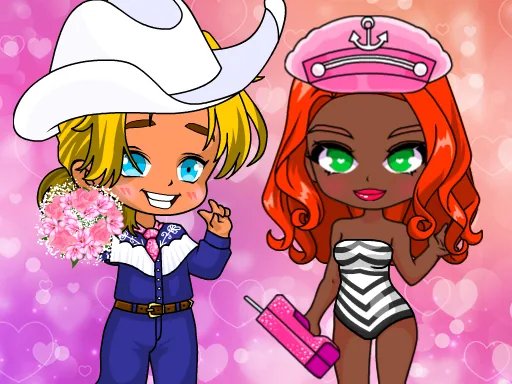
The screen centers on a big-eyed chibi model with an oversized head and tiny body, and Blonde Chibi Fashion Show starts you on the hair — picking a wig shade before anything else, since the blonde base changes how every later color reads against it.
Below the model, tabs split into wigs, eyes, outfits, and a charms row for tiny hand-held props like stars or plushies. Outfits stack in two layers, a dress or top first, then a cape or oversized bow clipped on top, so the same base dress looks different depending on what's layered over it. Eye style sits in its own tab, separate from makeup, since chibi eyes take up most of the face.
This character creator leans into scale instead of realism: proportions stay exaggerated no matter what you dress the model in, which is the whole joke of a chibi look. A round ends with a pose shot of the finished character, framed like a trading card instead of a runway photo.
Picking the eye color before the outfit helps, since chibi eyes take up so much of the face that they set the mood for everything else. Oversized bows or charms clipped near the face read better than ones near the feet, because the head is drawn so much bigger than the body. Matching wig shade to eye color, blonde with a warm brown eye for instance, keeps the face from looking flat.
How do you play and control Blonde Chibi Fashion Show?
Click a tab to open a category and click an item to place it on the chibi model, then click the camera icon to save the pose.
Tap a tab to browse a category and tap an item to add it to the chibi model, then tap the camera icon to save the pose.
Game details
| Specification | Details |
|---|---|
| Game Title | Blonde Chibi Fashion Show |
| Category / Genre | Anime & chibi |
| Platform | Web browser — phone support not yet checked |
| Release Date | September 2026 |
| Technology | HTML5 |
| DressUpLand account | Not required |