What is BTS Signature Style?
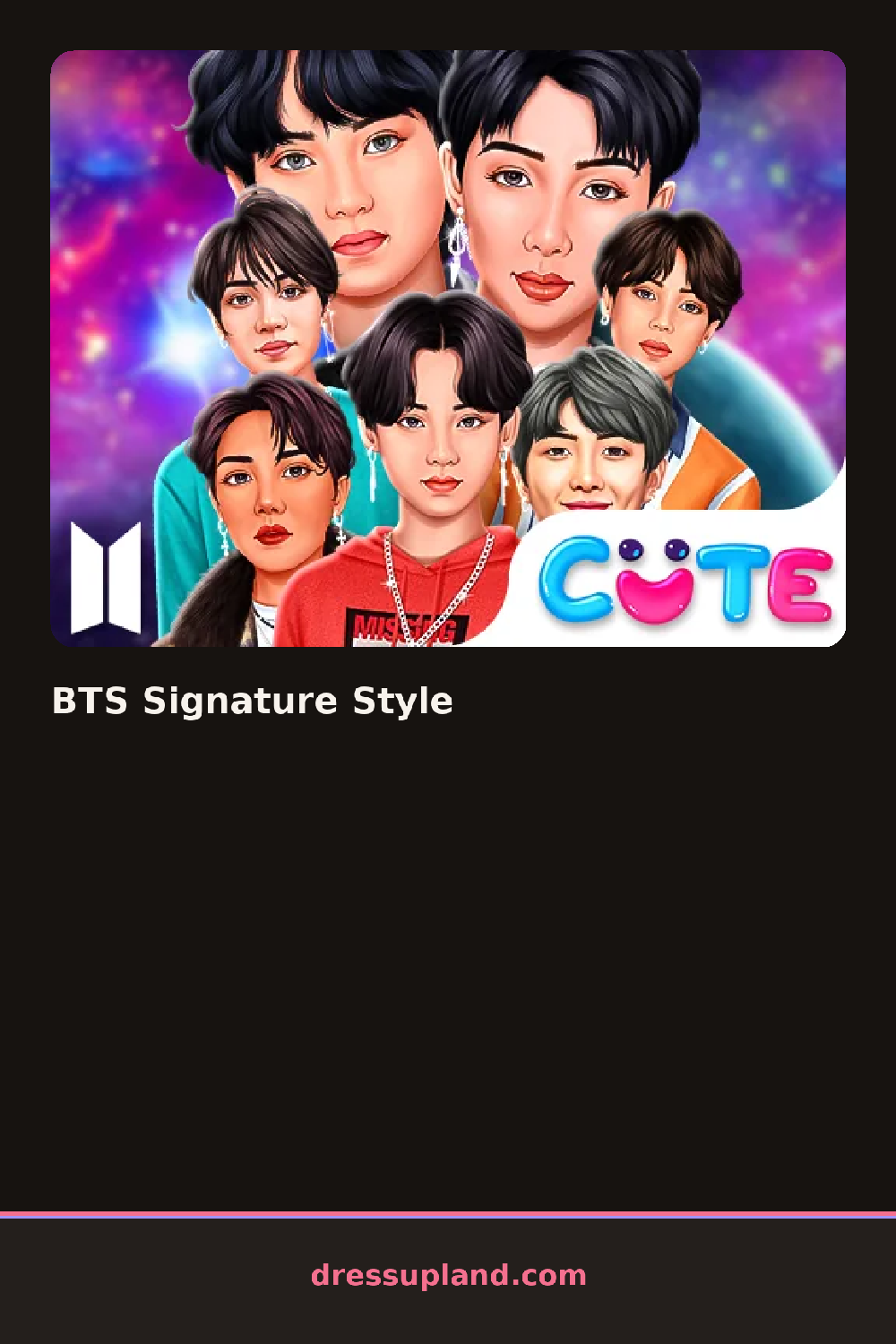
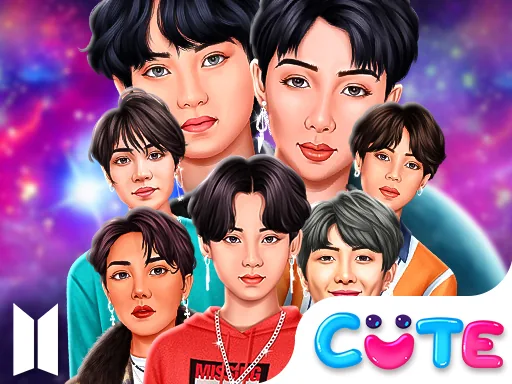
Backstage lighting frames a chibi idol in a plain hoodie and sneakers, standing on a bare stage floor before anything else gets picked. The first choice is usually a jacket or a hairstyle, and it swaps into place immediately, already changing the character's whole silhouette. BTS Signature Style keeps that same stage floor lit for the whole session, so every combination gets checked under real stage light instead of a plain fitting room.
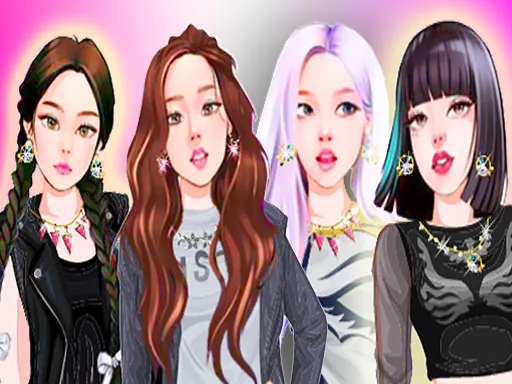
Streetwear pieces fill most of the tabs: an oversized bomber jacket, ripped skinny jeans, a graphic tee, layered chain necklaces, and high-top sneakers, with a separate tab for hair color and cut. Stage-specific pieces sit alongside the streetwear, a structured blazer and a pair of dressier boots for a sharper look. Pieces stack the way real streetwear does, so the jacket covers the tee and the chains sit outside the collar instead of underneath it.
Where a lot of idol styling games lean toward one polished look, this one leaves room for something rougher, ripped denim and sneakers sitting right next to a tailored jacket in the same rack. A finished outfit gets one held pose under the stage lights as the closing shot of this character creator, not a runway walk or a scored ending.
Locking in a jacket color first sets the palette the shoes and beanie need to match, since streetwear reads messy fast when three pieces pull in three different directions. Keeping the chain length short when the jacket is already busy stops the front of the outfit from feeling crowded. The hair color strip hides under a small tab next to the jacket options and is easy to scroll past, but it changes the stage pose more than one more chain would.
How do you play and control BTS Signature Style?
Click a jacket, shirt, pair of shoes, or hairstyle to put it on the chibi idol, then use the top tabs to switch between clothing, accessories, and hair.
Tap a tab to open the clothing, accessory, or hair tray, then tap any piece to try it on before tapping the stage button to see the finished look.
Game details
| Specification | Details |
|---|---|
| Game Title | BTS Signature Style |
| Category / Genre | Anime & chibi |
| Platform | Web browser — phone support not yet checked |
| Technology | HTML5 |
| DressUpLand account | Not required |