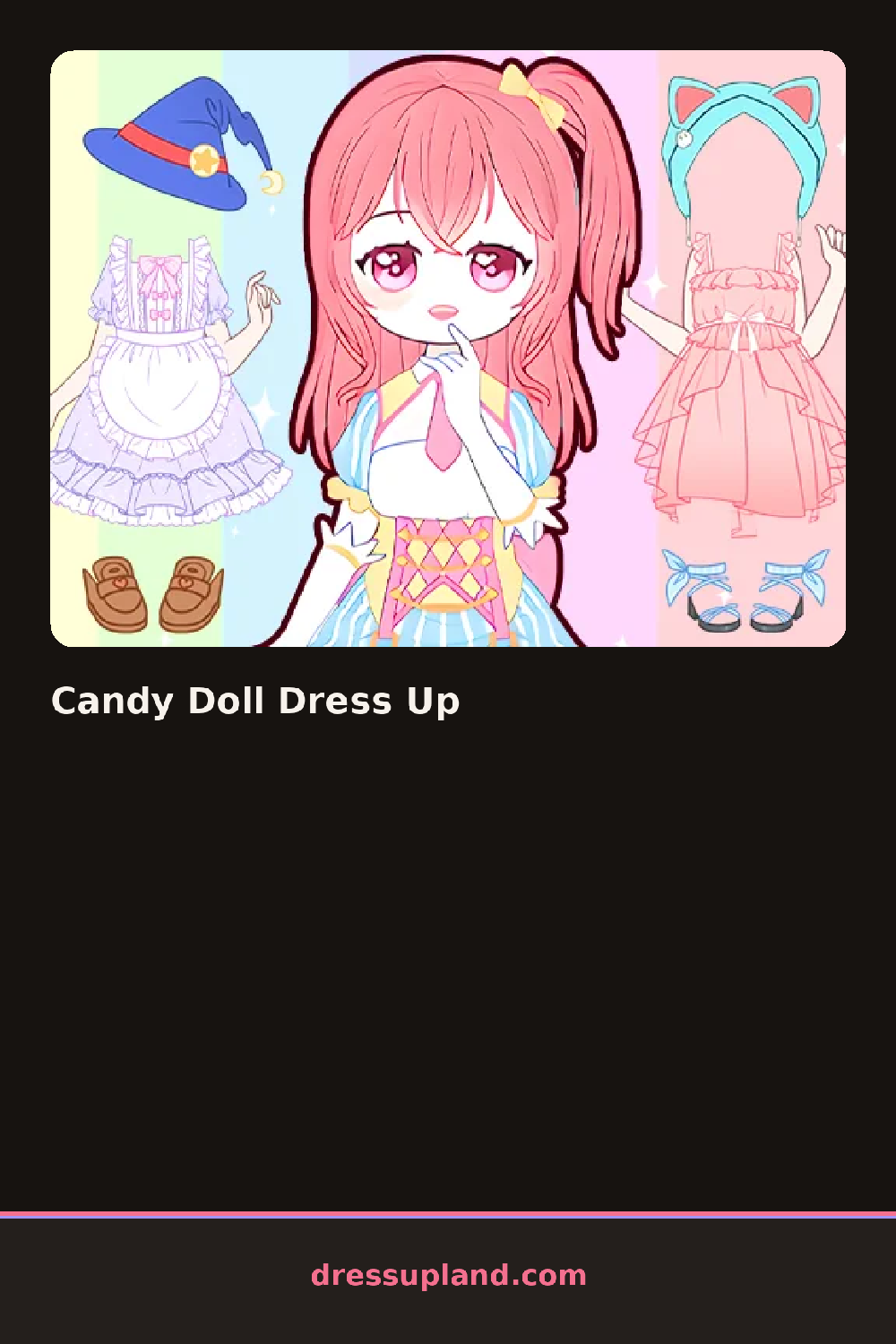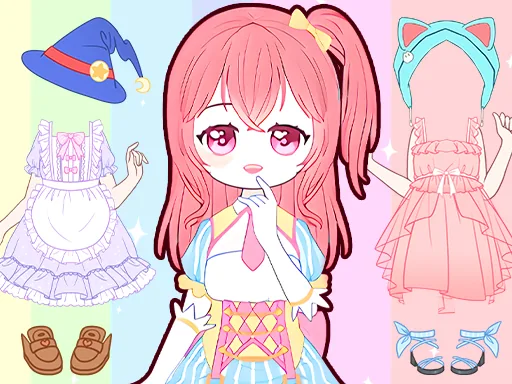

What is Candy Doll Dress Up?
Standing center screen in Candy Doll Dress Up is a round-faced doll with blank hair, and the first choice is usually a wig, since a cotton-candy pink bob or a mint-green ponytail sets the palette for everything picked after it. A row of candy-shaped icons along the bottom hints at the theme before any dress gets tried on.
The wardrobe splits into hair, dresses, shoes and a candy accessories tab stocked with lollipop hair clips, gumdrop earrings and a peppermint-striped headband. Dresses run from a plain tulle skirt to a frosting-layered gown with a cupcake-shaped bodice, and most pieces layer, so a candy necklace sits fine over a high collar instead of needing a bare neck underneath.
The detail this princess dress up game leans on is the candy theme running through every category instead of just a few novelty pieces, so even the shoes come as gumdrop heels or licorice-lace boots instead of plain flats. A finished look gets saved as a still portrait, doll and outfit locked in place, ready to hold up against the next combination.
Sticking to one candy type, all mint or all strawberry, keeps a full outfit from looking like a mismatched candy dish, since the palette leans bright and clashes fast across flavors. Trying the headband before the earrings helps, since a tall bow can crowd out a pair of dangly gumdrop earrings added afterward. The background swap sits apart from the doll's own items and changes how every color reads, easy to skip by accident.
How do you play and control Candy Doll Dress Up?
Click an item in the side wardrobe menu to put it on the doll, and click it again to swap it for another option.
Tap a wardrobe tab, then tap an item to place it on the doll.
Game details
| Specification | Details |
|---|---|
| Game Title | Candy Doll Dress Up |
| Category / Genre | Princess |
| Platform | Web browser — phone, tablet and desktop checked |
| Release Date | September 2026 |
| Technology | HTML5 |
| DressUpLand account | Not required |