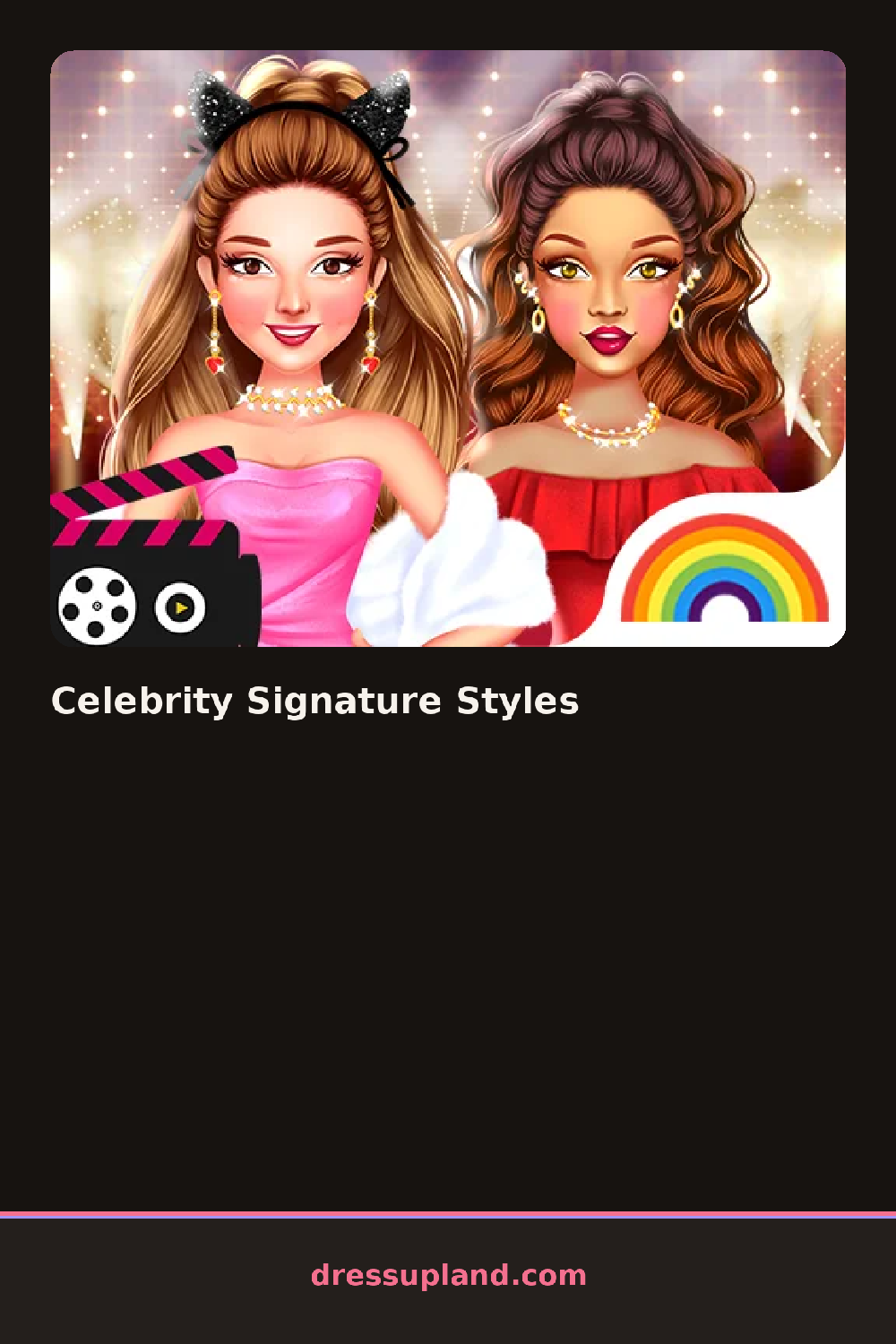

What is Celebrity Signature Styles?
A bare face fills the screen, flat-skinned and un-lipsticked, with no outfit chosen yet. Celebrity Signature Styles starts you on makeup: a foundation shade, then a lip color pulled from a row of finished look-books. Picking a bold red over a soft pink changes the whole mood of the face before a single piece of clothing goes on.
The toolkit runs through eyeshadow palettes grouped by finish, matte or shimmer, a false-lash tray, and separate brushes for contour and blush. The clothing rack sits below, split by mood rather than size: a sequined slip dress, a tailored blazer, a leather mini skirt. Makeup layers in order, base first, then eyes, then lips, and every outfit piece stacks over a plain bodysuit so nothing clips through.
The detail this makeover game leans on more than most is the way each finished look echoes a recognizable style archetype, such as bold red-carpet glam or quiet minimalism, instead of one generic template stretched across every face. A round ends with a finished portrait, held up against the archetype you were aiming for, ready to save or restart with a different persona.
Setting the base makeup shade before picking eyeshadow keeps the color story readable. Choosing an outfit that matches the boldness of the makeup, instead of pulling in opposite directions, makes the whole look feel intentional. A statement earring works better alone than stacked with a heavy necklace.
How do you play and control Celebrity Signature Styles?
Click a makeup or clothing item in the side panel to apply it, and use the category tabs to switch between hair, face, and outfit.
Tap a category tab, then tap an item to apply it to the face or outfit.
Game details
| Specification | Details |
|---|---|
| Game Title | Celebrity Signature Styles |
| Category / Genre | Makeover |
| Platform | Web browser — phone support not yet checked |
| Release Date | September 2026 |
| Technology | HTML5 |
| DressUpLand account | Not required |