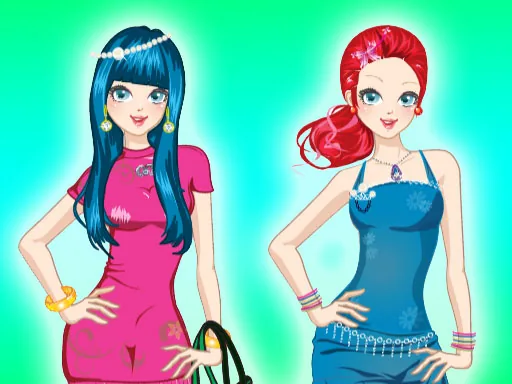
What is City Fashion?
The screen loads on a sidewalk corner with a mannequin waiting for its first outfit, and City Fashion starts you off by choosing a base top and bottom before anything else unlocks. Swapping that first top changes the color options for shoes and bags underneath, so an early pick nudges the whole rest of the outfit.
Categories run along tabs for tops, bottoms, outerwear, shoes, and bags, with a separate strip for jewelry and sunglasses. A cropped denim jacket can sit over a plain tee, a trench coat layers over both, and scarves tuck in at the collar without hiding what is underneath. Bags and sunglasses stack on top of any combination, adding accent color without touching the base look underneath.
Instead of one runway pose, this fashion game keeps the mannequin on a city street corner, with buses and storefronts blurring past in the background, so the outfit reads against real motion instead of a blank stage. A session ends with a saved street-style photo, cropped like a candid shot, that can be swapped out for a fresh block and outfit right after.
Neutral bottoms make it easier to experiment with a loud jacket or a printed bag without the whole outfit turning busy. Picking one accessory color to echo the jacket lining pulls the look together more than adding more pieces. The background picker sits off in a corner tab and is easy to skip, but changing it after the outfit is finished changes the whole feel of the final photo.
How do you play and control City Fashion?
Click a tab to open a clothing category, then click any thumbnail to place it on the mannequin, using the arrows to browse more options in that tab.
Swipe between the tabs at the bottom and tap a thumbnail to try it on.
Game details
| Specification | Details |
|---|---|
| Game Title | City Fashion |
| Category / Genre | Fashion & runway |
| Platform | Web browser — phone, tablet and desktop checked |
| Release Date | September 2026 |
| Technology | HTML5 |
| DressUpLand account | Not required |