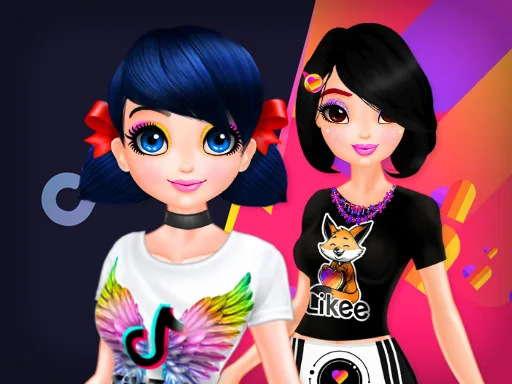
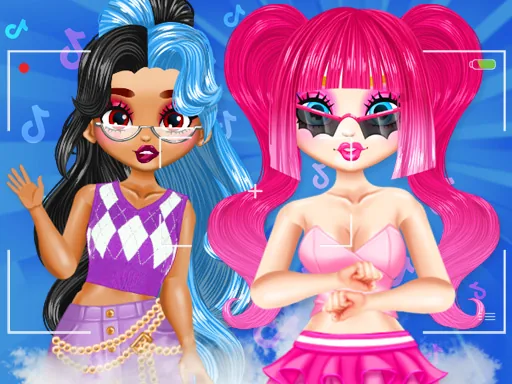
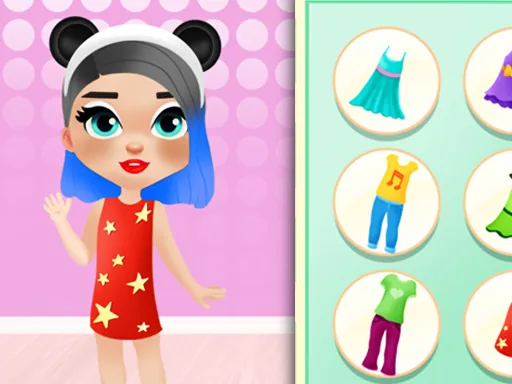
What is Princess Influencer Salon?
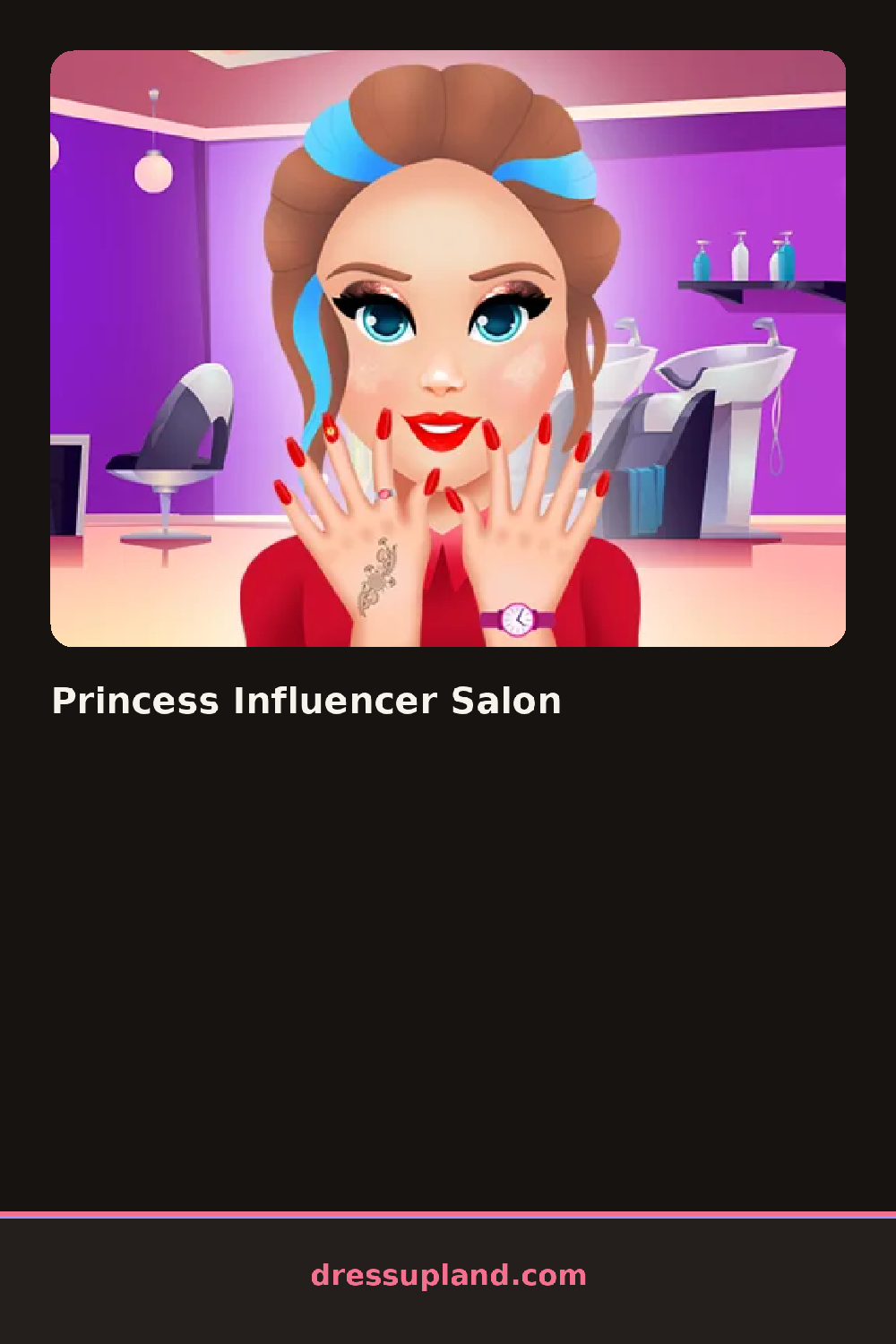
The screen opens on a princess mid-glam, sitting in a salon chair with hair, nail and makeup stations lined up along the side. Your first pick, usually a hair color or a lip shade, shows up on her immediately, so Princess Influencer Salon feels less like browsing a menu and more like watching a makeover happen in real time.
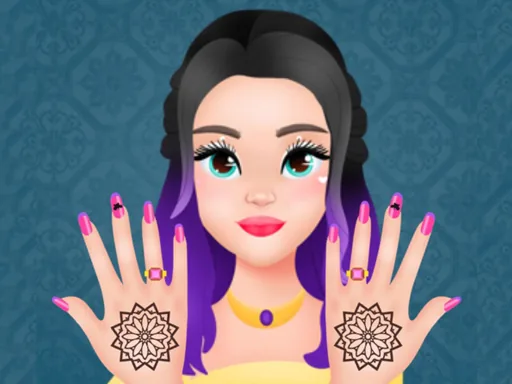
The stations cover the usual salon ground: a curling iron and several updo options for hair, polish colors and nail art stickers for the manicure station, a spa layer for skin, and a makeup case running from foundation to a matte lipstick. Past that, a set-decorating section lets you build the backdrop, picking a backdrop color, a ring light and small props, all of it sitting behind the princess once the camera comes out.
The camera and feed screen is the one thing here that a plain makeover game doesn't have: instead of just judging the finished face, you frame a shot, pick a filter and post it, so the styling choices you made get judged twice, once in the mirror and once on the feed. A round ends with that posted photo sitting in a mock feed next to whatever you made before it.
Building the backdrop before the final outfit keeps the whole photo in one color family, since a ring light and a plain backdrop tend to flatter more looks than a busy prop wall. Picking nail polish and lipstick in the same shade family reads better in a close-up shot than in the full mirror view. Angling the camera before locking in a filter matters too, since a filter can wash out makeup details the earlier stations took time to set.
How do you play and control Princess Influencer Salon?
Click a station icon to open its options, then click individual hair, nail, makeup or decor items to apply them, and click the shutter button to take the photo.
Tap a station tab to open its tools, tap items to apply them, and tap the shutter icon to snap and post the photo.
Game details
| Specification | Details |
|---|---|
| Game Title | Princess Influencer Salon |
| Category / Genre | Princess |
| Platform | Web browser — phone support not yet checked |
| Technology | HTML5 |
| DressUpLand account | Not required |