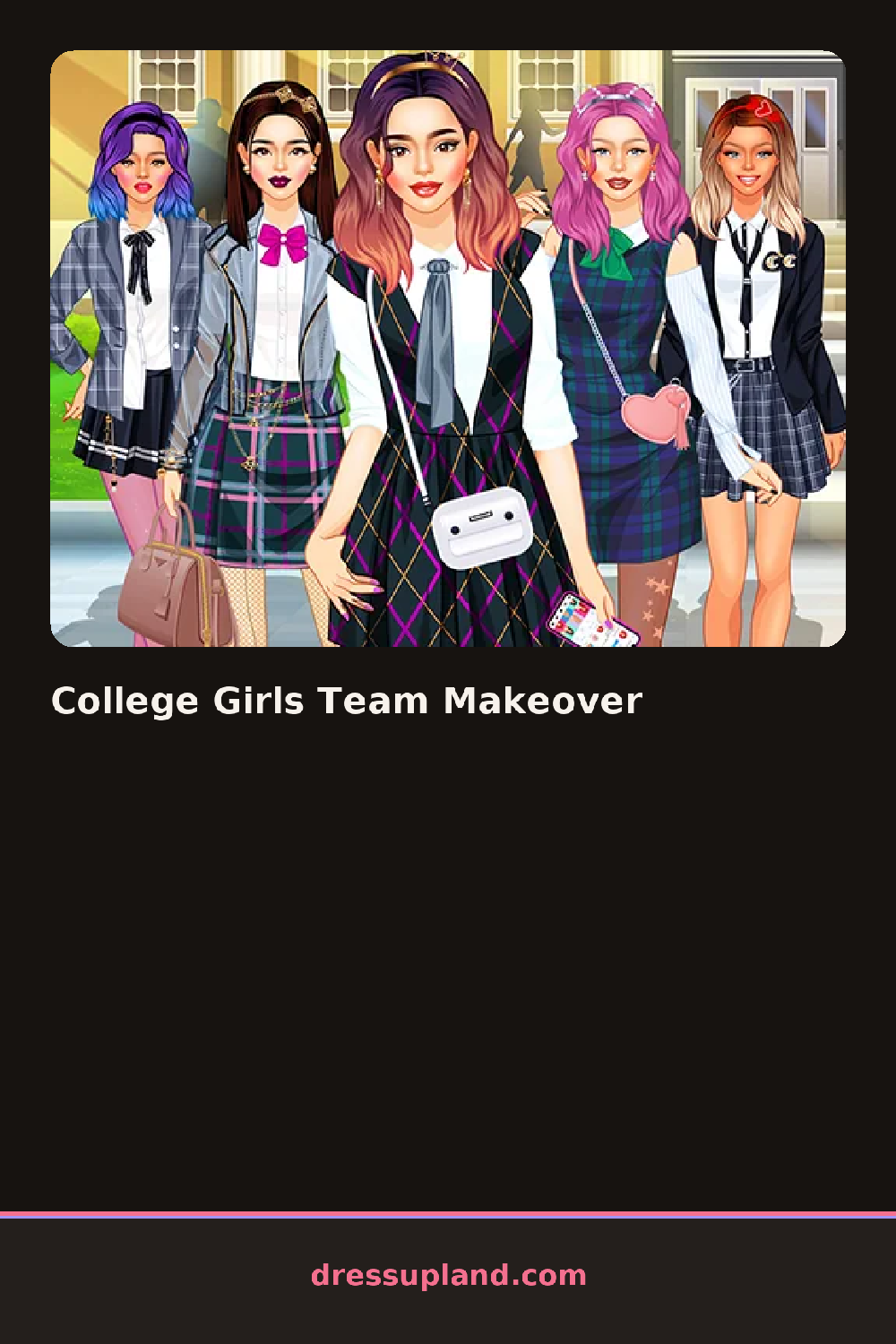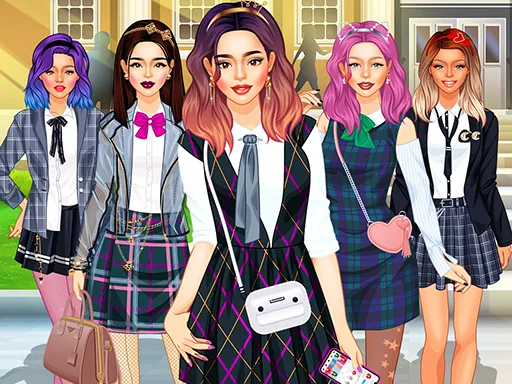

What is College Girls Team Makeover?
College Girls Team Makeover opens on a lineup of teammates who all need to look sharp before the group photo. You click through them one at a time, and the first thing you settle is skin tone and a base hairstyle, which changes how every color you add later actually reads.
The toolkit splits into the usual stations: hair up top with buns, ponytails and a loose side braid, then a face pass for eyeshadow, blush and a matte lipstick. Clothing runs from crop tops and pleated skirts to varsity jackets and sneakers, and accessories cover hoop earrings, backpacks and scrunchies. Most pieces layer, so a jacket sits over a top and a scarf sits over the jacket without hiding either one.
What separates this makeover game from a solo dress-up round is the roster itself: you are not finishing one character, you are matching a small group so their colors and styles feel like they belong to the same team. The round ends with a finished lineup you can look over side by side, more like a yearbook page than a single portrait.
Pick one accent color early and repeat it across two or three teammates so the group reads as a set instead of five unrelated outfits. Save bold lipstick and eyeshadow choices for after the hair is locked in, since a bright color under the wrong hairstyle can throw off the whole face. Cycle back through the lineup once everyone has a base look, since small swaps like matching shoes or scarves pull the group together at a glance.
How do you play and control College Girls Team Makeover?
Click a teammate to select her, then click through the hair, face and clothing tabs and click an item to apply it.
Tap a teammate's thumbnail to open her, then tap the category tabs and tap an item to put it on.
Game details
| Specification | Details |
|---|---|
| Game Title | College Girls Team Makeover |
| Category / Genre | Makeover |
| Platform | Web browser — phone support not yet checked |
| Release Date | September 2026 |
| Technology | HTML5 |
| DressUpLand account | Not required |