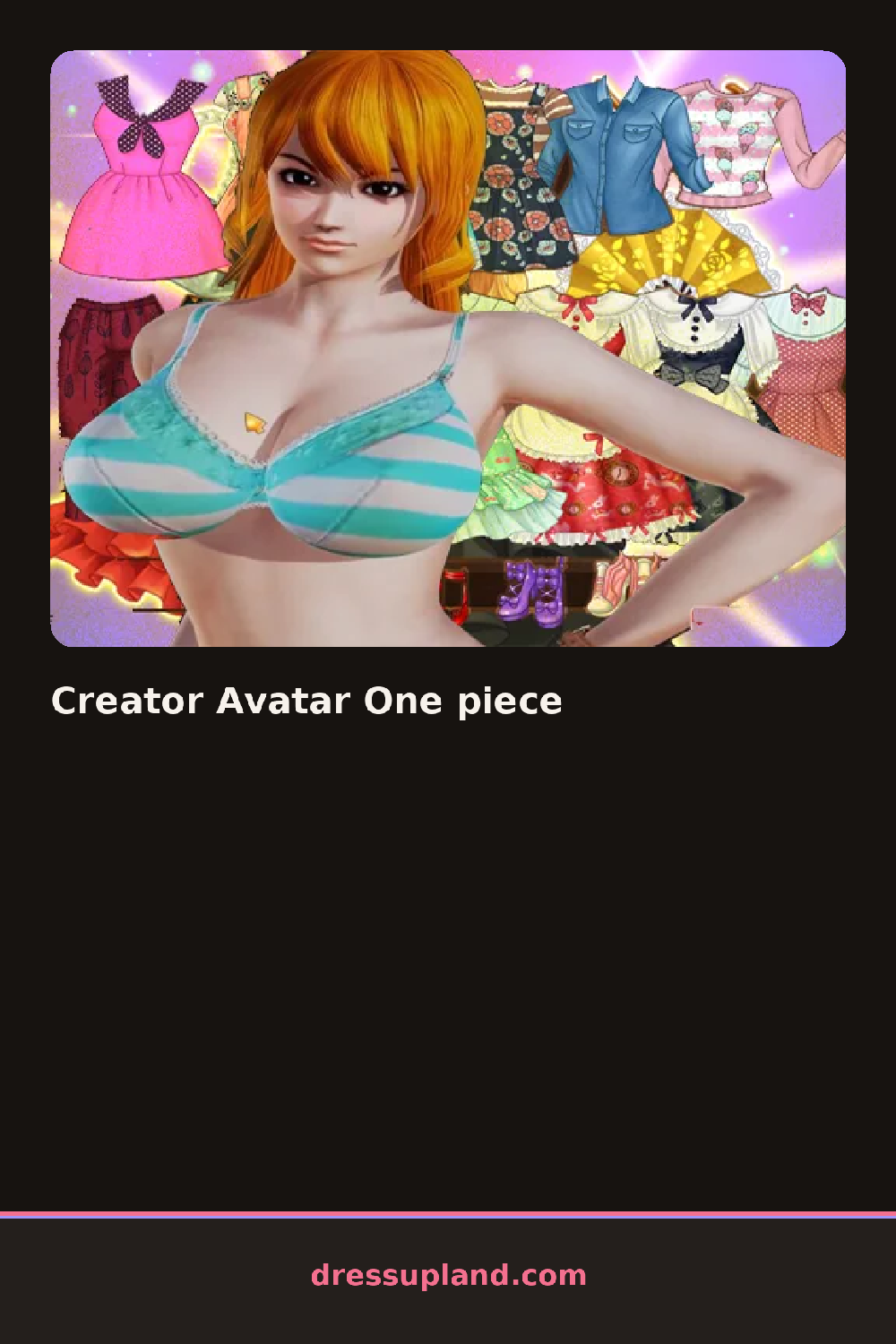

What is Creator Avatar One piece?
Before any outfit loads, the screen asks for the basics: skin tone, face shape, and eye color on a plain avatar with no clothes yet. Creator Avatar One Piece treats the body as the actual starting point, so the first few taps shape a face and figure before a single wardrobe tab even opens.
Once the body is set, the wardrobe splits into tops, bottoms, and a dedicated one-piece category that covers jumpsuits, rompers, and full-length overalls in one slot instead of two. There are also jackets and cardigans that layer over the base outfit, a row of sneakers and sandals, and simple accessories like hoop earrings and a beanie. Hair is its own menu, separate from face and clothing, with cuts ranging from a blunt bob to long waves.
The one-piece slot marks the real difference this character creator has from wardrobes built entirely around separates, since a jumpsuit or romper covers the torso and legs in a single choice instead of matching a top to a bottom. A session ends with a finished avatar that can be saved or shown off as a static portrait.
Getting the face and hair settled before picking an outfit keeps the later choices from feeling like an afterthought. A one-piece works better with a jacket layered open rather than buttoned, since it shows off both pieces at once. The accessory menu sits under a small icon easy to miss next to the hair tab, and it's where earrings and hats actually live.
How do you play and control Creator Avatar One piece?
Click the face, body, and clothing tabs in turn, then click each option to apply it to the avatar.
Tap through the tabs at the bottom to switch categories and tap an option to apply it to the avatar.
Game details
| Specification | Details |
|---|---|
| Game Title | Creator Avatar One piece |
| Category / Genre | Princess |
| Platform | Web browser — phone, tablet and desktop checked |
| Release Date | September 2026 |
| Technology | HTML5 |
| DressUpLand account | Not required |