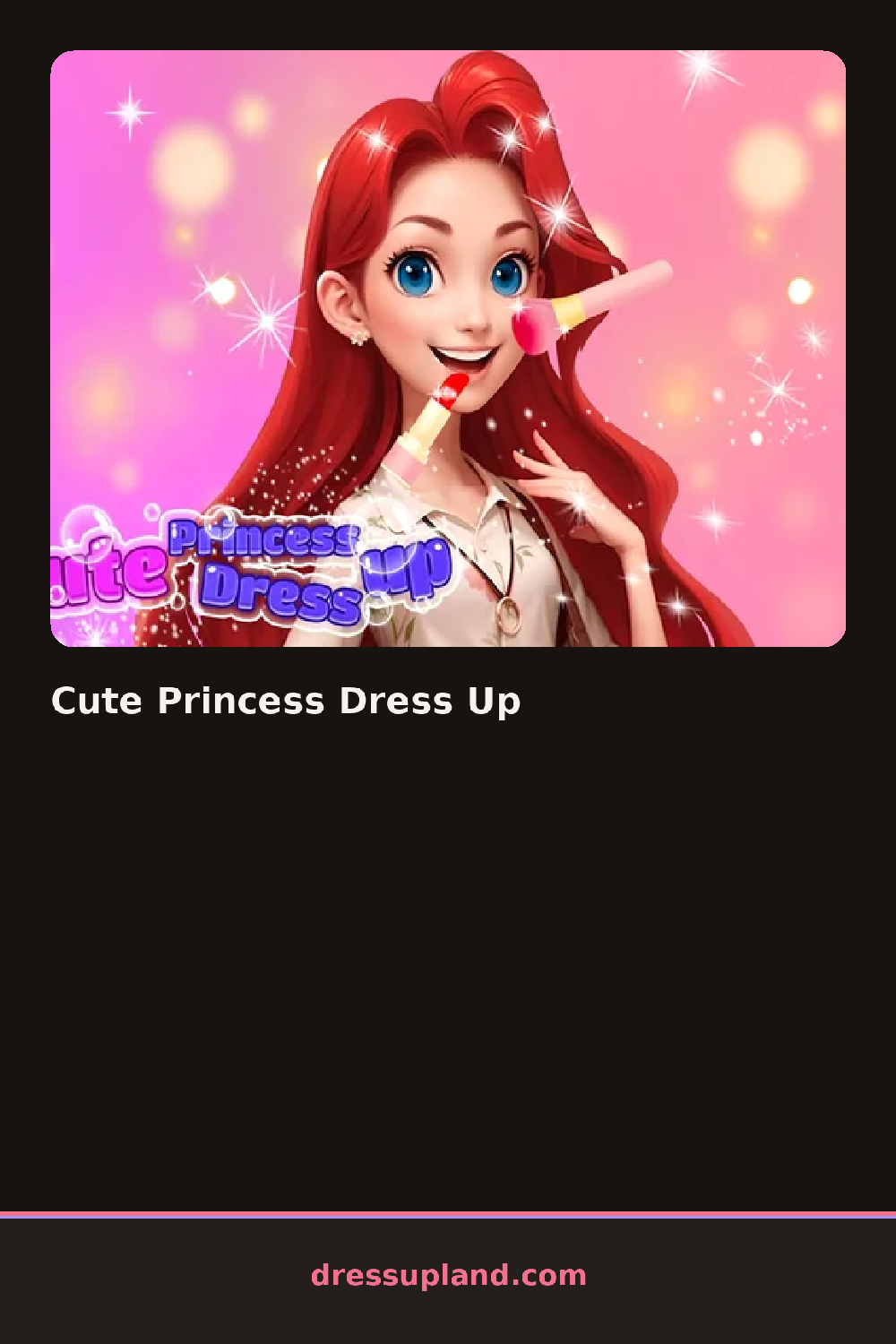

What is Cute Princess Dress Up?
The screen opens on a princess standing in front of a castle backdrop, already in a plain starter gown. The wardrobe opens first, and the initial pick is a dress, which appears on her the moment you tap it, no dragging needed. Changing your mind is just another tap.
The wardrobe runs top to bottom: hair, tiaras and crowns, gowns, then jewelry and small touches like gloves or a wand. Hair options run from a loose side braid to an updo with curls framing the face. Gowns range from big puffy ballgowns with glittery skirts to simple satin dresses in deeper colors. Tiaras, earrings, and necklaces sit in their own tabs near the bottom. Pieces layer cleanly, so a necklace sits over the gown's neckline and a tiara nestles into whatever hairstyle you picked.
Where this one differs from the usual princess dress up game is the ending. Instead of a score, finishing a look saves it as a framed royal portrait, and you can start a second look with a new hair color and skin tone, so the portraits stack up like a small gallery of different court members.
Pick the gown before the hair, because the neckline and skirt shape decide which updo actually shows. Match the tiara's gem color to one detail in the dress, like the sash, instead of mixing metals. And check the jewelry tab before you call it done, since a plain gown plus one bold necklace reads far better than adding more layers on top.
How do you play and control Cute Princess Dress Up?
Click wardrobe tabs and items to apply them directly to the princess, then click the portrait button when the look is finished.
Tap categories and pieces to dress the princess, then tap the camera icon to save her portrait.
Game details
| Specification | Details |
|---|---|
| Game Title | Cute Princess Dress Up |
| Category / Genre | Princess |
| Platform | Web browser — phone support not yet checked |
| Release Date | May 2024 |
| Technology | HTML5 |
| DressUpLand account | Not required |