
What is Cutie Unicorn Care?
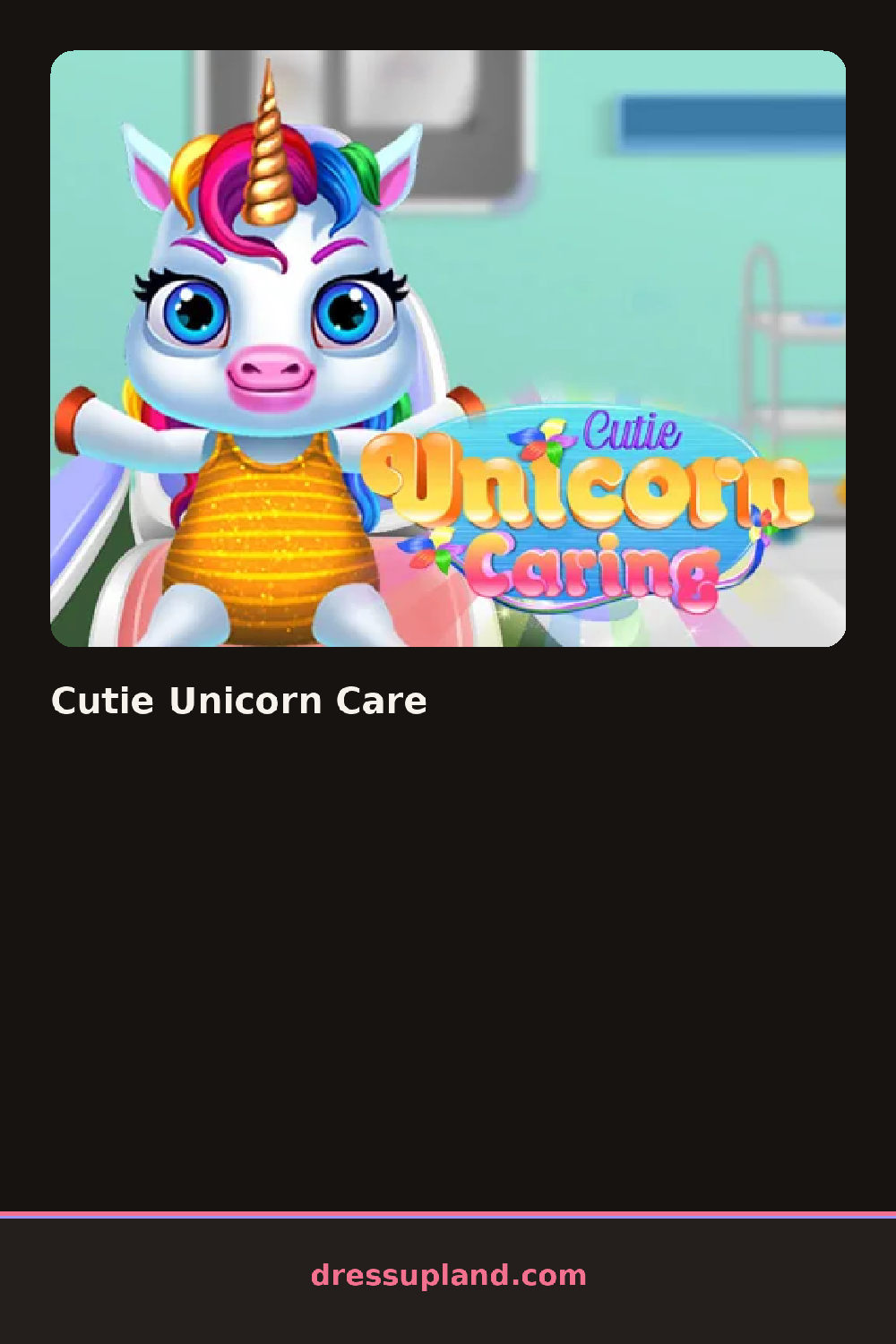
Dull-coated and plain, a unicorn stands waiting when Cutie Unicorn Care opens, and the first task is usually a wash, since a soap or brush icon has to be dragged over its coat before any color options light up.
Care tools come first, a hairbrush, a bottle of shampoo, a hoof file, each one tied to a specific spot on the unicorn's body. Once the grooming is done, a second panel opens with the dress-up side: a jeweled horn cover, a braided or curled mane style, a set of hoof charms, a flowing tail ribbon, all of it layering onto the same coat color chosen earlier.
This fantasy dress up game adds a full care step ahead of the styling, so the coat, mane, and horn all have to be washed and colored before jewelry or ribbons go on top. A session ends with the unicorn standing in a finished pose, coat gleaming, mane styled, ready for a screenshot.
Wash the coat before locking in a color, or the tint ends up patchy over the dirt marks left from the start screen. Horn covers and mane styles read best in matching tones, since a gold horn against a rainbow mane can look busy instead of magical. The hoof-charm menu is easy to scroll past, but it is worth opening since it changes every hoof at once instead of one at a time.
How do you play and control Cutie Unicorn Care?
Click and drag grooming tools onto the unicorn, then click wardrobe icons to add mane styles, horn covers, and charms.
Drag a finger across the unicorn to groom it, then tap wardrobe icons to style its mane, horn, and hooves.
Game details
| Specification | Details |
|---|---|
| Game Title | Cutie Unicorn Care |
| Category / Genre | Animals & fantasy |
| Platform | Web browser — phone support not yet checked |
| Release Date | August 2020 |
| Technology | HTML5 |
| DressUpLand account | Not required |