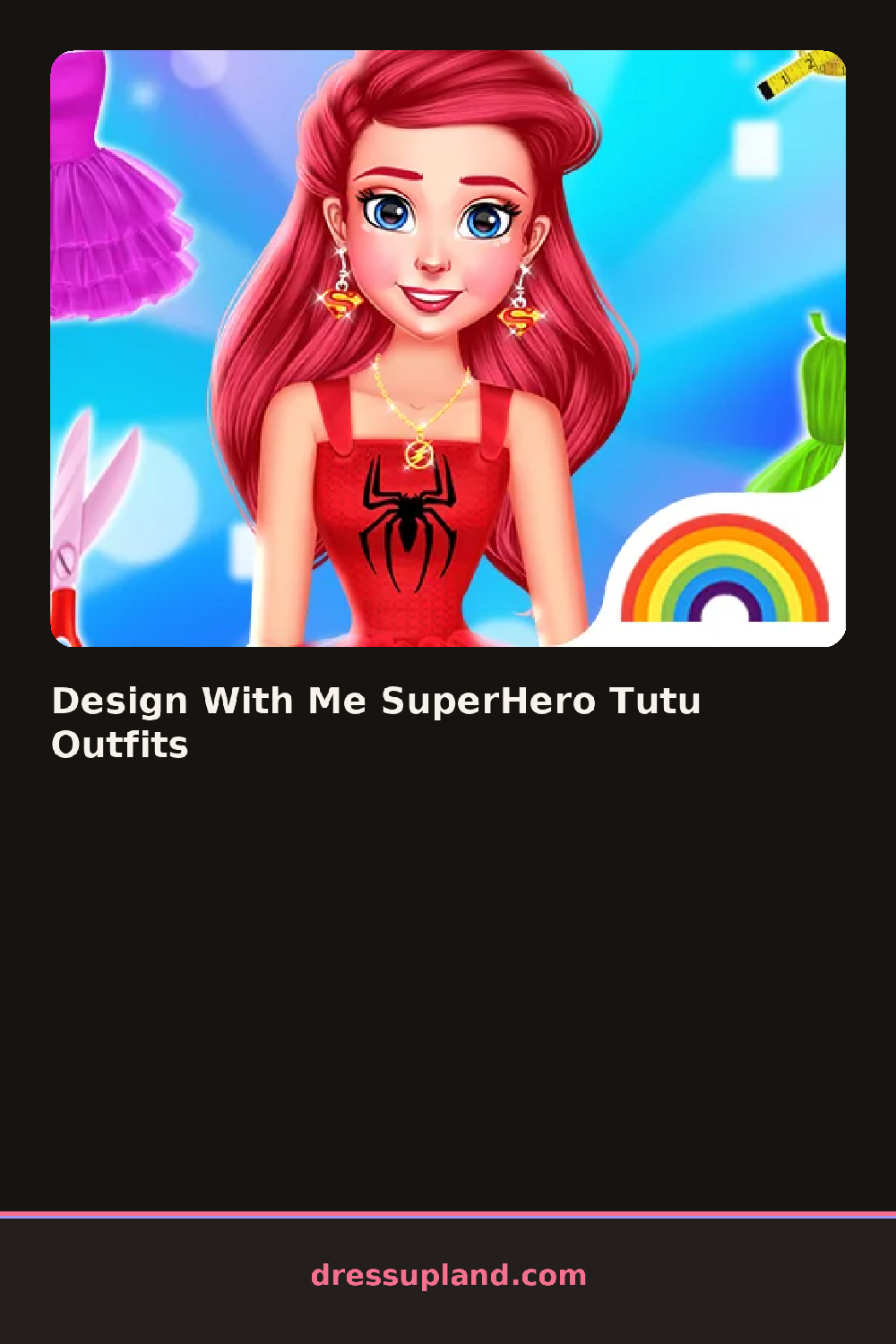

What is Design With Me SuperHero Tutu Outfits?
A star-print bodysuit and a stiff tutu skirt sit at the front of the rack when Design With Me SuperHero Tutu Outfits opens, next to a domino mask and a short cape. Picking the bodysuit's color first, usually a bold red, blue, or gold, decides which mask and cape read as a matching set instead of two separate costumes.
Categories run along the side: bodysuits, tutus, capes, and masks, with a smaller row for gloves, boots, and hair. A tulle tutu layers directly over a fitted bodysuit rather than swapping it out, and a cape clips on over both without covering the emblem on the chest. Boots come in knee-high or ankle styles, gloves in matching or contrasting colors, and hair options range from a high ponytail to twin braids tucked under a small tiara.
The superhero-and-princess mashup is the twist on a usual princess dress up game: every piece needs to work as costume armor and party wear at once, so a cape has to look as sharp as a sash would on its own. A round ends with the finished hero saved as a single portrait rather than judged against a checklist.
Pick the emblem color before the cape, since most capes come in a solid shade that either matches or plays off the chest symbol. A metallic boot pairs better with a bodysuit that has some shine to it than a plain matte one does. Trying the mask on last shows whether it actually reads against the bodysuit's pattern, since a busy print can swallow a small domino mask.
How do you play and control Design With Me SuperHero Tutu Outfits?
Click a wardrobe tab to open a category, click a piece to put it on, and click the camera icon to save the finished hero.
Tap a category tab, tap a piece to add it to the costume, and tap the camera icon to save the look.
Game details
| Specification | Details |
|---|---|
| Game Title | Design With Me SuperHero Tutu Outfits |
| Category / Genre | Princess |
| Platform | Web browser — phone support not yet checked |
| Release Date | September 2026 |
| Technology | HTML5 |
| DressUpLand account | Not required |