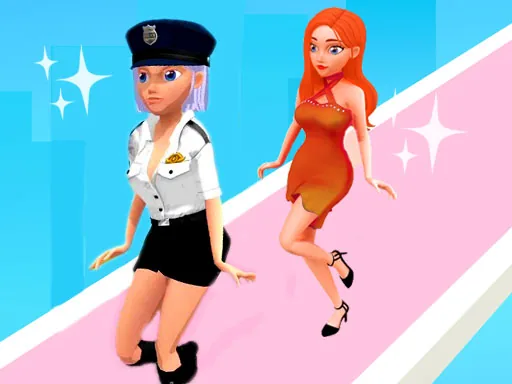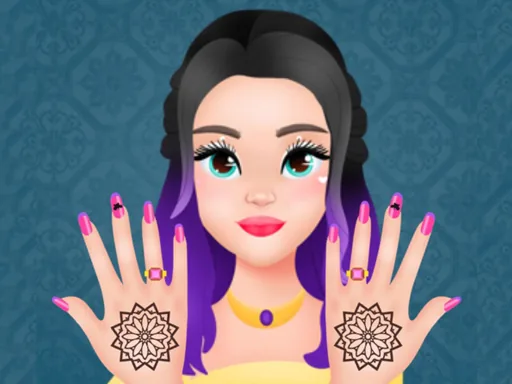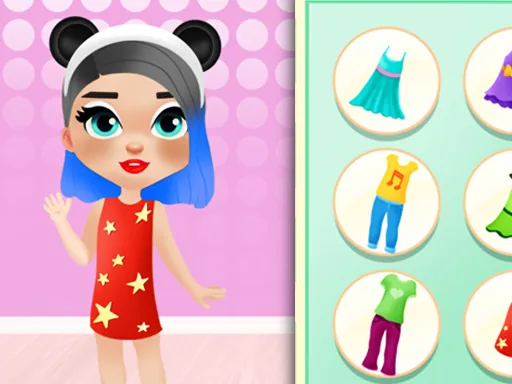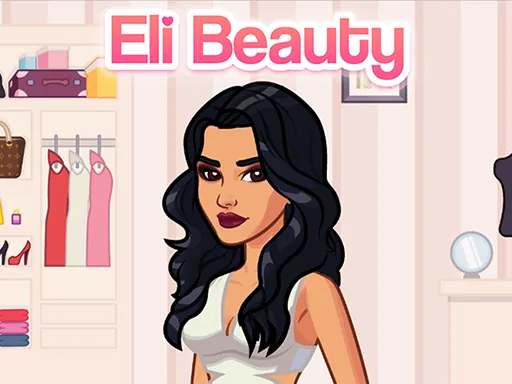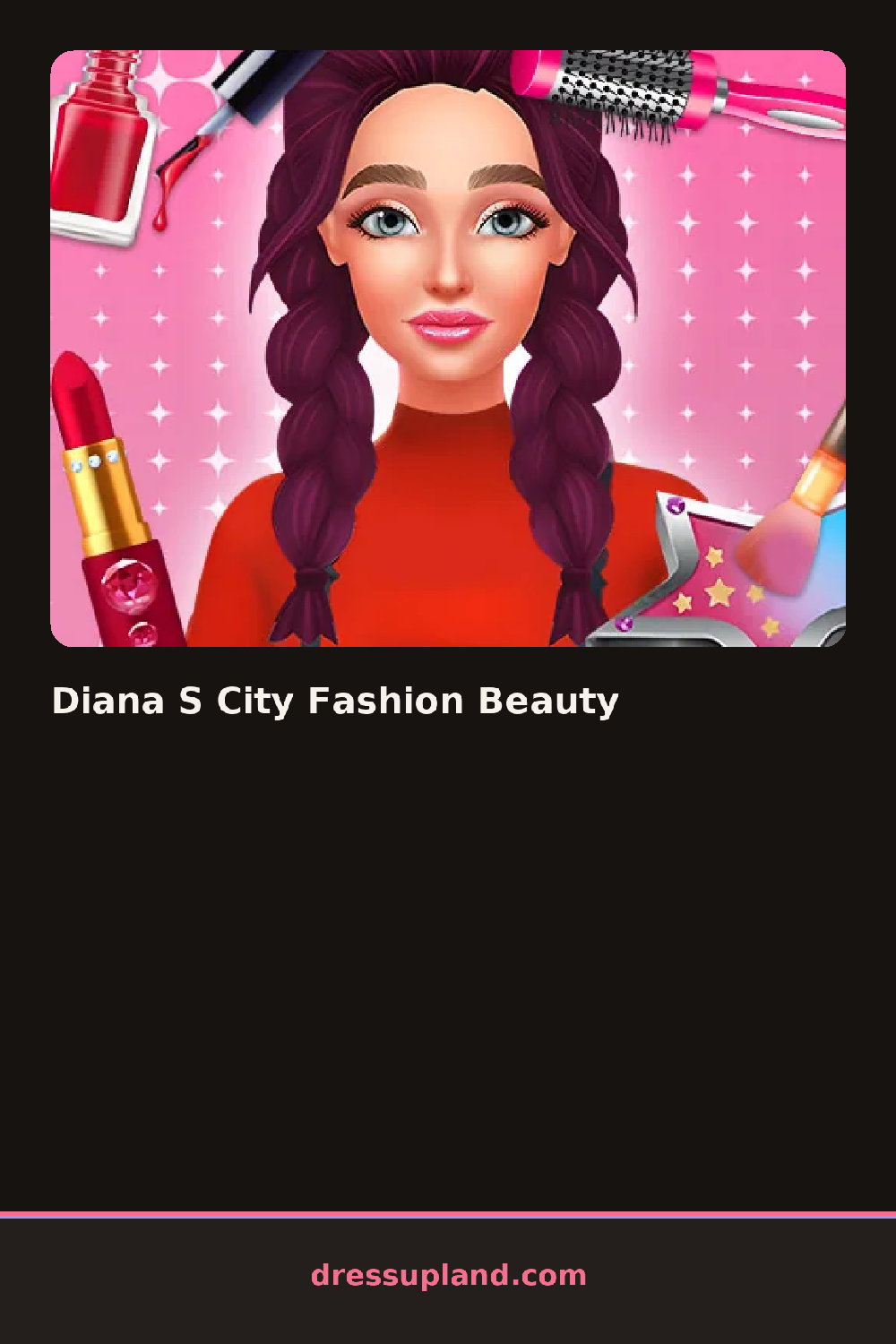

What is Diana S City Fashion Beauty?
Bare-faced and in plain clothes, Diana stands ready for her makeover the moment Diana S City Fashion Beauty loads, and the first click usually lands on skin tone or a base foundation before any color touches her face.
The beauty side breaks into skin, eyes, lips, and hair, each with its own strip: a cream blush, a swipe of eyeliner, a matte lipstick, a sleek low ponytail. The fashion side sits in a separate tab, a tailored blazer, a pleated skirt, ankle boots, and a structured handbag, each piece layering over the last to build one city-ready outfit.
This makeover game gives more weight to the spa half than most, since facials, blush, and skin tone sit ahead of any clothing choice and change how every outfit looks once it goes on. A finished round leaves Diana fully made up and dressed, ready for one last look before a player starts the whole routine over.
Foundation and blush settled before the closet opens keep the fashion choices from clashing with Diana's face once everything is on screen. A structured blazer paired with a simple ponytail reads cleaner than the same blazer next to loose curls and heavy makeup at once. The handbag and shoes sit in a small tab under the main outfit menu, easy to skip but worth a look since they finish the city outfit.
How do you play and control Diana S City Fashion Beauty?
Click through the beauty and fashion tabs to apply makeup, hairstyles, and outfit pieces to Diana.
Tap the beauty and fashion tabs, then tap each item to apply makeup, hair, and outfits to Diana.
Game details
| Specification | Details |
|---|---|
| Game Title | Diana S City Fashion Beauty |
| Category / Genre | Makeover |
| Platform | Web browser — phone support not yet checked |
| Technology | HTML5 |
| DressUpLand account | Not required |