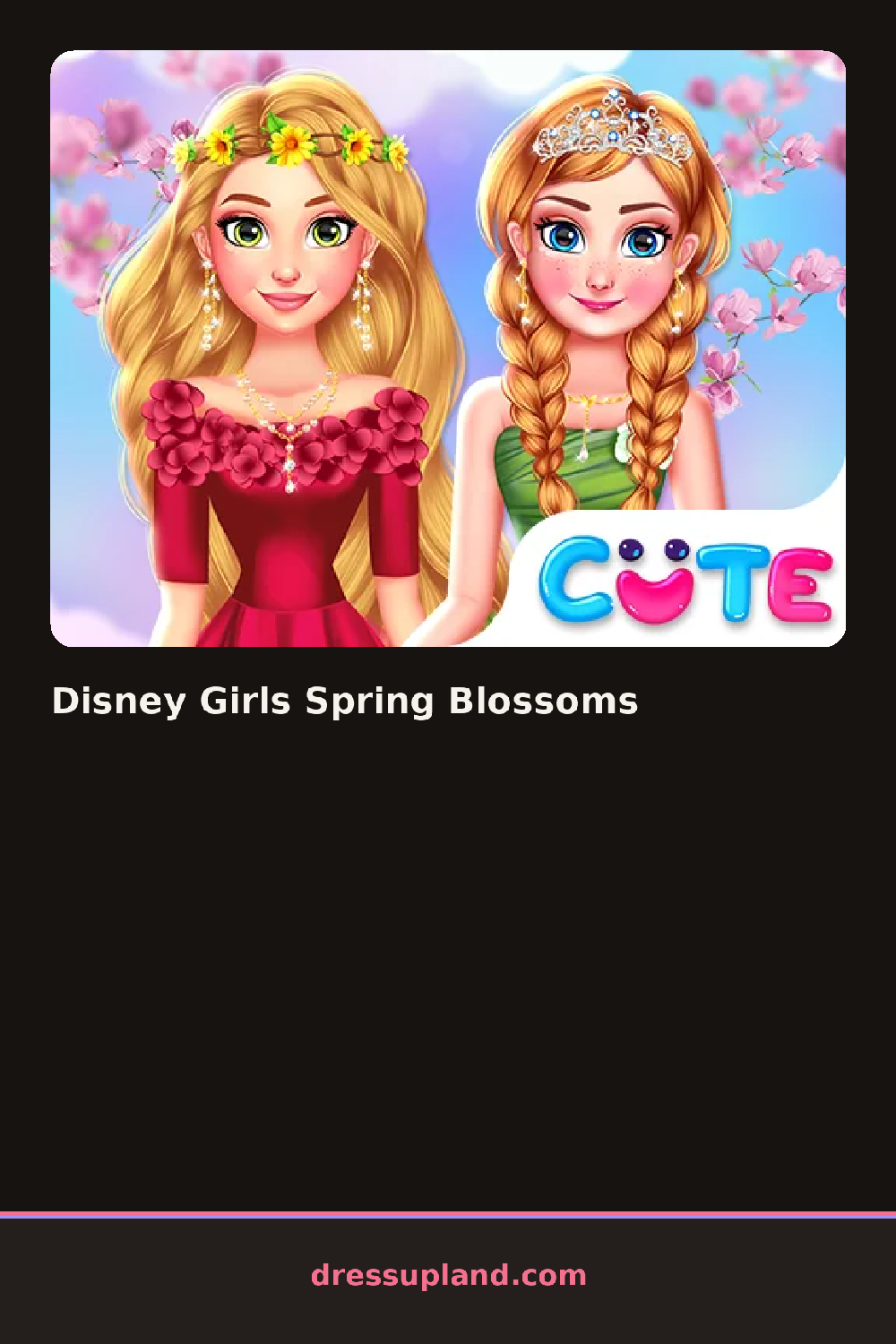

What is Disney Girls Spring Blossoms?
A row of princesses lines up at the start of Disney Girls Spring Blossoms, and picking one clears the screen for her own dress-up scene. The first flower crown you choose sets a pastel palette that carries through the rest of the outfit options.
Categories sit in tabs for crown, dress, shoes, and accessories, each stocked with spring-themed pieces: a daisy crown next to a rose one, a floral sundress beside a longer tulle skirt, ballet flats, a ribbon sash, a folded parasol. The sash layers over whatever dress you picked, and the parasol sits in her hand without blocking the rest of the outfit or her face.
This princess dress up game leans into a single season instead of a generic ballroom backdrop, tying every crown, dress, and accessory back to a spring garden theme. A finished look gets framed against a blossom backdrop as the round's final scene, with petals drifting past the frame.
Flower color on the sash matters more than on the dress, since the sash sits closest to the face in the finished scene, so it pays to match it to the crown first. A tulle skirt pairs better with flats than the block heels in the shoe tab, keeping the theme feeling light. The parasol toggle sits below the accessory list and is easy to scroll past, though it changes the backdrop's blossom color when it's open.
How do you play and control Disney Girls Spring Blossoms?
Click a crown, dress, or accessory thumbnail to place it on the chosen princess, and use the tabs to switch categories.
Tap a princess to select her, then tap through the category tabs and tap an item to add it to her look.
Game details
| Specification | Details |
|---|---|
| Game Title | Disney Girls Spring Blossoms |
| Category / Genre | Princess |
| Platform | Web browser — phone support not yet checked |
| Release Date | September 2026 |
| Technology | HTML5 |
| DressUpLand account | Not required |