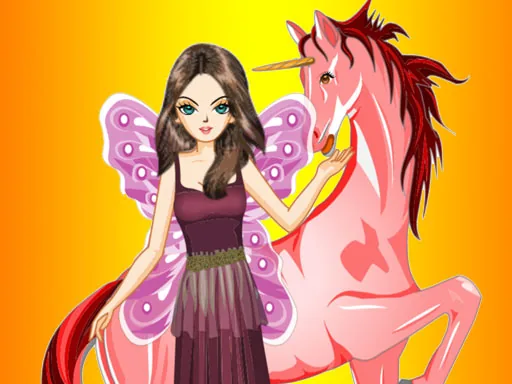

What is Fairy and Unicorn?
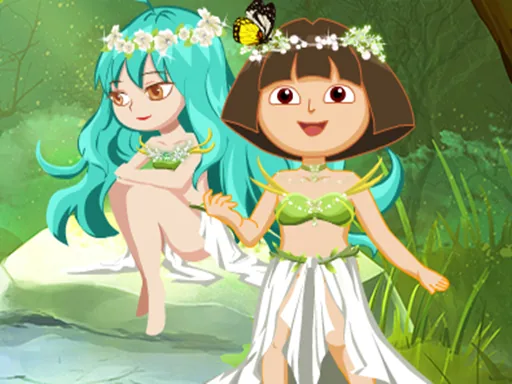
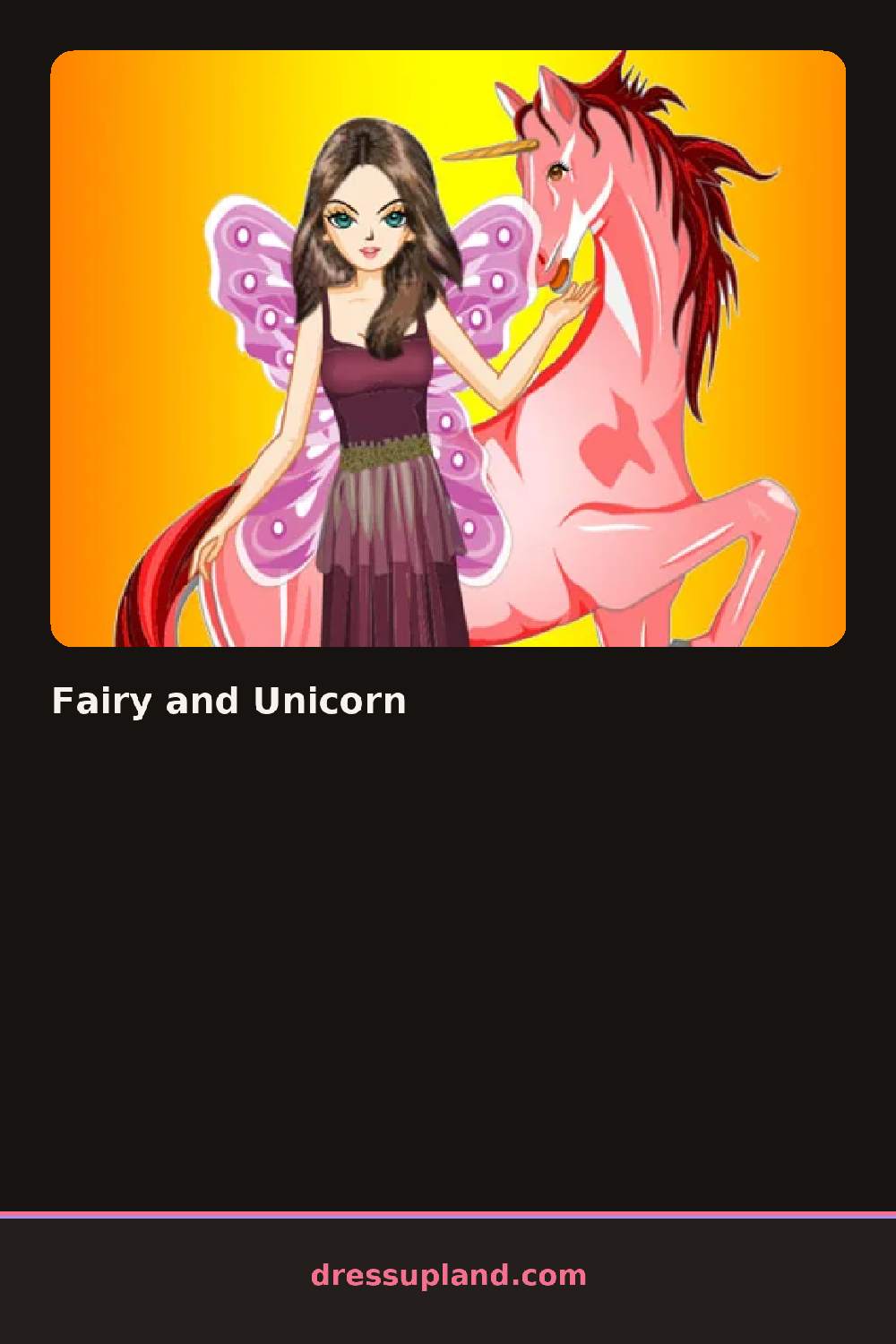
Open the game and you get a fairy standing next to a unicorn, both bare, both waiting for a first click. Tap a hairstyle or a horn color and the change shows up on both figures at once, since the pair is styled as a set instead of one at a time.
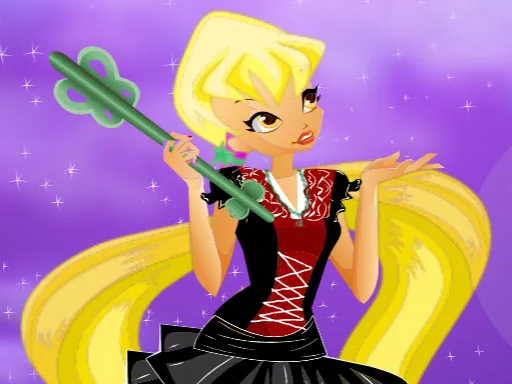
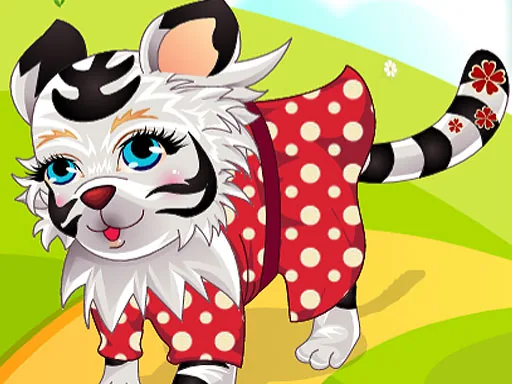
The toolkit splits into fairy pieces and unicorn pieces, side by side. For the fairy there are gauzy wing shapes, flower crowns, a corset top, a tulle skirt, and glittery sandals. For the unicorn there's a saddle blanket, a mane braid, leg wraps, and a horn charm. Everything layers, so a wing sits over a dress and a mane braid sits over the base coat without hiding either one.
What separates this fantasy dress-up game from a plain character creator is the pairing itself: the fairy and her unicorn are dressed as a matched set, not two separate dolls, so a color choice on one nudges what looks right on the other. A round ends with both figures posed together against a sparkly backdrop, ready for a screenshot.
Pick one accent color first, like lilac or gold, and carry it through the wings, the mane, and the horn charm so the pair reads as matched instead of random. Save the flower crown for last since it sits close to the horn and can clash if it's picked before the horn color is set. Try the tulle skirt and the saddle blanket in the same fabric pattern for a set that looks planned.
How do you play and control Fairy and Unicorn?
Click items in the side panel to place them on the fairy or the unicorn, and click a placed item again to swap or remove it.
Tap a category tab, then tap an item thumbnail to try it on the fairy or the unicorn.
Game details
| Specification | Details |
|---|---|
| Game Title | Fairy and Unicorn |
| Category / Genre | Animals & fantasy |
| Platform | Web browser — phone, tablet and desktop checked |
| Release Date | September 2026 |
| Technology | HTML5 |
| DressUpLand account | Not required |