
What is Fantabulous Emancipation Of Harlequin?
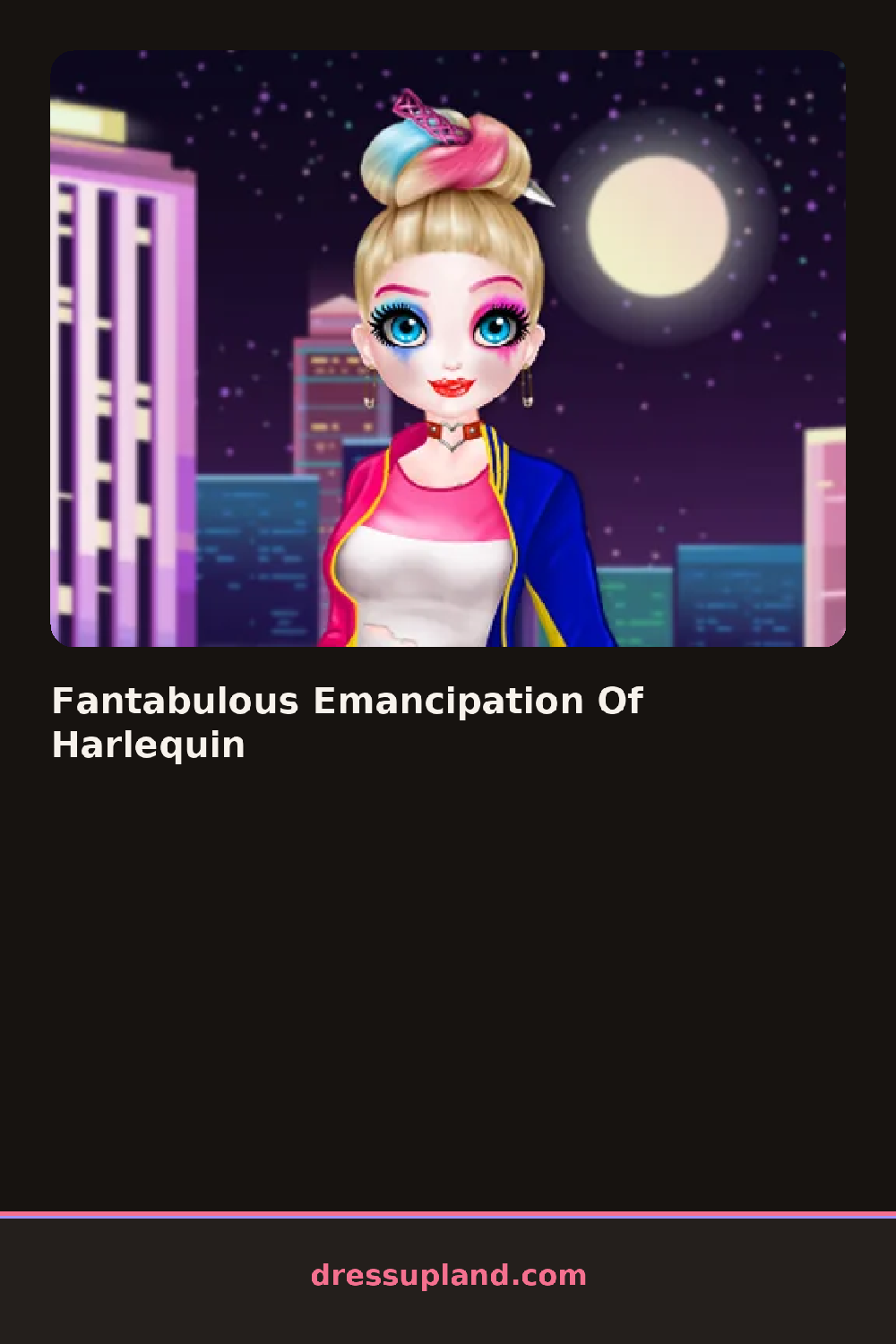
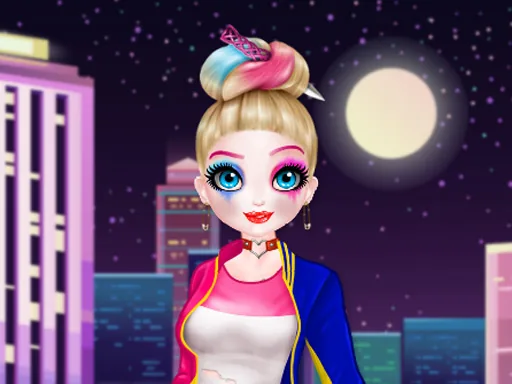
The screen opens on Harlequin mid-burst, her diamond-pattern costume torn at the shoulder, a small palette of face options waiting on the side. Your first job is the makeup, and it shows up on her face the instant you tap a color, so you can judge it against her pale skin right away. The whole thing has a stage-play feel, which fits a character creator about a clown breaking free of her old act.
The toolkit splits into face, hair and costume. Face covers eyeshadow, lipstick, face paint masks and little diamond stickers that sit at the corner of one eye. Hair runs from a tight jester cap to loose waves, and the costume rack holds both remixed harlequin prints, a cropped velvet jacket, striped tights and a dramatic cape. Pieces layer, so a collar sits over the bodice and jewelry lands on top of whatever neckline you picked.
The twist here is that you can keep fragments of the old costume instead of erasing it. One diamond-pattern sleeve under a plain black bodice reads as a story, not a mistake. When you are done the finished look gets captured as a portrait you can compare against the original, which is the point of the whole makeover game: before and after, side by side.
Work in order: skin tone, then face paint, then hair, then clothes. A half-mask with a bare lip looks sharper than full lipstick plus full mask, since both compete for the same space. Check the cape against the sleeve pattern before you commit, because two busy prints will fight. And try the hair up if you chose a high collar, since loose hair hides the neckline you spent time on.
How do you play and control Fantabulous Emancipation Of Harlequin?
Click a category tab on the sidebar, then click an item to apply it, with an undo arrow above the model if a layer goes on wrong.
Tap the category icons along the bottom edge and tap items to try them, swiping the wardrobe row to see the rest of each section.
Game details
| Specification | Details |
|---|---|
| Game Title | Fantabulous Emancipation Of Harlequin |
| Category / Genre | Makeover |
| Platform | Web browser — phone, tablet and desktop checked |
| Release Date | September 2026 |
| Technology | HTML5 |
| DressUpLand account | Not required |