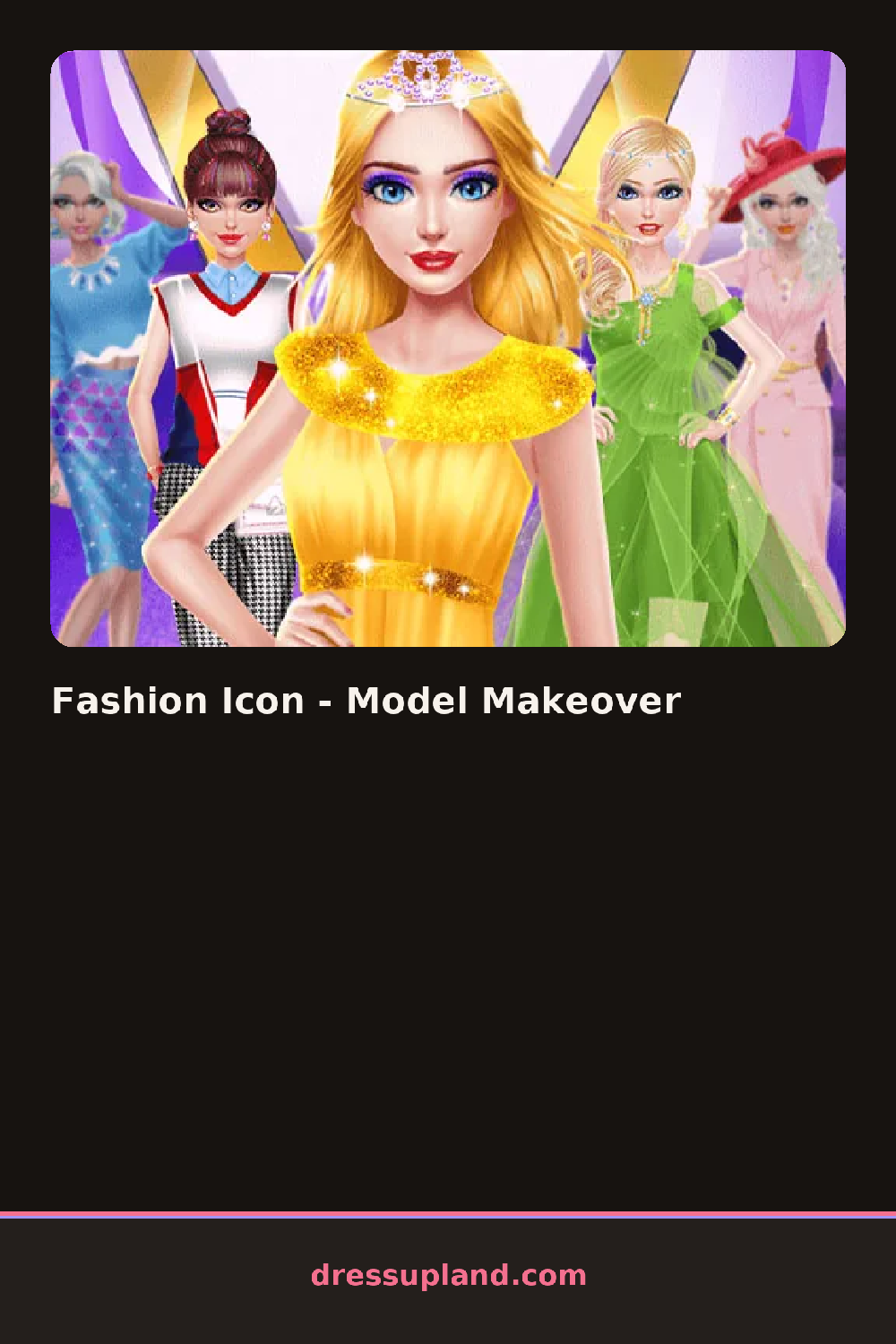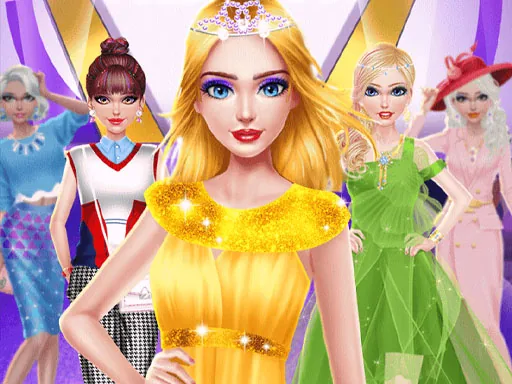

What is Fashion Icon - Model Makeover?
You start on a plain backdrop with a model standing in her base layer and no makeup. Your first job is her skin tone and face shape, since the makeup menu locks to whatever base you set. The first choice lands instantly on her face, so you can cycle through options while watching them change in real time. In Fashion Icon - Model Makeover, that quick feedback is the whole rhythm, tap, look, tap again.
The wardrobe splits into makeup, hair, outfits, and accessories across a side panel. Makeup runs from a sheer gloss and soft blush to a smoky eye and matte lipstick, applied in layers you can keep or wipe off one at a time. Hair options include a sleek straight style, loose curls, and an updo, each in a handful of colors. The outfit racks hold things like a sequined slip dress, a tailored blazer, leather pants, and a floor-length gown. Accessories layer on last: drop earrings, a clutch, heels, and sunglasses that actually sit on her face over the makeup.
Most dress up games hand you a wardrobe and stop there. This one frames everything as a shoot, so your finished model gets posed against a photography backdrop and the round ends with a saved photo of the complete look.
Build the outfit first and match makeup to it, since a smoky eye that fights a sequin dress reads messy while a clean lip lets the dress carry the shot. Try pulling her hair up when you use statement earrings, because the updo keeps them visible. Check the backdrop options before the final photo, since a dark set behind a light dress looks stronger than you would expect.
How do you play and control Fashion Icon - Model Makeover?
Click a category in the side panel, then click items to apply them and use the reset arrow on each tab to undo a single step.
Tap categories along the edge, tap an item to try it on, and swipe the item rows sideways to see the rest of each list.
Game details
| Specification | Details |
|---|---|
| Game Title | Fashion Icon - Model Makeover |
| Category / Genre | Makeover |
| Platform | Web browser — phone support not yet checked |
| Release Date | September 2026 |
| Technology | HTML5 |
| DressUpLand account | Not required |