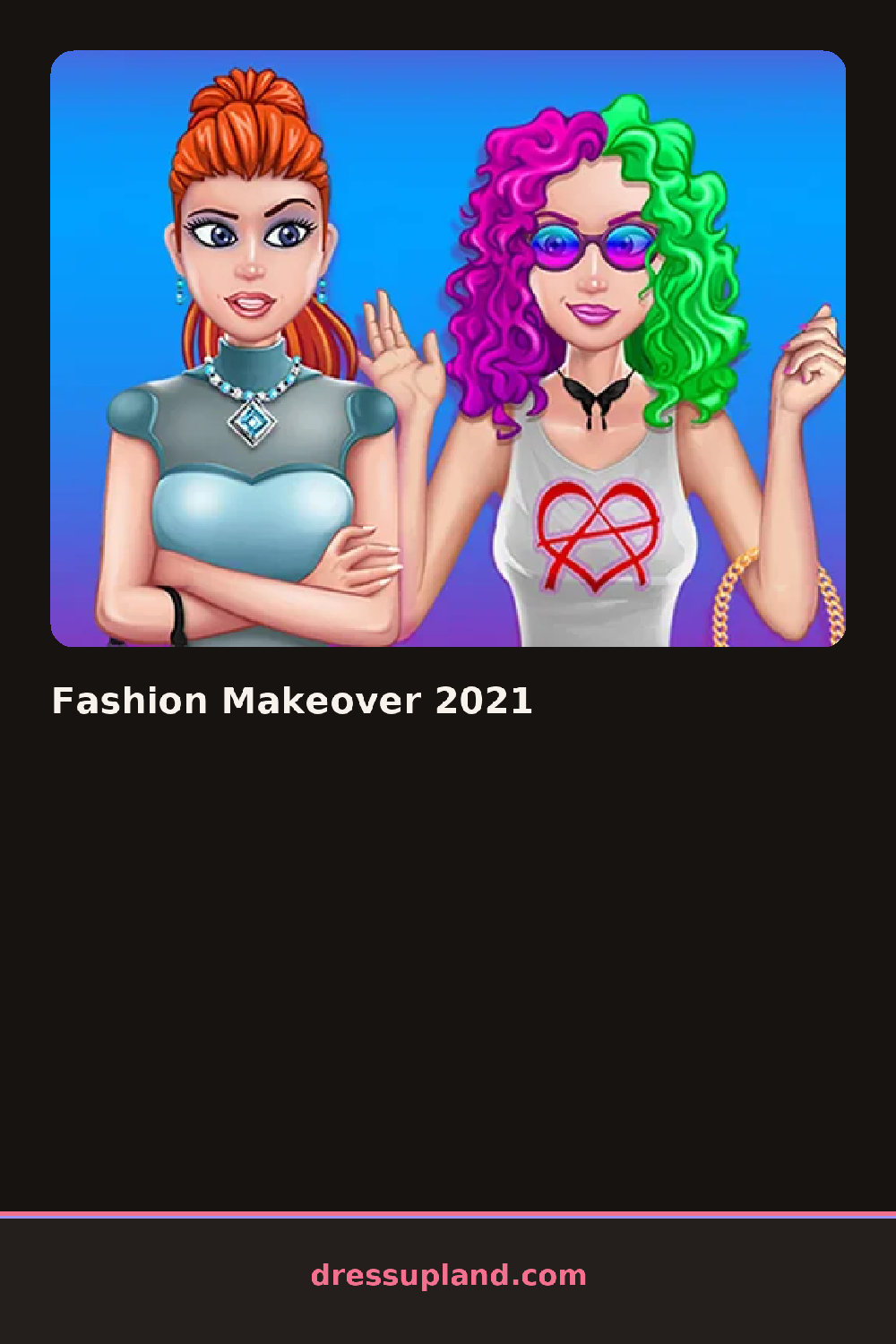

What is Fashion Makeover 2021?
The first thing on screen is a model on a plain backdrop with a menu of categories along one side. You start with skin tone and face shape, then move down the list. Every choice applies instantly, so a new hairstyle or lip color shows up on the model the second you click it. Nothing is hidden behind loading screens, which makes the first minute go fast.
The wardrobe covers the usual ground. There are dresses, tops, skirts, pants and outerwear like a cropped leather jacket or an oversized cardigan. Hair has length, color and style options including braids and updos. The makeup section separates eyes, lips and blush, so a matte lipstick can sit under a bold eye look. Most pieces replace each other within a category, but hair layers over any top and jewelry stacks with whatever outfit you have on.
The thing that separates this from a typical dress up game is how much weight the makeup tools carry — you can change the whole mood of a look without touching the clothes. A round ends when you hit the done button, which pulls up a finished portrait of your model that you can save or screenshot to keep the look.
Work in one order: skin and face, then hair, then makeup, then clothes. That way the outfit matches a makeup mood you already committed to. If a bold lip and a busy pattern fight each other, calm one of them down. And try flipping the background color late in the round — a dark backdrop changes how light outfits read.
How do you play and control Fashion Makeover 2021?
Click through the category menu on the side of the screen and select options to apply them to the model instantly.
Tap a category tab, then tap an option thumbnail to apply it to your model.
Game details
| Specification | Details |
|---|---|
| Game Title | Fashion Makeover 2021 |
| Category / Genre | Makeover |
| Platform | Web browser — phone, tablet and desktop checked |
| Release Date | September 2026 |
| Technology | HTML5 |
| DressUpLand account | Not required |