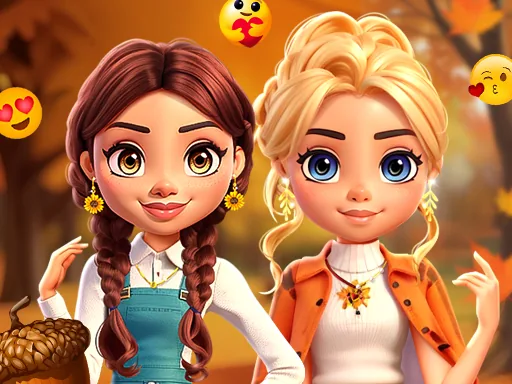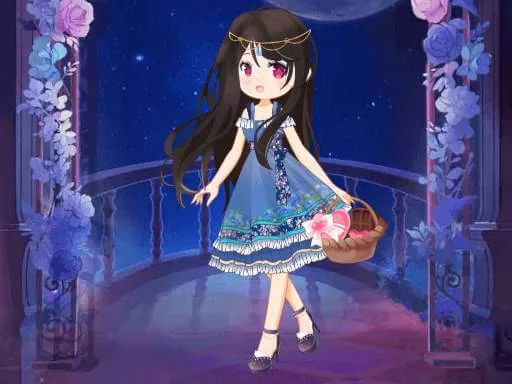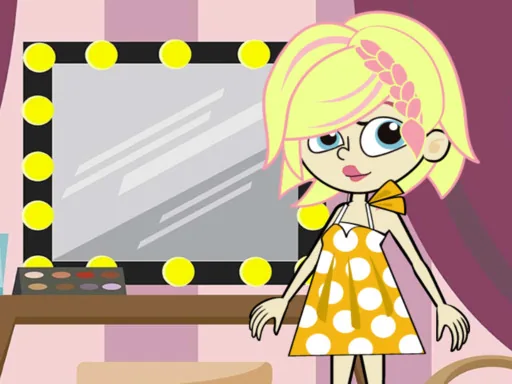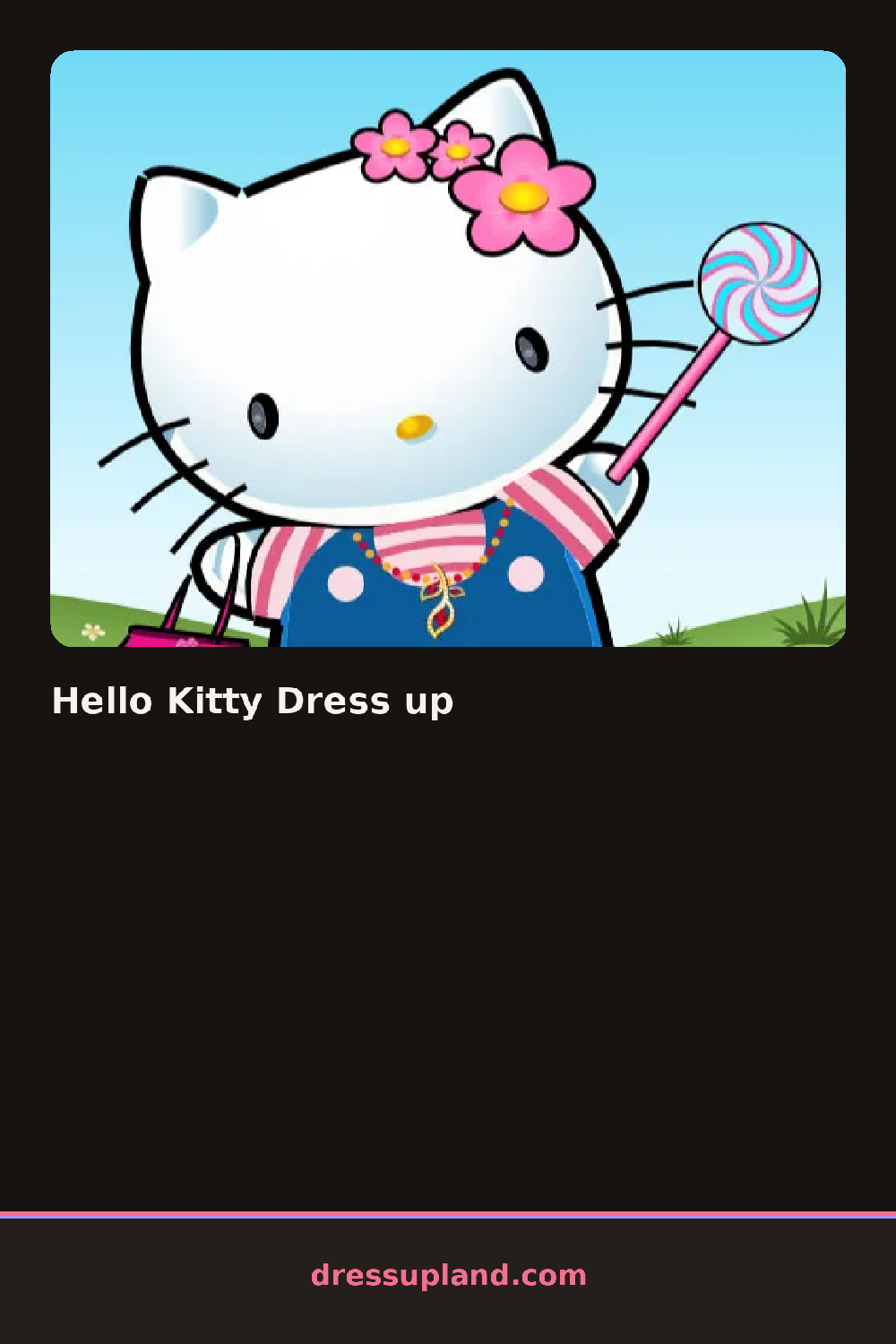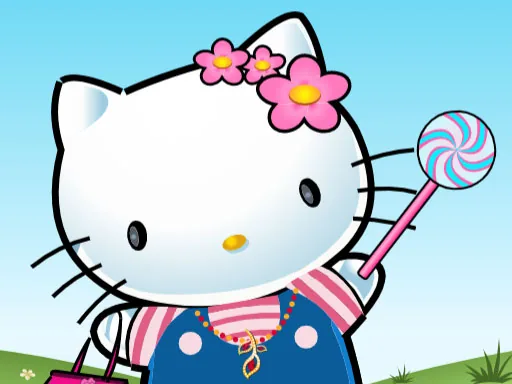
What is Hello Kitty Dress up?
Bows, dresses, and an empty little room all wait for color when Hello Kitty Dress up begins. The first bow or ribbon you click onto her head shows up instantly, and picking a base outfit color often shifts the props and background tones to match.
Items sit in two separate tabs, one for outfit pieces and one for room decor. The outfit tab holds a polka dot sundress, a plaid skirt and striped top combo, a few pairs of shoes, and a row of bows in different colors, while the room tab has a teacup, a flower vase, and a handful of wall stickers. A bow can sit over any hairstyle and an apron can go on top of a dress, so pieces stack rather than replace each other.
Most dress up games stop at the outfit, but this one hands over a second screen for arranging furniture and small props around the character, turning the round into a scene rather than a single portrait. Finishing both the outfit and the room ends things with a snapshot of the whole setup, character and background together.
Matching the bow color to the dress instead of picking a clashing shade keeps the whole look reading as one outfit. Placing room props near the character rather than scattered in the corners makes the final snapshot feel less empty. The tab switch between outfit and room decor sits at the very top of the screen and is small enough to overlook on a first pass.
How do you play and control Hello Kitty Dress up?
Click items in the outfit or room tab to place them, and click the tab buttons at the top to switch between dressing the character and decorating the room.
Tap the top tabs to switch between outfit and room decor, then tap an item to drop it onto the character or the scene.
Game details
| Specification | Details |
|---|---|
| Game Title | Hello Kitty Dress up |
| Category / Genre | Fashion & runway |
| Platform | Web browser — phone, tablet and desktop checked |
| Release Date | September 2026 |
| Technology | HTML5 |
| DressUpLand account | Not required |