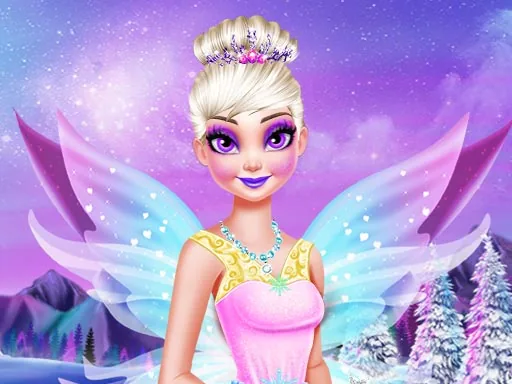

What is Ice Queen Beauty Makeover?
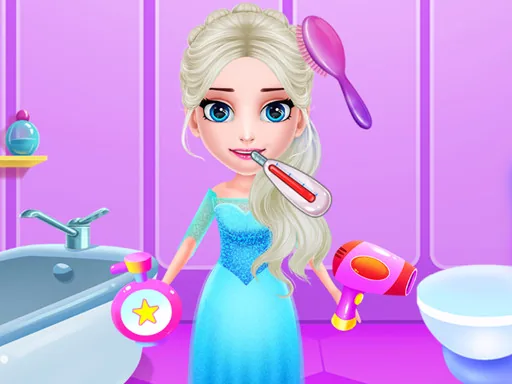
The first thing on screen is the queen herself, hair in need of washing and a face covered in smudges. The game opens in the spa, so you start there instead of the wardrobe. You tap a soap or a water rinser, drag it across her skin, and the mess lifts away where you swipe. Once she is clean, you move her down the line: steam, mask, rinse.
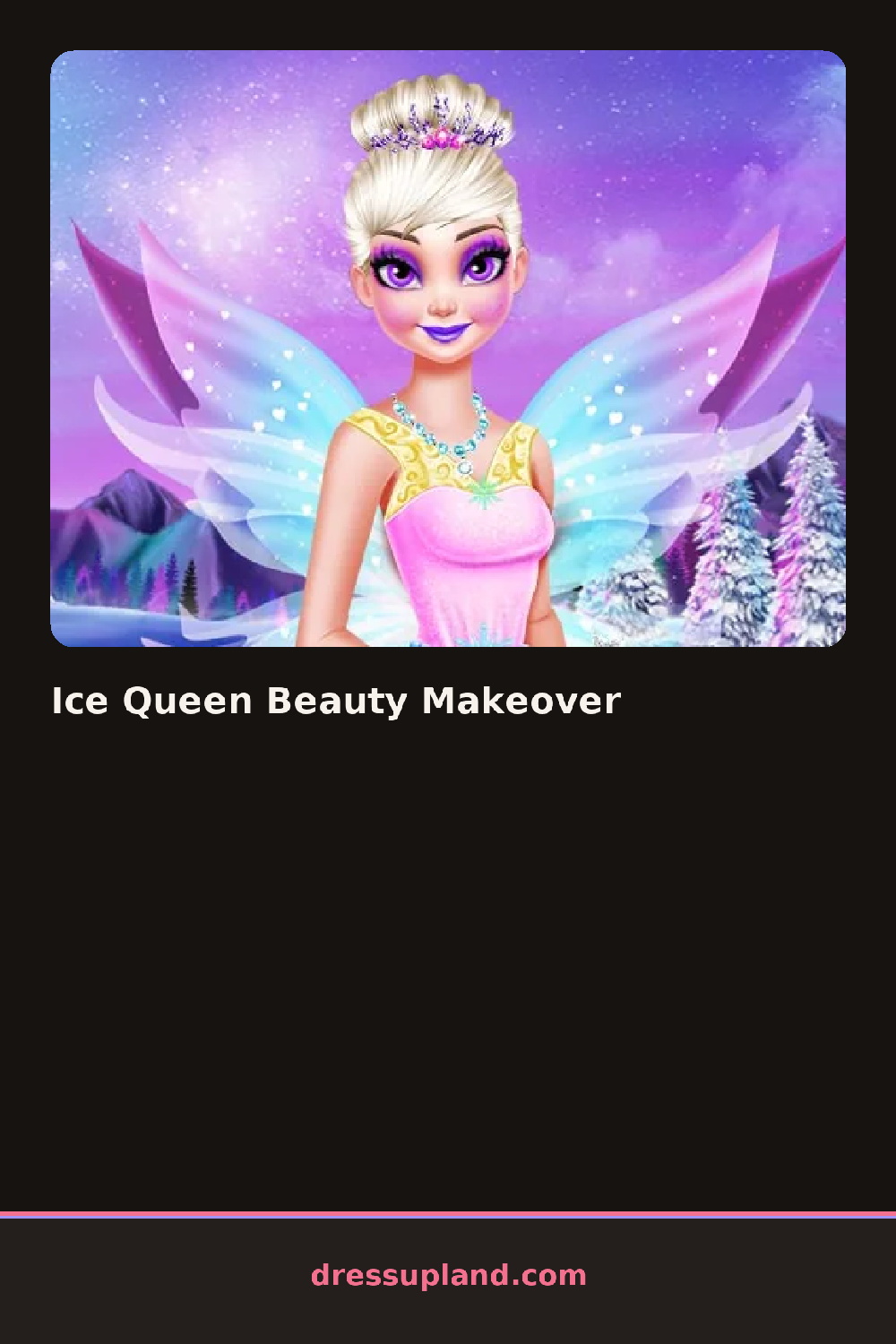
The toolkit splits into stages. The spa stage holds cleansers, masks, scrubs and a steamer. The makeup stage carries foundation tones, blush, eyeshadow in icy blues and silvers, and a matte lipstick that actually stays matte next to all that shimmer. The hair stage includes long waves, a side braid, an updo with loose strands, and a handful of pale highlight colors. The wardrobe holds gowns, capes, gloves, earrings and a snowflake tiara. Makeup sits under the hair, and the gown goes on last, so layers behave sensibly.
The step most makeover games skip is the spa itself. You are not handed a clean face; you earn it, scrubbing and rinsing until she actually looks refreshed, which makes the makeup stage feel like a payoff instead of a starting point. A round ends with a finished portrait. She stands in her full look against an icy backdrop, and you can keep the image as your final result.
Work in stage order, because eyeshadow applied over an unwashed face looks muddy no matter the color. Pick the braid or updo if you choose a high-collared gown, since long loose hair hides the neckline entirely. And test the pale hair colors against your dress before you commit, because silver hair with a silver gown reads as one flat shape, while a soft blue tint separates them.
How do you play and control Ice Queen Beauty Makeover?
Click a tool or garment to select it, then click or drag it on the queen to apply it to the right spot.
Tap to pick an item, then swipe or drag your finger across her face or hair to apply it.
Game details
| Specification | Details |
|---|---|
| Game Title | Ice Queen Beauty Makeover |
| Category / Genre | Princess |
| Platform | Web browser — phone support not yet checked |
| Release Date | September 2026 |
| Technology | HTML5 |
| DressUpLand account | Not required |