What is Kitty Couple Lovely Valentine?
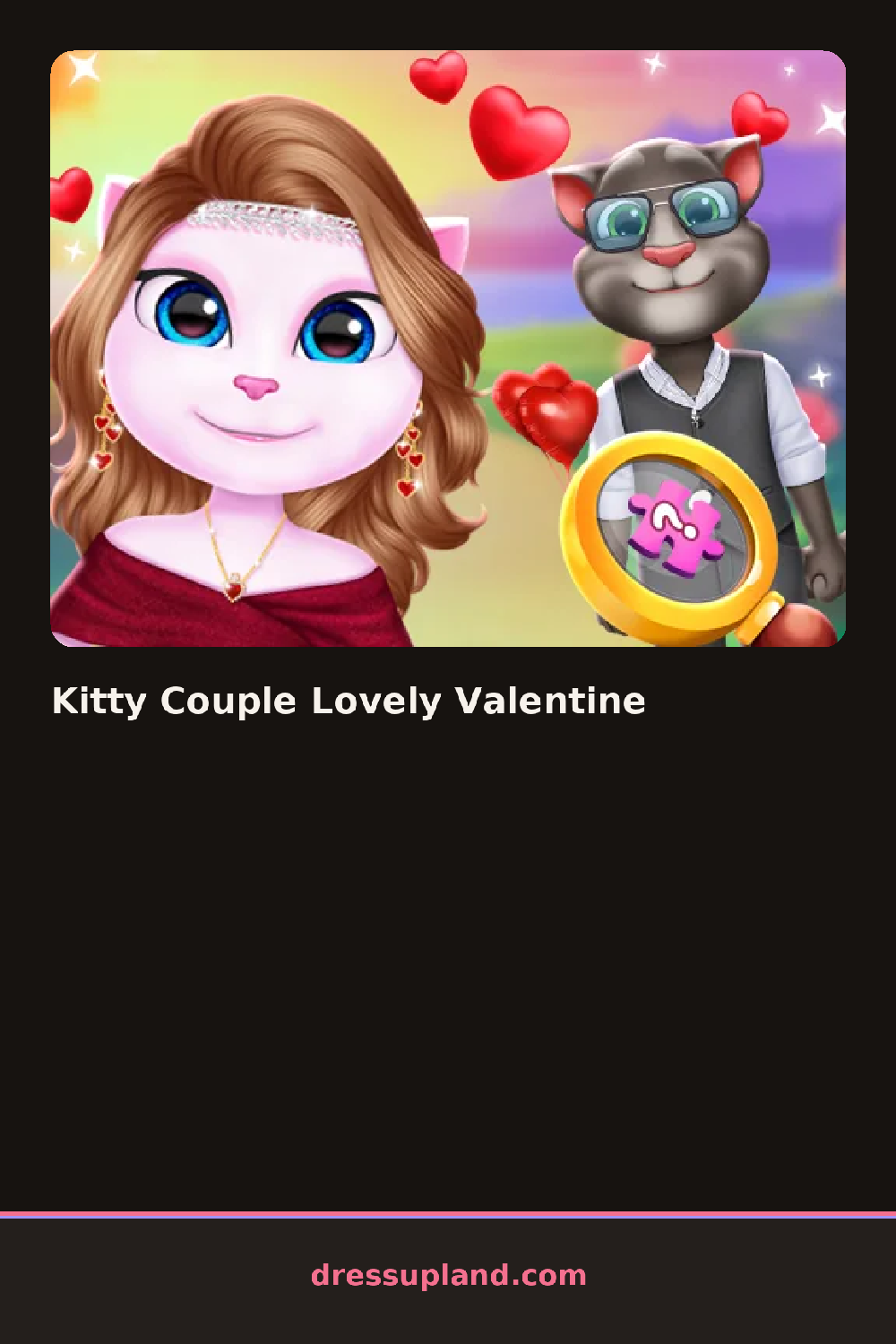
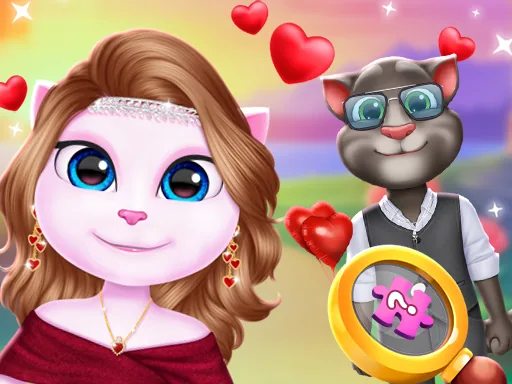
Pink hearts frame the screen from the start, and the first decision in Kitty Couple Lovely Valentine is which of the two kitty characters to dress first. Picking a color for the first outfit, like a blush pink dress, sets a palette the second character usually needs to match or complement. The two panels sit side by side, so a finished piece on one cat is visible while working on the other.
The wardrobe runs through dresses and suits, then bows, collars, and small heart-shaped accessories in a row below. A bowtie sits separately from necklaces, so a male-styled kitty can wear both a collar and a small charm without one replacing the other. Fur patterns stay fixed underneath, but hats and headbands layer over the ears without covering them.
The detail this couple dress up game gets right that plenty of solo makeover screens skip is a pose that puts both kitty characters together at the end, standing close instead of stacked in separate frames. A round finishes with that joint pose saved as one Valentine's picture instead of two separate portraits.
Color choices made on the first kitty tend to set the palette for the second, so matching pink and white across both usually reads as intentional instead of mismatched. The small heart accessories work best added last, after a bow or collar is already chosen, so they do not get buried underneath. Switching to the joint pose screen before saving is easy to miss, since it sits in a separate tab from the individual dress up screens.
How do you play and control Kitty Couple Lovely Valentine?
Click a character panel to select it, then click items to dress that kitty before switching to the other.
Tap a character panel to choose it, then tap items to add them to that kitty.
Game details
| Specification | Details |
|---|---|
| Game Title | Kitty Couple Lovely Valentine |
| Category / Genre | Couples & BFFs |
| Platform | Web browser — phone support not yet checked |
| Release Date | January 2025 |
| Technology | HTML5 |
| DressUpLand account | Not required |