What is Little Girl Dress Up?
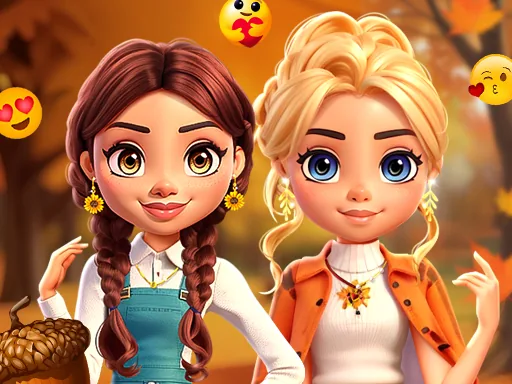
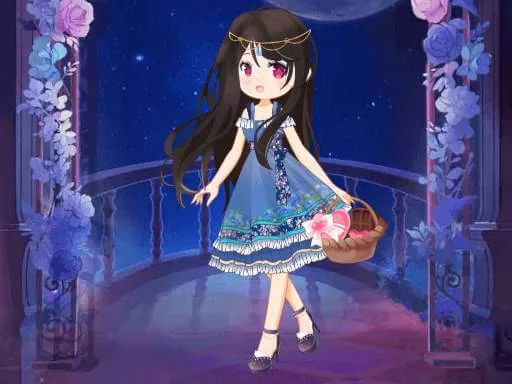
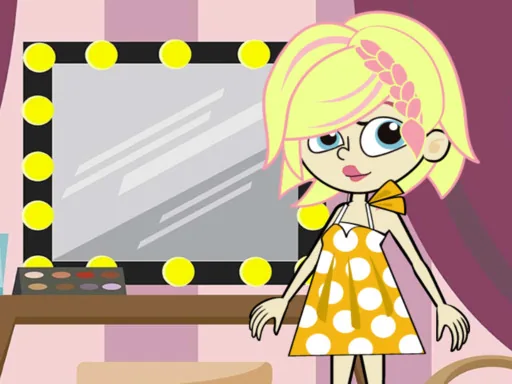
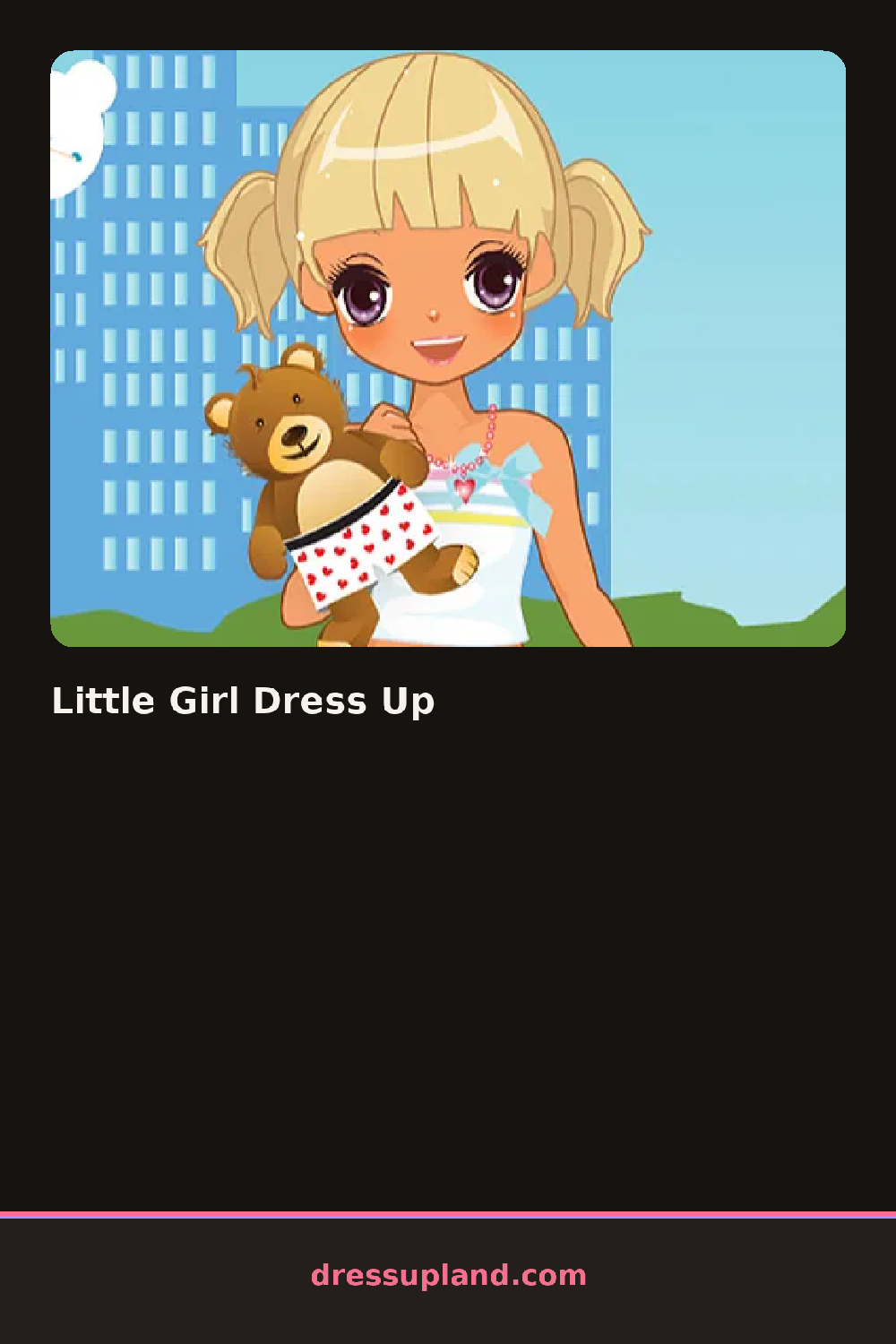
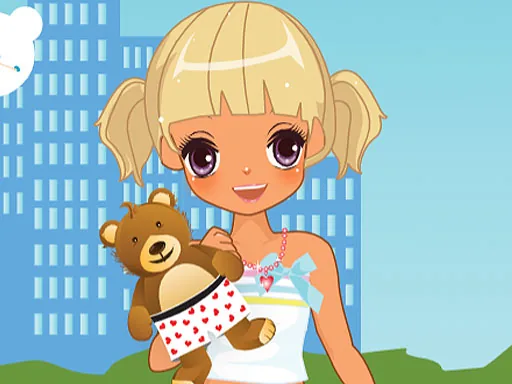
The screen opens on a young cartoon girl standing in a plain outfit, waiting for you to give her a look. Little Girl Dress Up starts with hair, since that sits behind everything else you add. Tap a braid or a set of pigtails and it locks into place immediately, so you can see right away whether the color works with what comes next.
The closet splits into rows: dresses and skirts, tops and jackets, shoes, and a strip of accessories at the bottom. Pieces stack on top of each other, so a denim jacket sits over a printed tee, and a headband or a bow clips on above whatever hairstyle you picked. Shoes range from sneakers to buckled flats, and the jewelry tray holds simple studs and a beaded bracelet instead of anything flashy.
The one thing this makeover game does differently is keep every combination looking intentional. Skin tone, hair, and clothing colors are drawn from a matched palette, so even a random outfit reads as a choice instead of a mismatch. The round ends with the finished girl standing against a plain backdrop, ready for a screenshot before you reset and start over with a different hairstyle.
Start with the hairstyle before touching clothes, since a bob reads differently under a headband than under a bow. Pick shoes that match the jacket instead of the dress underneath, since that's the layer people notice last but judge first. The accessory tray is easy to skip, but a single bracelet or a pair of studs makes the finished look feel less bare.
How do you play and control Little Girl Dress Up?
Click a category tab, then click any hairstyle, outfit, or accessory to put it on the girl instantly.
Tap a category tab, then tap any item to place it on the girl right away.
Game details
| Specification | Details |
|---|---|
| Game Title | Little Girl Dress Up |
| Category / Genre | Fashion & runway |
| Platform | Web browser — phone, tablet and desktop checked |
| Release Date | September 2026 |
| Technology | HTML5 |
| DressUpLand account | Not required |