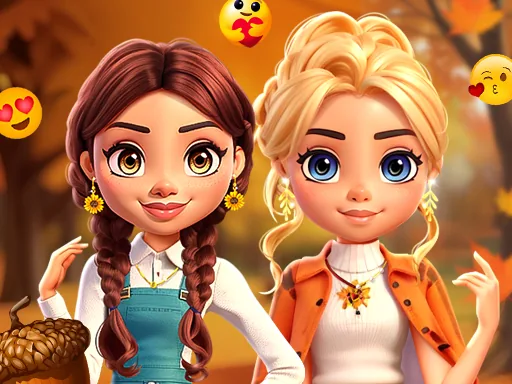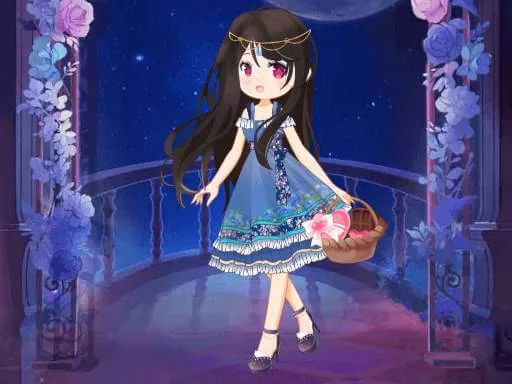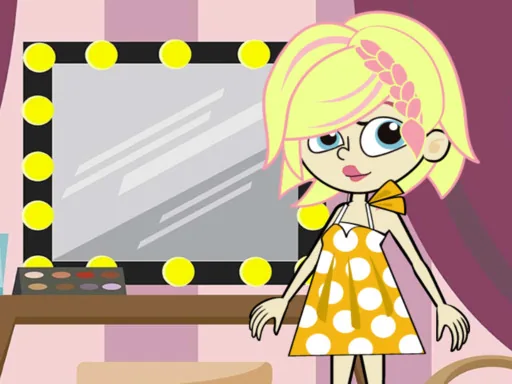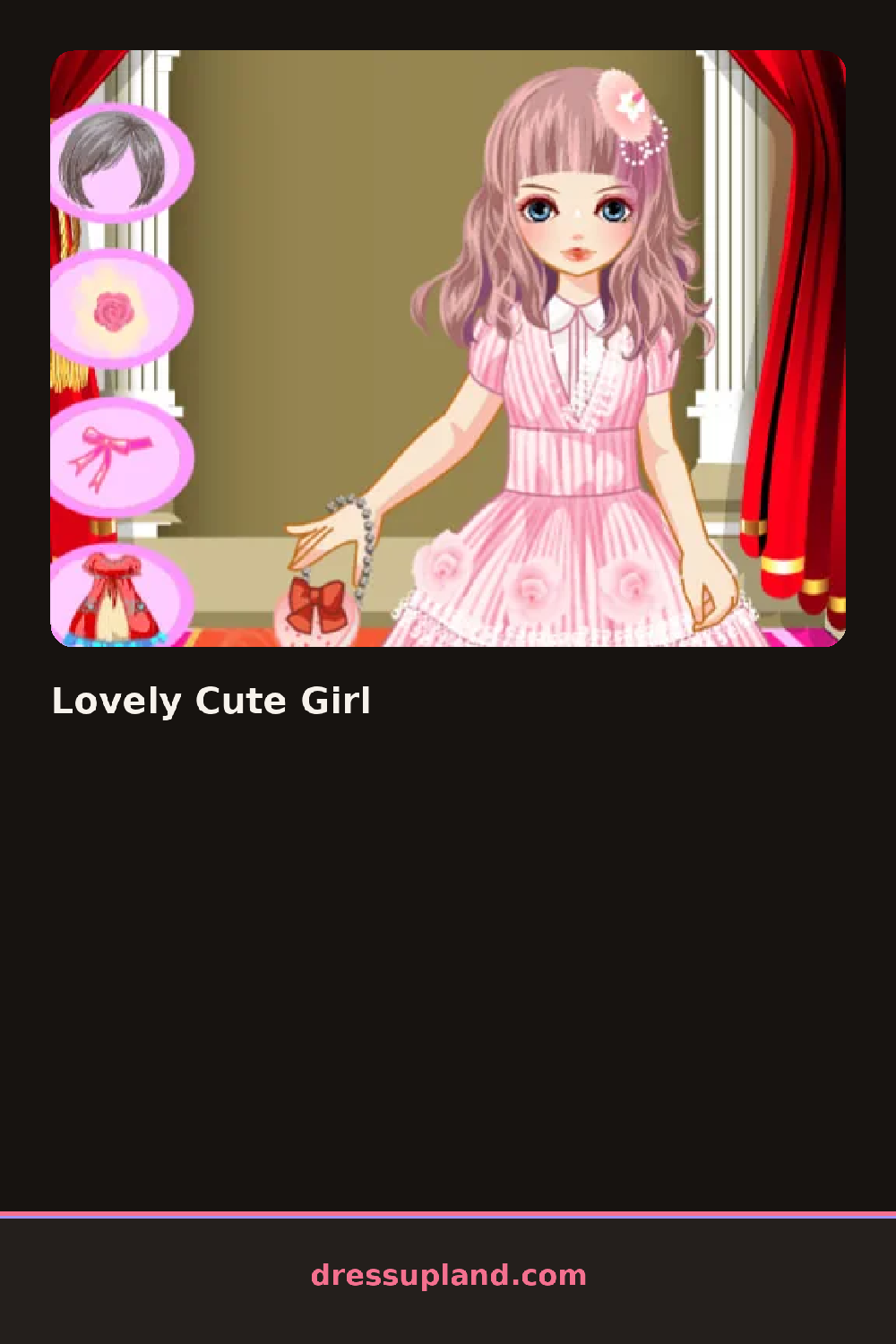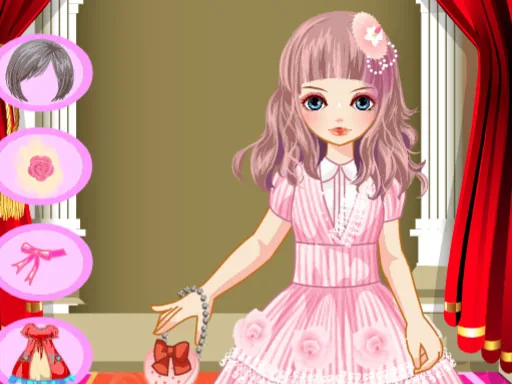
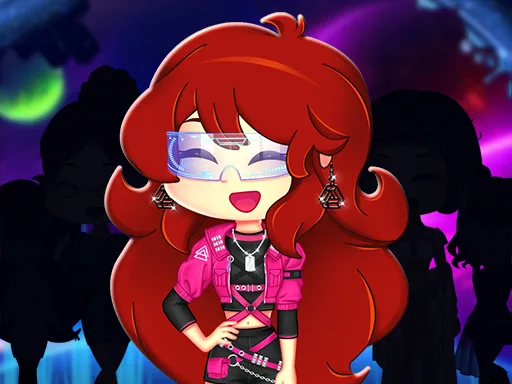
What is Lovely Cute Girl?
She stands on a bare platform at the start of Lovely Cute Girl, arms at her sides, waiting for a base outfit before anything else lights up. Choosing a dress first changes the color options available for shoes and jewelry right away, so the first click sets the direction for everything after.
Clothing runs through dresses, skirts, blouses, and jackets along the top row, with shoes, handbags, and jewelry stacked below in their own columns. A makeup strip along the side handles eyeshadow, blush, and a matte lipstick, and hairstyles range from a side braid to loose waves. Most tops layer under a blazer or cardigan without hiding the pattern underneath.
A backdrop tab sets this fashion game apart from similar ones, letting you swap the stage lighting and floor pattern instead of just the model's clothes. The session ends with a walk across that finished backdrop, closer to a runway show than a single still photo.
Try keeping shoes and handbag in the same color family before touching jewelry, since gold and silver pieces don't always sit well against clashing shoe tones. Add the blazer over a patterned blouse instead of a plain one, since the print still shows through the open front. The backdrop lighting slider sits under the stage tab and is easy to scroll past on a first run.
How do you play and control Lovely Cute Girl?
Click clothing, accessory, and backdrop thumbnails to apply them, then click the runway button to watch the walk.
Tap through the clothing and backdrop icons to build the look, then tap the runway button to play it back.
Game details
| Specification | Details |
|---|---|
| Game Title | Lovely Cute Girl |
| Category / Genre | Fashion & runway |
| Platform | Web browser — phone, tablet and desktop checked |
| Release Date | September 2026 |
| Technology | HTML5 |
| DressUpLand account | Not required |