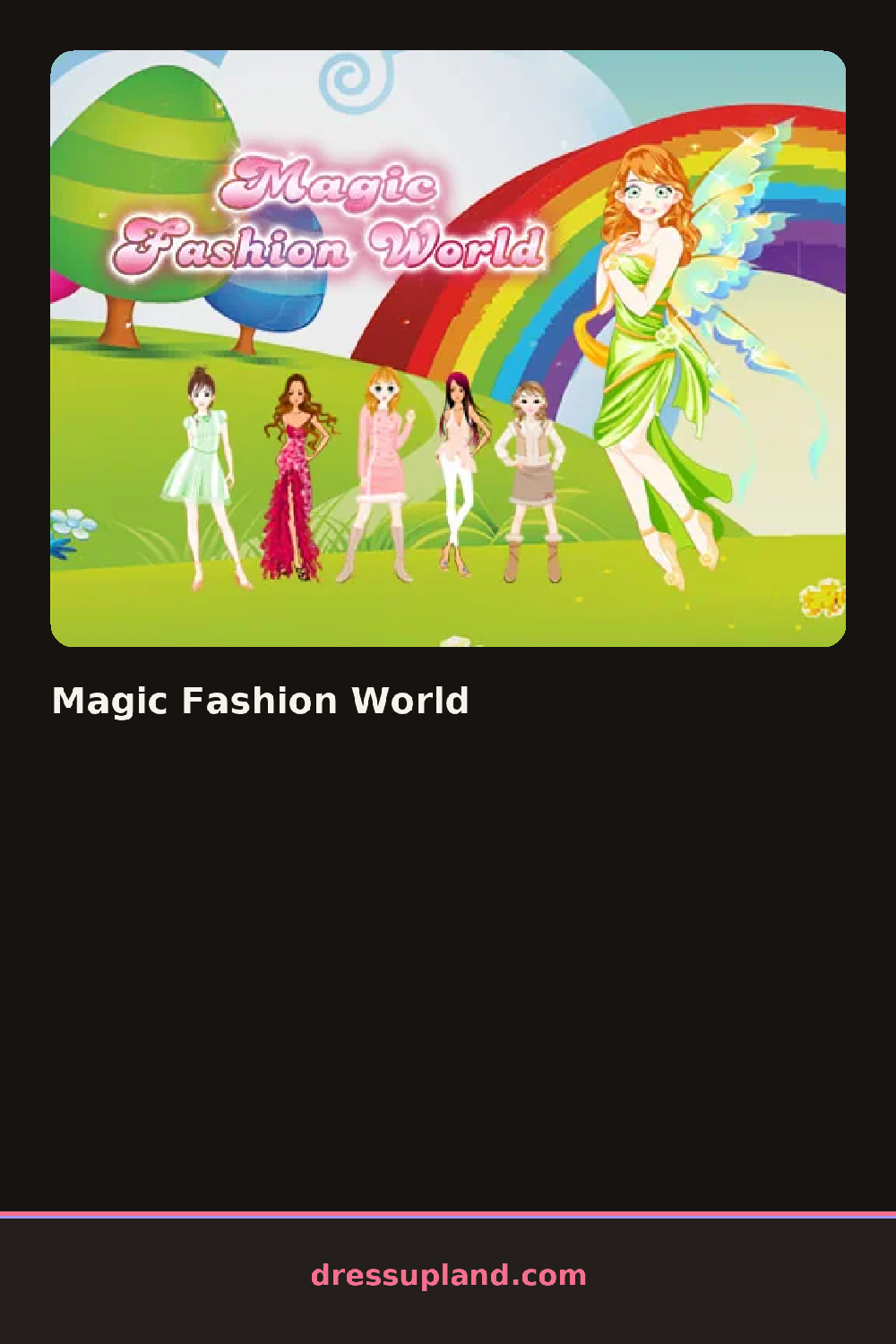

What is Magic Fashion World?
Runway lights come up on a blank model when Magic Fashion World opens, and the first choice, usually a base gown or bodysuit, shows against them immediately, before you have touched hair or accessories.
The wardrobe splits into fantasy categories: scaled mermaid skirts, a flowing cape, wing attachments, then a separate row for hair, a braided crown, loose waves with glitter streaks, and jewelry heavy on crystal and pearl pieces. Skirts, tops, capes and wings layer on top of each other, so a scaled bottom can sit under a sheer cape without replacing it.
This fantasy fashion game sends the finished model down an actual runway animation once you lock in the outfit, so the payoff is a short walk instead of a still photo. The round closes when that walk ends, with a last look at the full outfit in motion.
Layer light pieces over heavy ones, a sheer cape reads better over a fitted mermaid skirt than under it. Keep glowing accessories to one or two spots, a crystal choker plus a single wrist cuff, since several bright pieces at once can wash out under the runway lighting. Check the outfit from the runway preview before finalizing, since colors can look different there than in the flat editor view.
How do you play and control Magic Fashion World?
Click each wardrobe category, then click a piece to add it to the model, and click the runway button to start the walk.
Tap a wardrobe category, tap a piece to add it, then tap the runway button to play the walk.
Game details
| Specification | Details |
|---|---|
| Game Title | Magic Fashion World |
| Category / Genre | Fashion & runway |
| Platform | Web browser — phone support not yet checked |
| Release Date | November 2020 |
| Technology | HTML5 |
| DressUpLand account | Not required |